AnyDesk Down – Causes and Circumvention

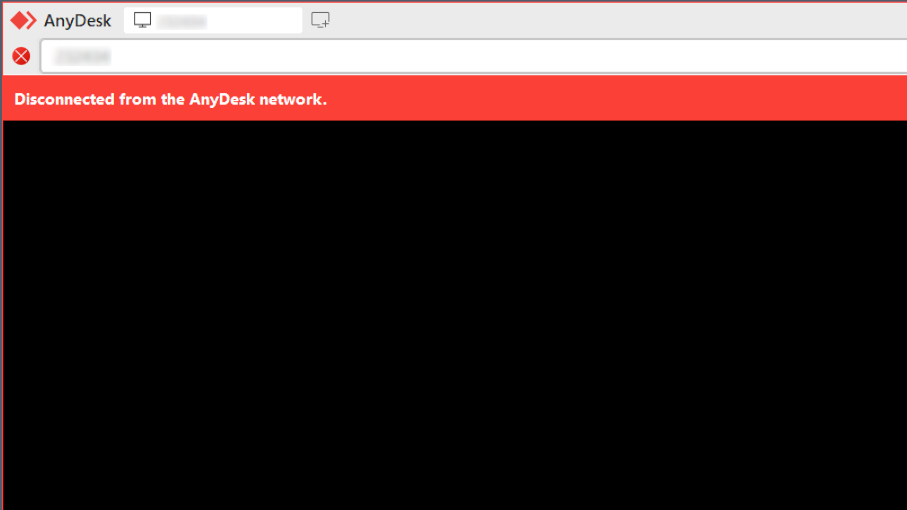
In order to work, AnyDesk needs to be connected to a central server at all times. When you get the message “AnyDesk not connected to server”, or “Disconnected from the AnyDesk network”, it means one of two things: either your network is not allowing AnyDesk to connect (check the link above for a solution), or you are experiencing the effects of AnyDesk outage.
AnyDesk’s scheduled maintenance outages are rare, most of the time happening only once per season. But they do happen, and they can last for hours. Shorter random outages are also possible. Here, you can learn how to check AnyDesk status, or, if remote access is immediately required, we also suggest an alternative – HelpWire.
Check Anydesk Server Status
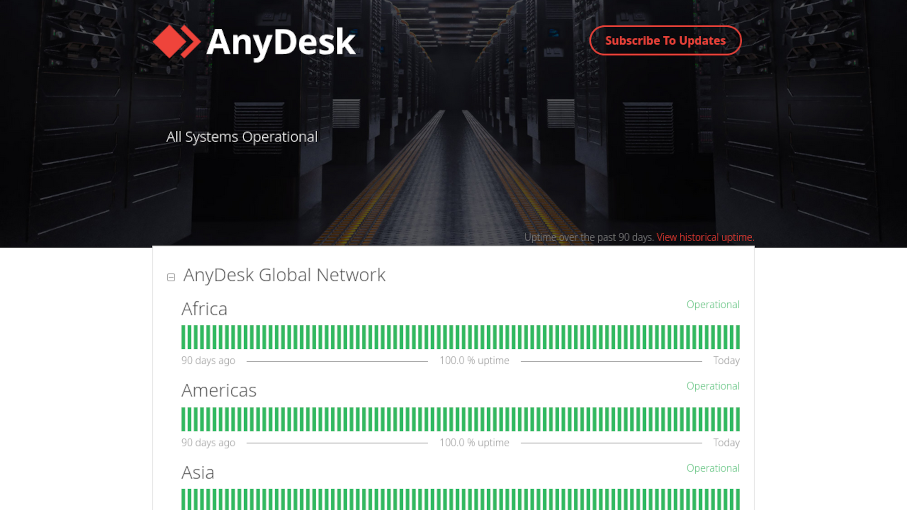
Before you start worrying about your Internet connection, take a quick look at one of the following resources:
- • AnyDesk Status is the official status page for the service. The information presented may not always be accurate to user experience, but you can get a global summary here, with individual info for regions and parts of the service, and a log that you can use to estimate the date of the next maintenance downtime.
- • DownDetector offers completely user-provided information. It’s not always verifiable, but does provide information about local outages that specifically affect AnyDesk, and may go unnoticed by the company.
If your region has major AnyDesk downtimes, but the other regions are fine, you could try using a VPN to circumvent that.
How to Use HelpWire Quick Connect
-
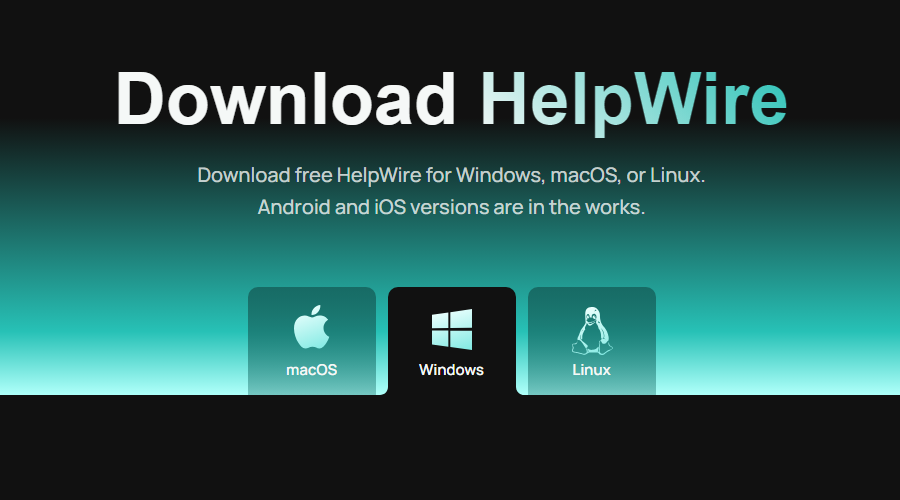
Get the HelpWire client on the operator’s computer (the one that will access the remote host).
-
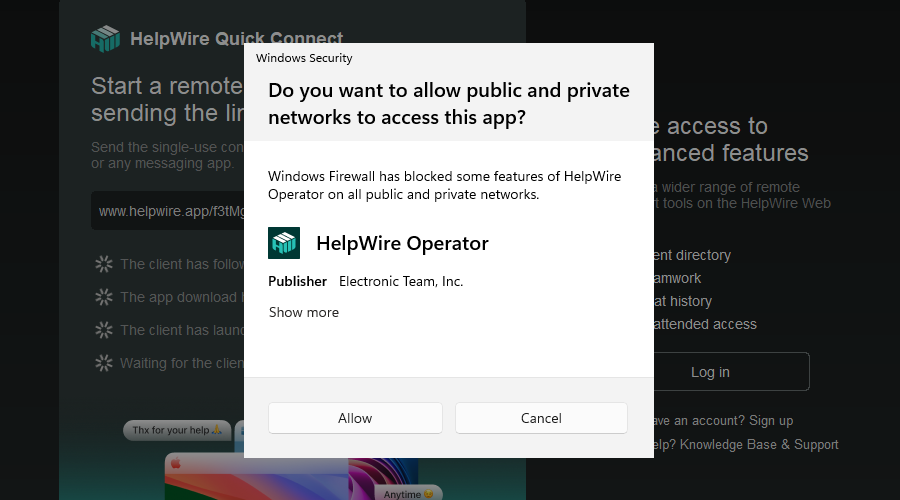
Launch it and give HelpWire Firewall access.
-
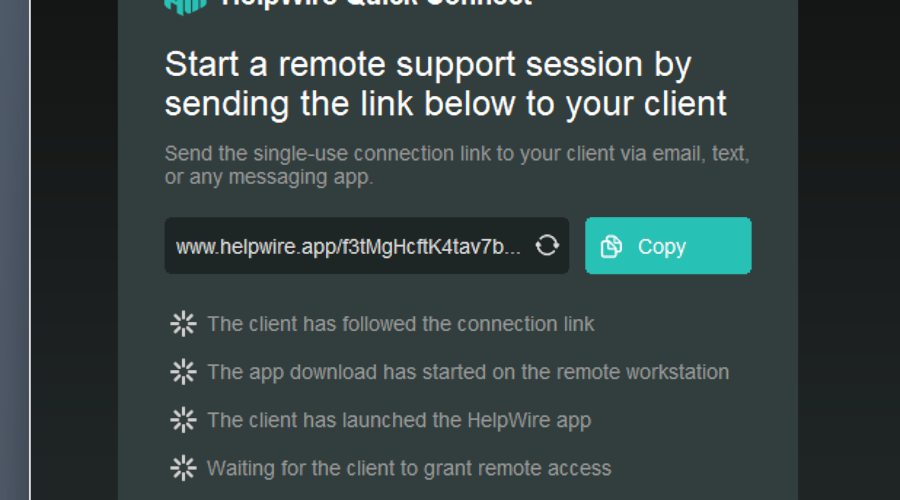
Give the host the generated link from the app.
-
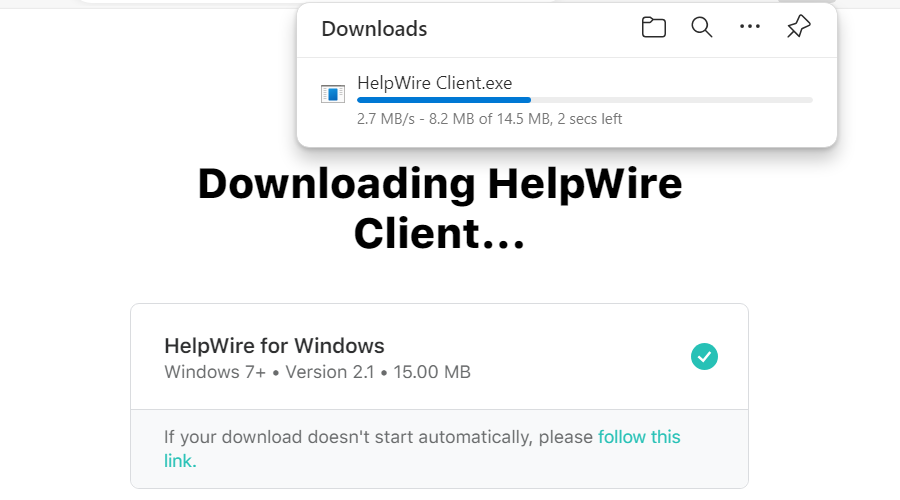
On the computer that will host the session, use the link to download the computer-specific client. You will need to give the downloaded client Windows Firewall access, too.
-
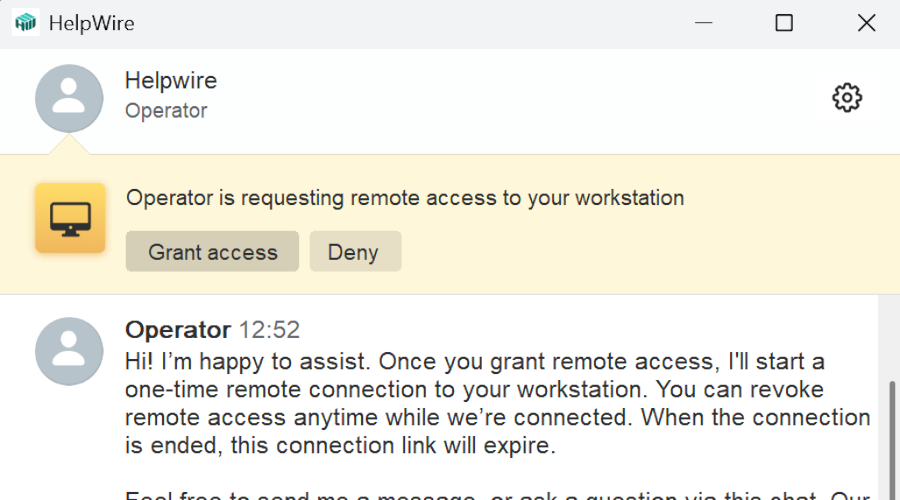
Press the “Grant access” button at the top of the window to start the session.