categories
Updated on Published on in

HelpWire vs Remote Desktop Connection: Choosing the Right Remote Access Tool

Author: Durga Prasad
Durga Prasad Article author

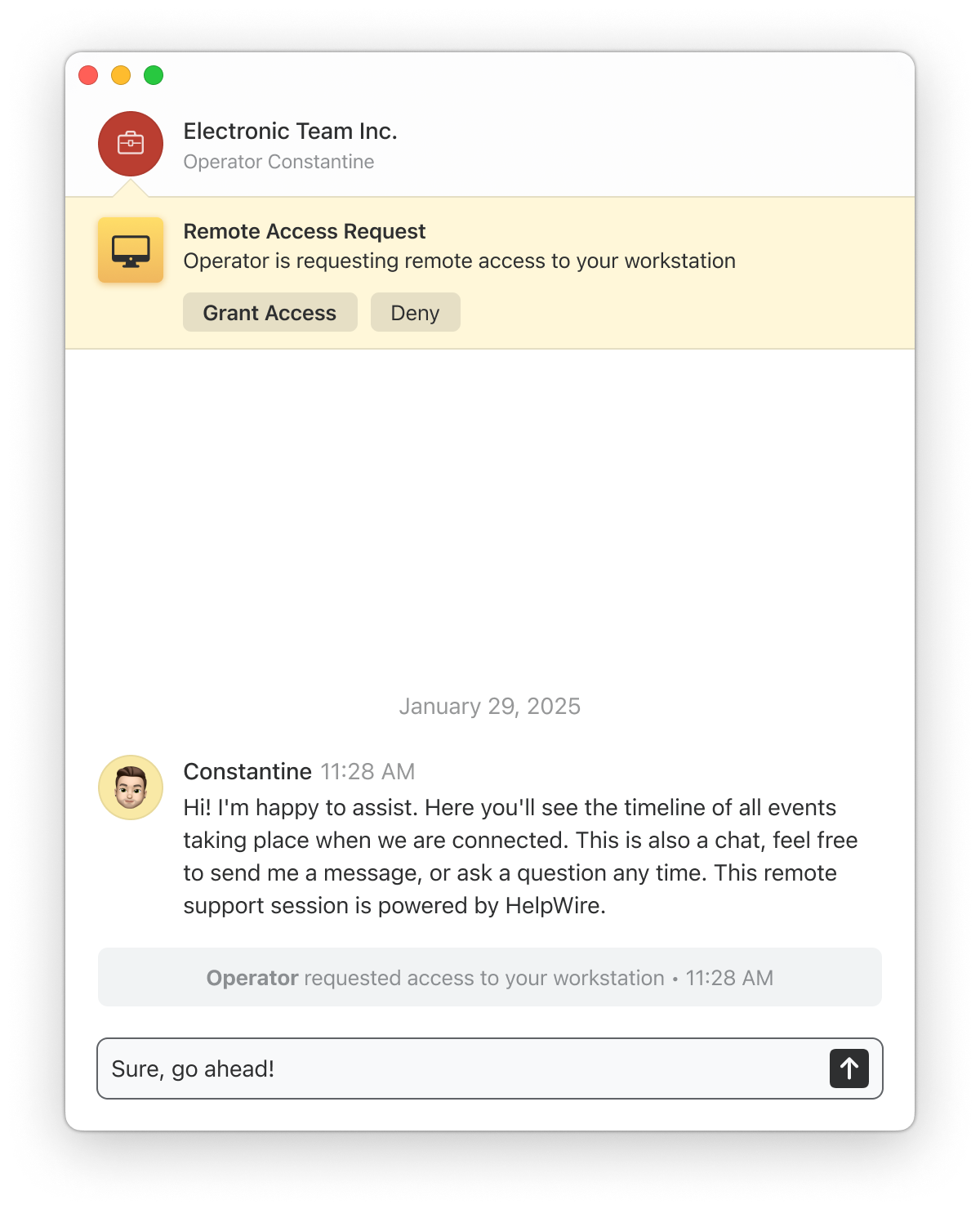
Prompt remote IT support is possible today because of remote access software. This article compares HelpWire, a free, cross-platform remote support solution, with Remote Desktop Connection (RDC), a built-in Windows feature. Read on to determine their respective features, security measures, and prices.

Overview: HelpWire and RDC

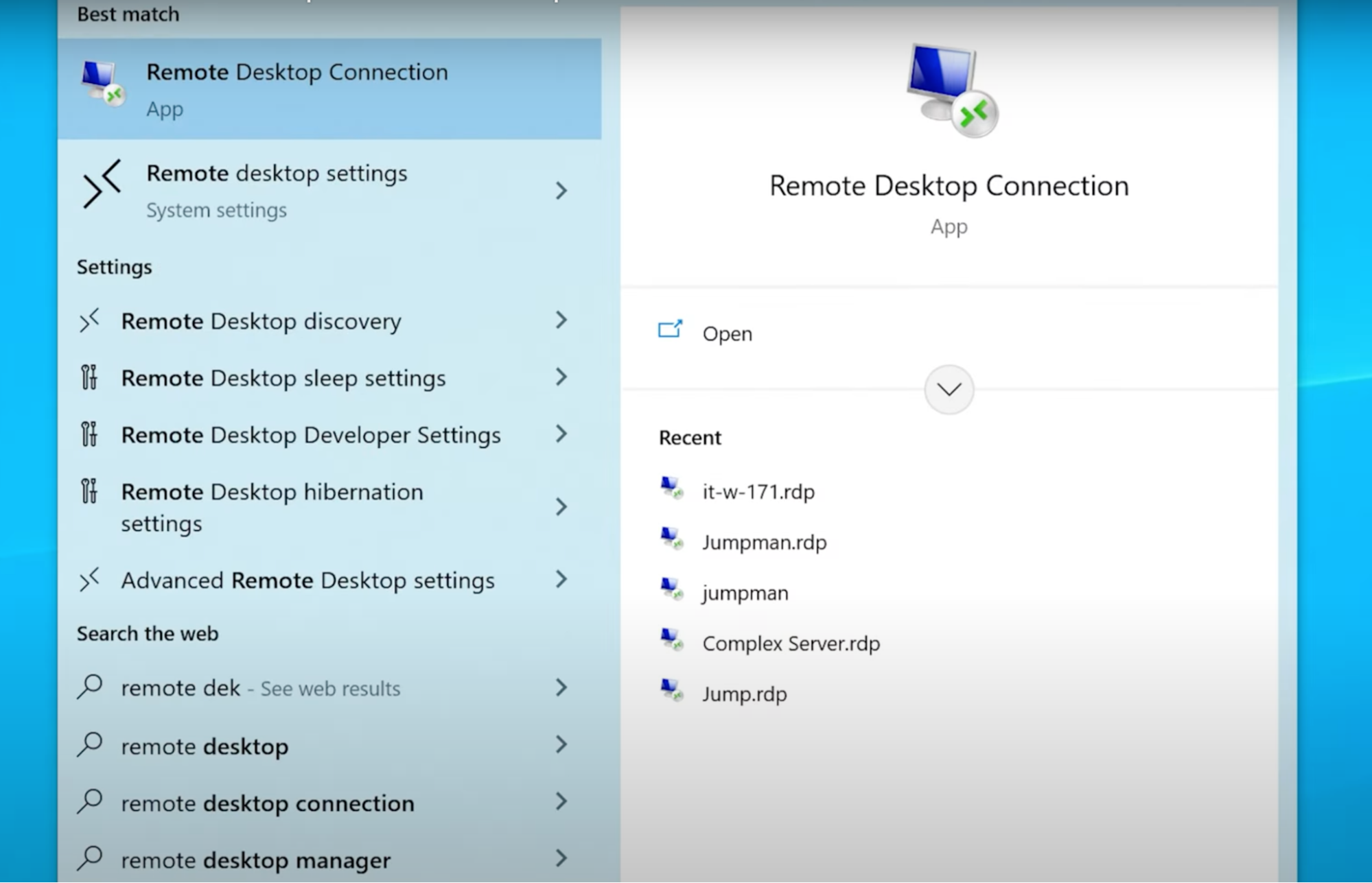
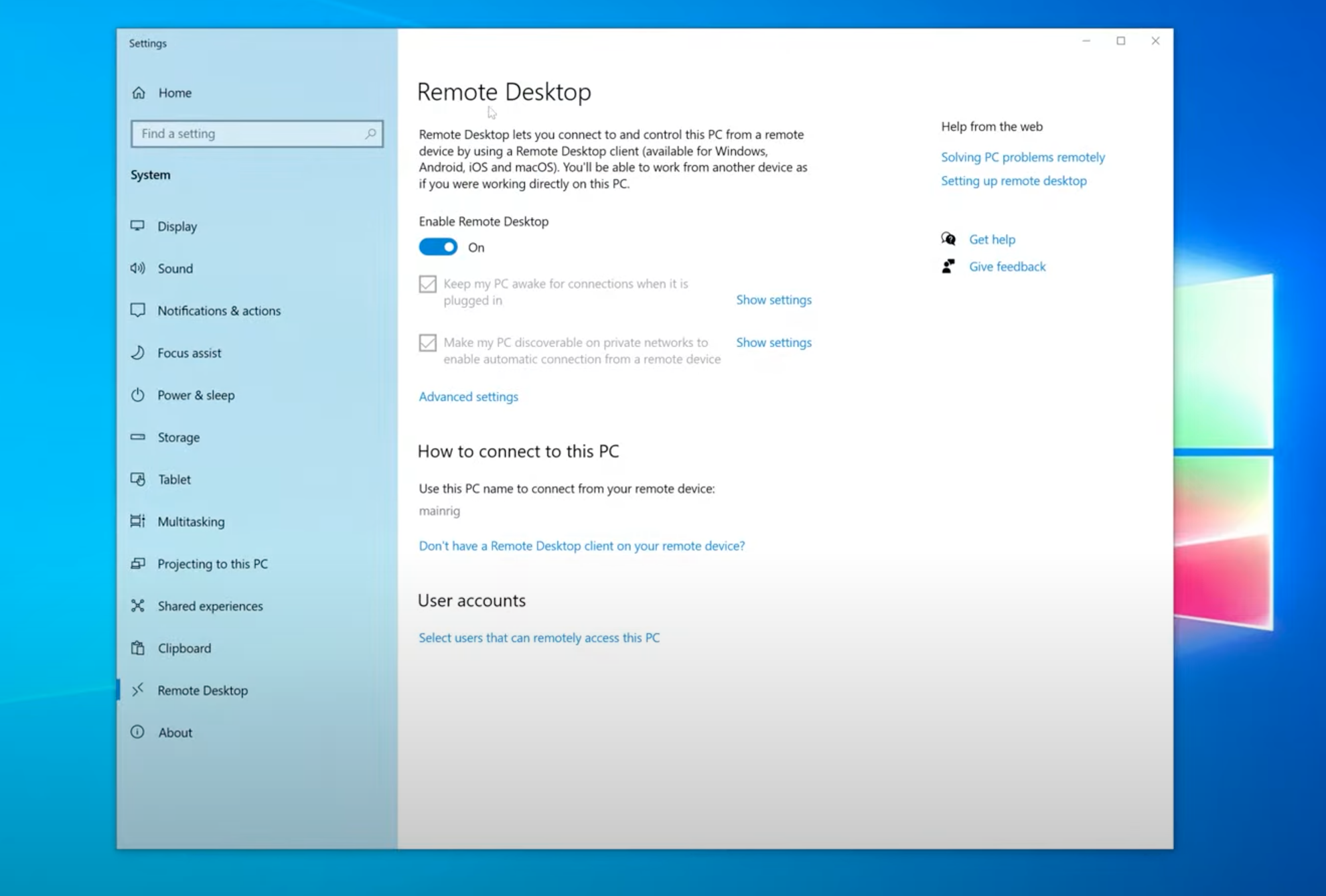
RDC performs well when you’re working entirely within a Windows network and have the technical resources to handle port forwarding or VPN setup. Outside of these conditions – a mixed-OS environment, a client who isn’t on your network, or a user who can’t walk through firewall configuration – that setup overhead becomes constraining.

HelpWire starts sessions through a link, works across Windows, macOS, and Linux, and includes built-in chat, file transfer, and unattended access without additional configuration. It's free for both personal and commercial use, and signing up requires only an email - no billing needed at any point.

FeatureHelpWireMicrosoft RDC
Host OS requirement No restriction⚠️ Windows Pro or higher
Easy setup on the remote machine VPN setup or port forwarding
Built-in chat
File transfer⚠️ Clipboard only
Unattended access⚠️ Requires persistent network configuration
Note:  In addition to RDC, many Windows users have also relied on the Microsoft Remote Desktop app from the Microsoft Store for remote access. However, starting May 27, 2025, Microsoft will discontinue support for this app. Users are expected to transition to the new Windows App. Until traditional RDP support is fully integrated into the Windows App, Remote Desktop Connection (RDC) will remain the only official Microsoft-provided method for standard remote desktop access on Windows.

Features and Functionalities

HelpWire

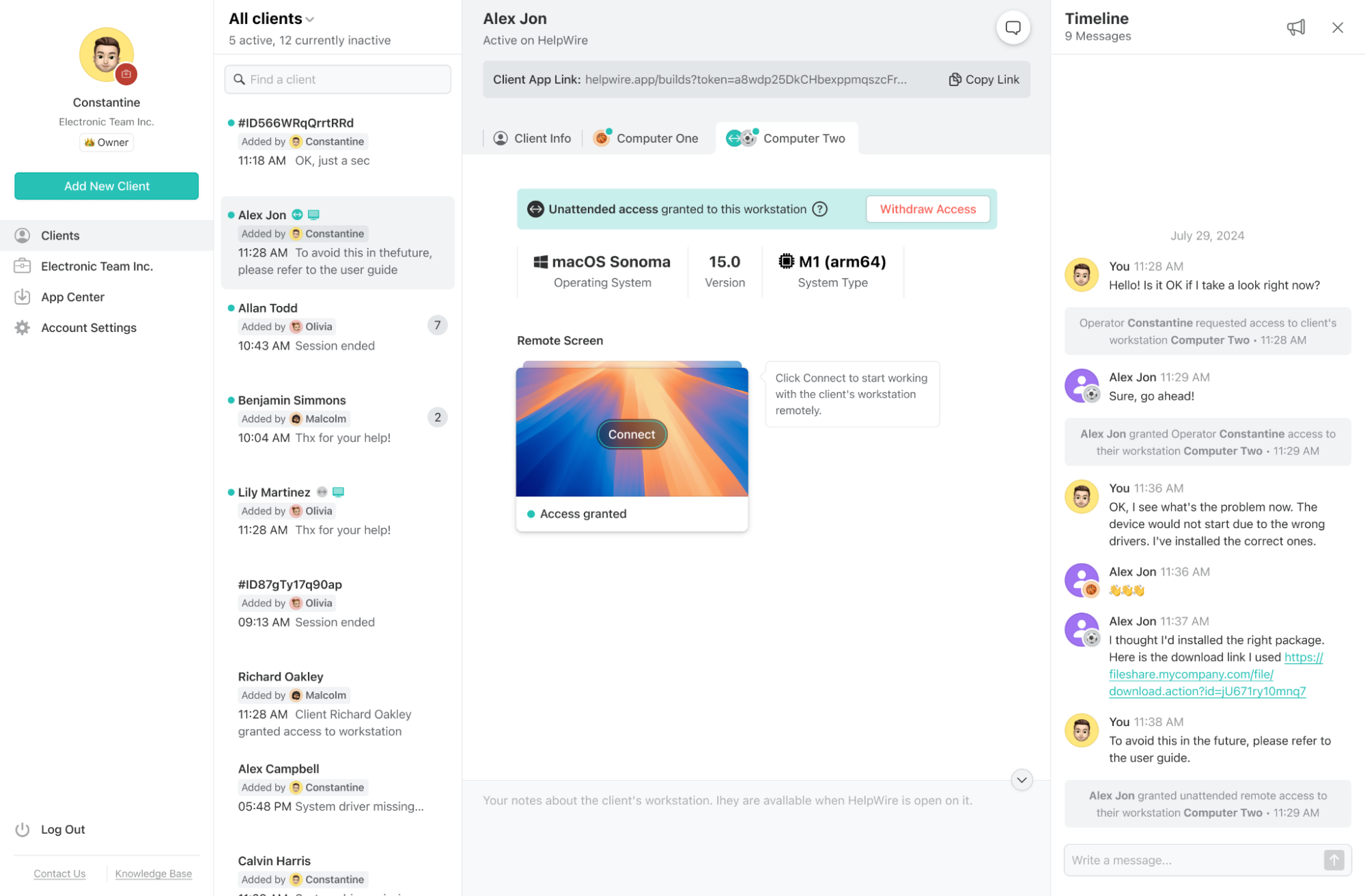
HelpWire offers a modern feature set designed specifically for remote support. With capabilities like built-in chat, unattended access across platforms, and built-in file transfer, it caters to both technical specialists and support teams. Its client and team management tools also make it scalable for businesses managing multiple technicians or clients.

Remote Desktop Connection (RDC)

The Remote Desktop Connection (RDC) suite of functionalities is designed for Windows-constrained environments. Currently, RDC lacks a file-sharing interface and session collaboration. But if properly configured, RDC can provide a fast and reliable remote connection within a local network or VPN.

Shown below is a table that compares HelpWire’s and RDC’s key features.

Feature HelpWire RDC
Remote Access & Control
File Transfer Limited (via clipboard)
Built-in Chat
Session Recording
Multi-Monitor Support
Unattended Access
Client Management
Team Management
Cross-Platform Support

User Interface

HelpWire

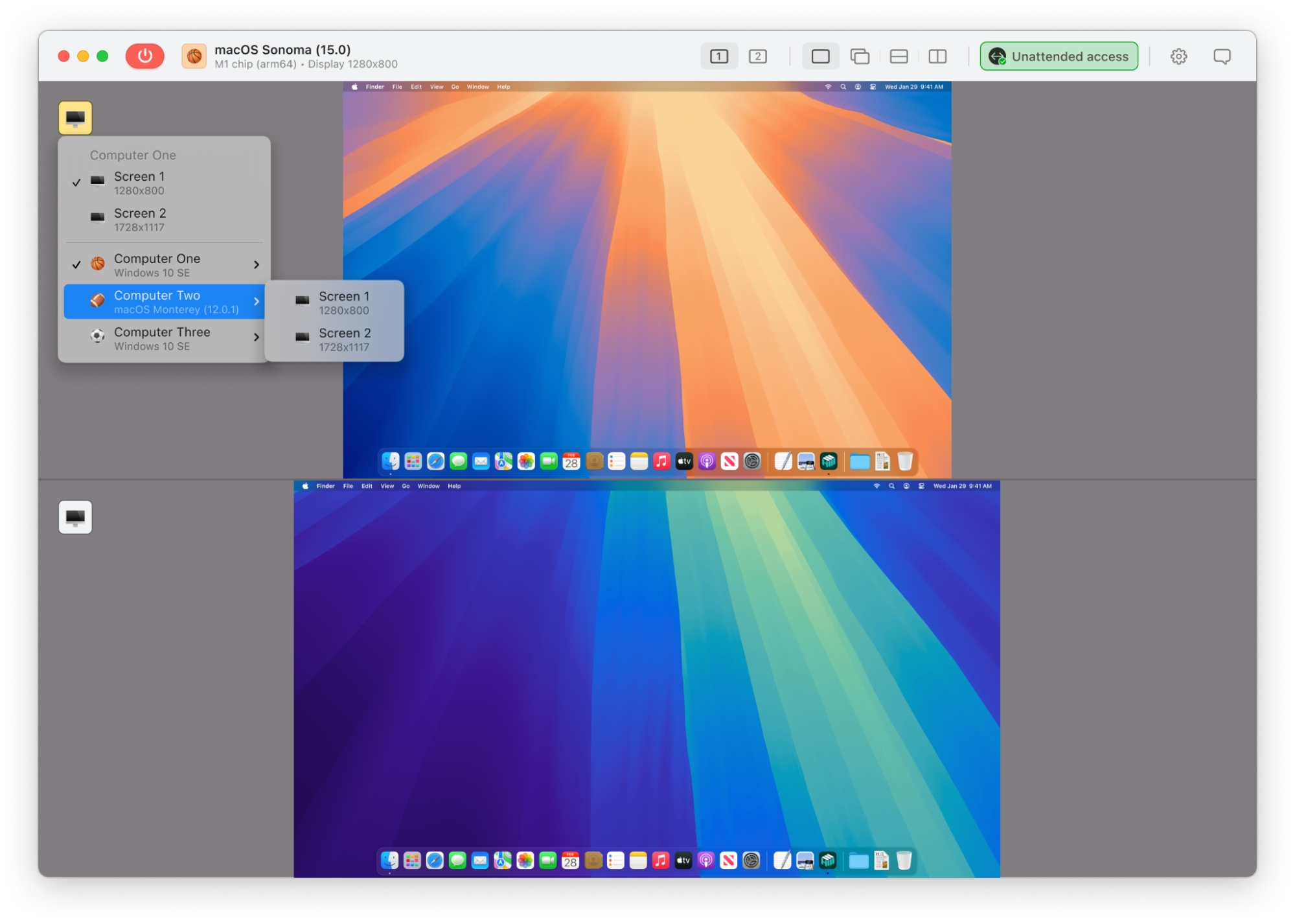
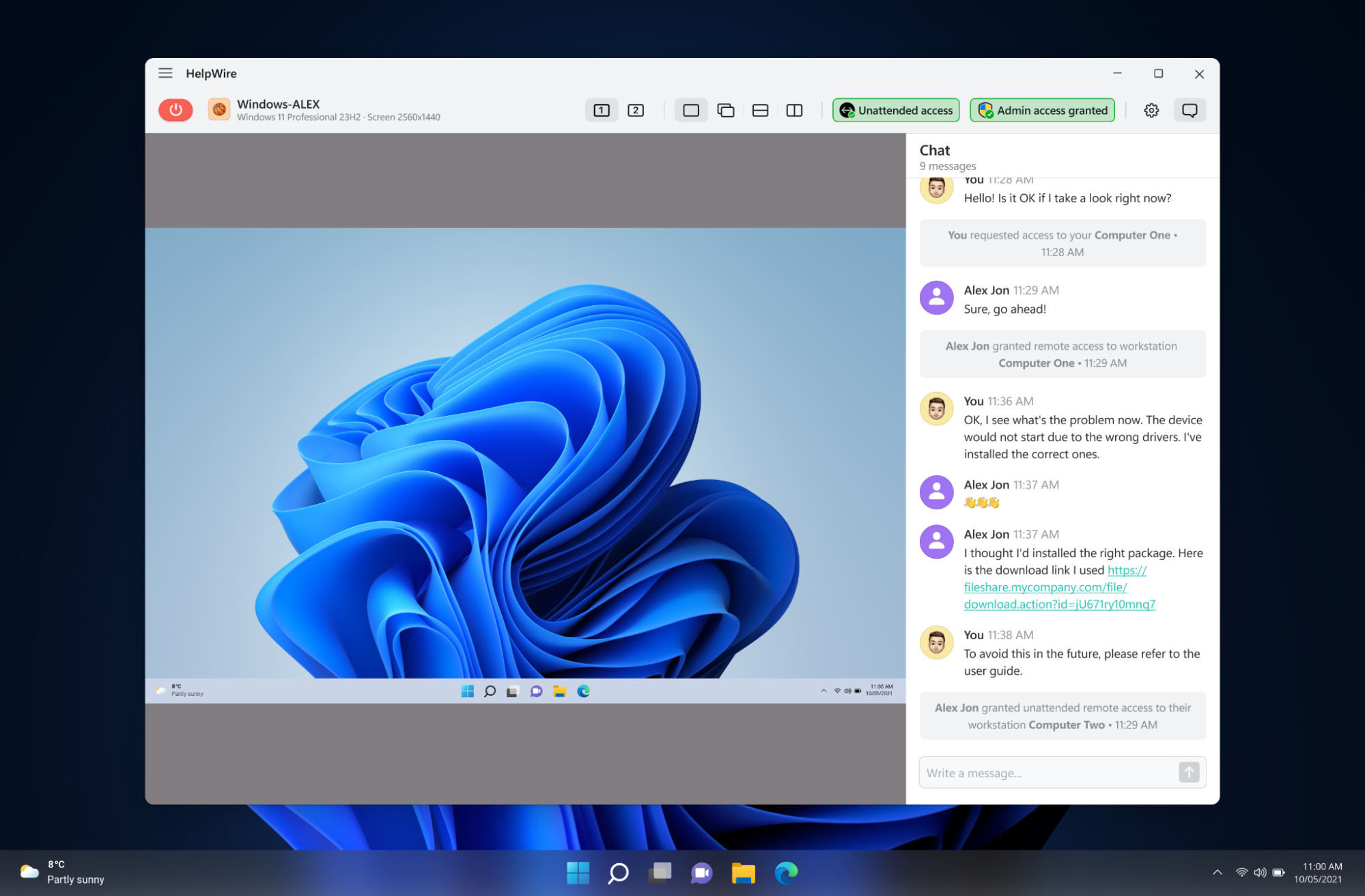
HelpWire’s clean and intuitive interface makes it a beginner-friendly remote support software. Its UI is designed to help users launch sessions in seconds without technical configuration. 

Remote Desktop Connection (RDC)

RDC also features a smooth and easy-to-navigate interface that is suitable for long-time Windows users. However, its configuration process via its UI requires a bit of advanced technical know-how.

HelpWire

Remote Desktop Connection (RDC)
Operating System Compatibility and Support

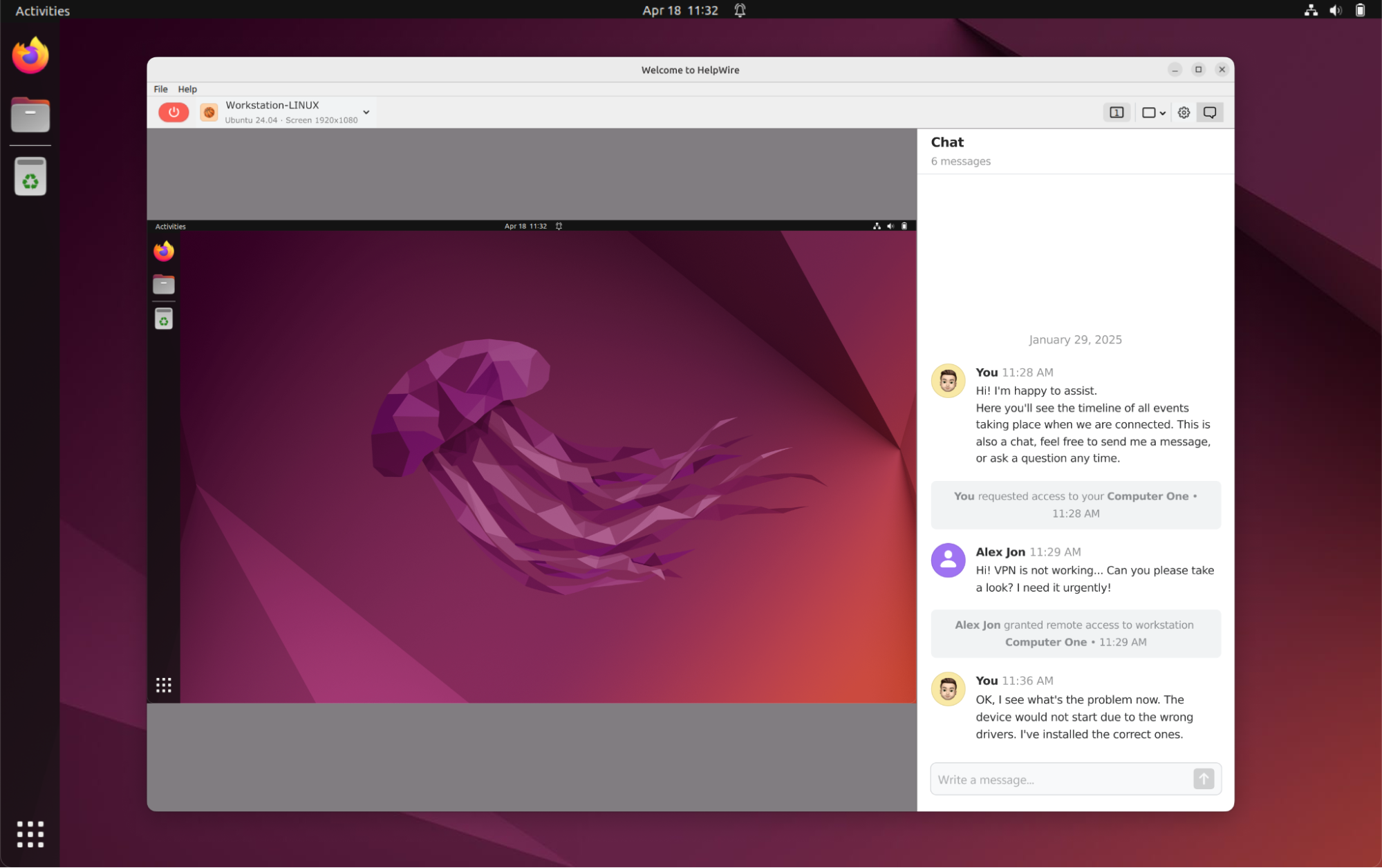
HelpWire’s cross-platform compatibility makes it an excellent option for diverse environments, while RDC is limited to Windows systems.

Operating System HelpWire RDC
Windows
macOS
Linux

Security

Both software support secure remote connections, but HelpWire delivers a more stringent and top-level security approach. 

HelpWire

Specifically, HelpWire uses TLS 1.2 and AES-256 to encrypt all connections and abide by data transmission standards. For verification and robust login processes, HelpWire also uses Auth0. Currently, this tool can also carry out private and secure peer-to-peer connections that can be switched to secure AWS-based relays if direct access is not possible.

Remote Desktop Connection (RDC)
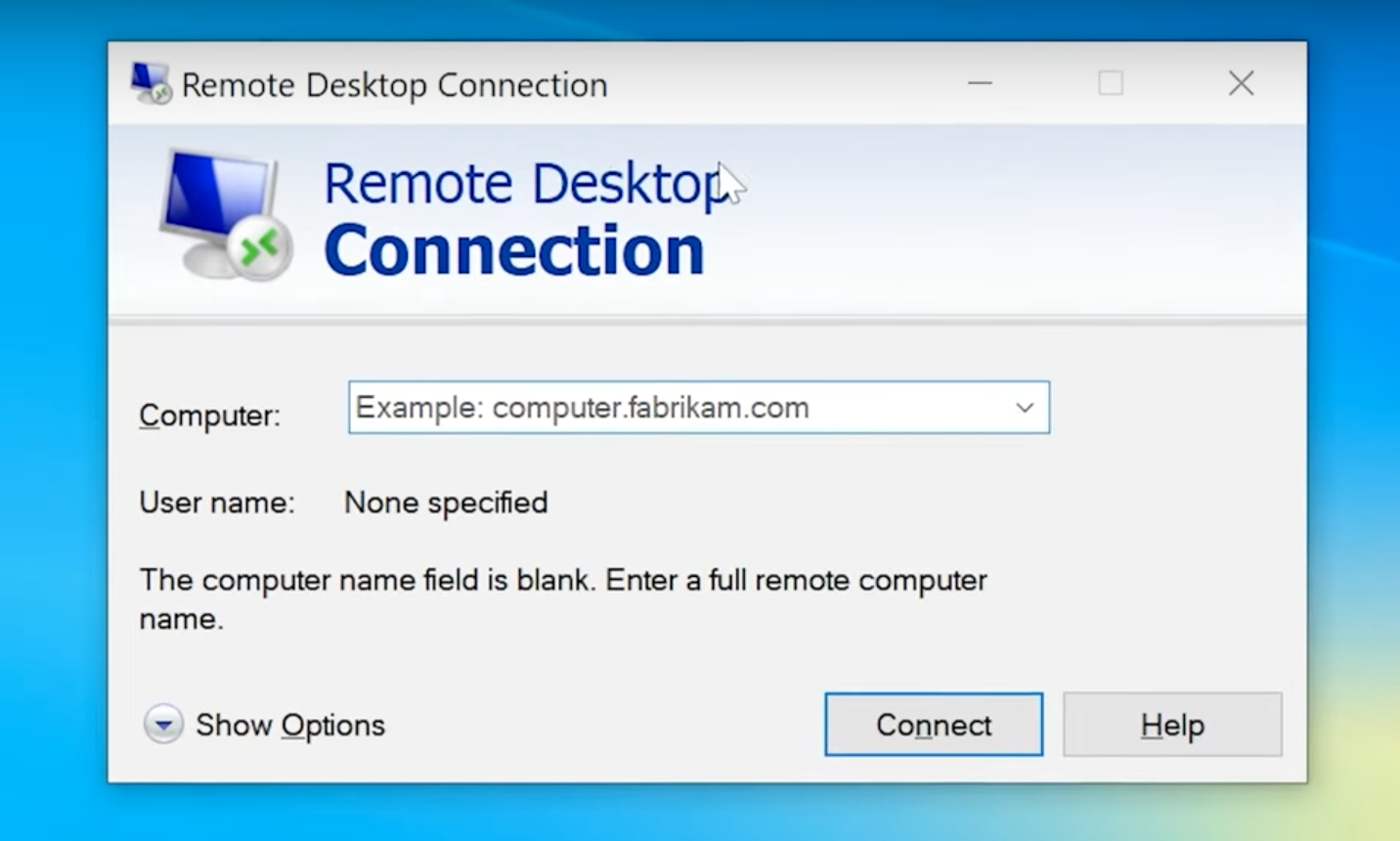
On the other hand, RDC relies on the user’s Windows configuration. So, its level of security depends on the protection provided by the networks or VPNs.

Performance and Speed

HelpWire

According to HelpWire users, HelpWire is an excellent RDC alternative that provides stable and responsive connections. This impressive speed is attributed to HelpWire’s capability to automatically switch between direct and routed connections. As one user mentioned:

• Jul 04, 2024

“Switched to HelpWire from TeamViewer about six months ago and haven’t looked back. It has a reliable connection, all the essential features, and is super easy to use.” - Reddit user

Remote Desktop Connection (RDC)
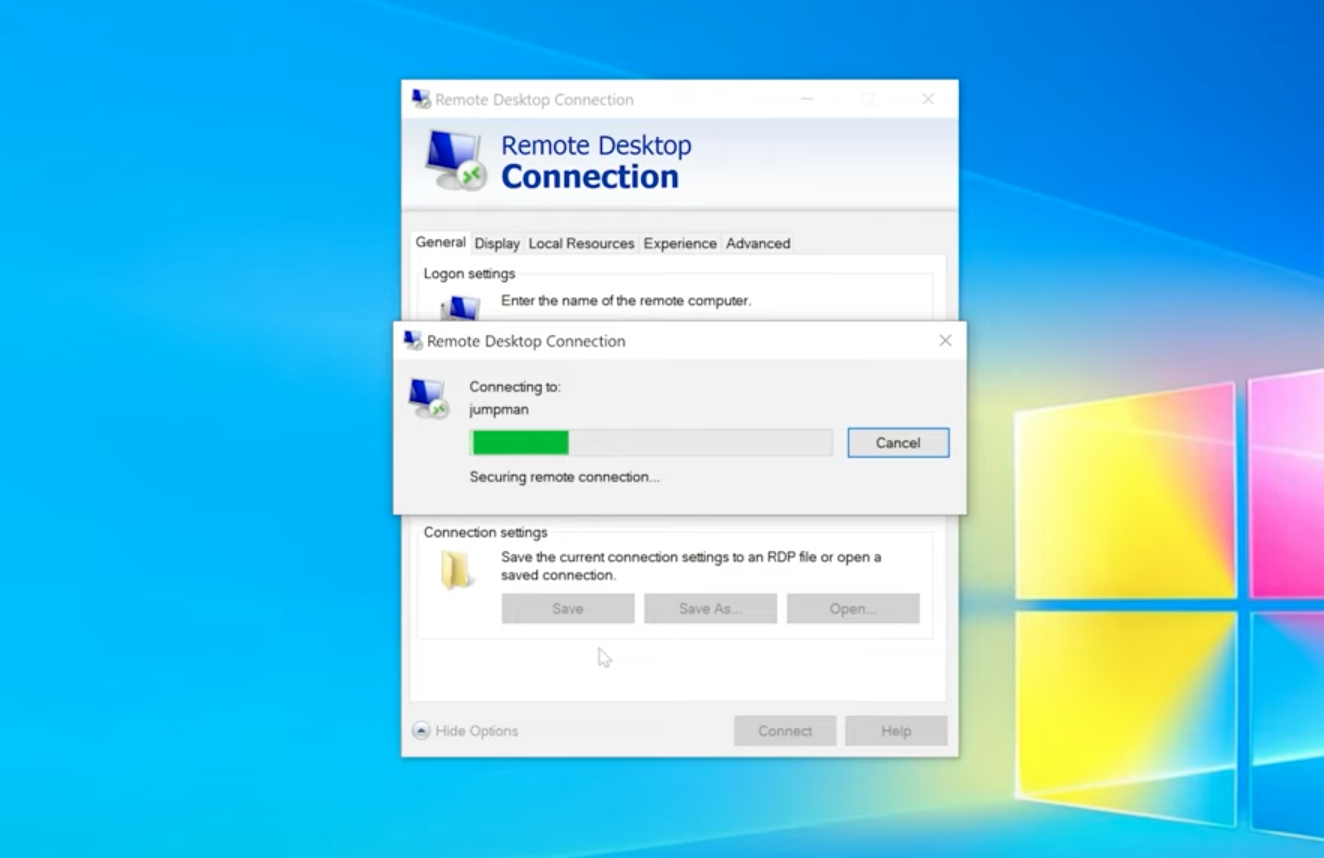
Meanwhile, many users claim that RDC’s performance is generally good on local networks albeit usually suffers over the Internet due to improper setup. This is because RDC requires manual configuration for optimal performance over external networks.

• Jun 04, 2022

“I have used Windows Remote Desktop for a couple of years... The connection itself was great, I couldn't feel a difference from working directly on the notebook.” - Reddit user

In short, RDC performs well within local networks but may require additional configuration for remote access. HelpWire, on the other hand, offers an alternative to Remote Desktop Connection with optimized performance and minimal setup.

Use Case Suitability

HelpWire

HelpWire offers optimal flexibility and support for IT support teams, customer service operations, and remote administration scenarios. It’s compatible with Windows, macOS, and Linux, which makes it highly reliable for businesses and professionals who need fast, user-friendly access to end-user machines without complex setup.

For enhanced utility and customer-focused service, HelpWire also comes with built-in chat and unattended access features.

Remote Desktop Connection (RDC)

IT professionals and system administrators may still opt for RDC when they are dealing with a Windows-based infrastructure. This tool performs well for personal use and remote work if properly configured, even if it is constrained by its Windows-only limitations. 

Although it lacks modern, support-focused features, it makes up for it with seamless integration into the Windows environment and strong native performance on local networks.

Use Case HelpWire RDC
IT Support
Customer Support
Remote Work
Personal Use
Cross-Platform Access

RDC is better suited for Windows-constrained environments. However, HelpWire is a suitable remote desktop connection alternative for a broader range of use cases, such as multi-OS remote support and customer service situations. 

Pricing

HelpWire provides a comprehensive free offering with essential features, while RDC serves as a basic built-in tool for Windows users.

HelpWire RDC
Price Free for both personal and commercial use Free (included with Windows Pro)
Users Unlimited One-to-one connection
Features All included: remote access, chat, file transfer, unattended access Basic remote access
Limitations None Windows-only, setup required

Pros and Cons

HelpWire

Pros

  • HelpWire works seamlessly with Windows, Linux remote desktop, and macOS.
  • Designed to scale fast with your business growth.
  • Intuitive to set up and use.
  • Built-in support chat feature.
  • Responsive customer support.
  • Options for easy and quick saving of client details.

Cons

  • Lacks session recording features.
  • HelpWire is a third-party app, so it requires installation.

Remote Desktop Connection

Pros

  • RDC is native to Windows machines.
  • Features stringent security in closed-network environments.
  • Lightweight tool that runs with minimal memory.

Cons

  • Constrained to Windows-only machines.
  • Requires complicated manual port/VPN setup.
  • Lacks modern support tools like chat, file sharing, and team management.

Frequently Asked Questions

No, RDC (Remote Desktop Connection) and RDP (Remote Desktop Protocol) are not the same tools, but are closely related. RDC is a native Windows application that enables users to remotely connect to another PC, whereas RDP is the underlying protocol (Remote Desktop Protocol) that powers the connection.


In short, RDP is the technology, and RDC is one of the tools that uses it.

Yes, RDC is encrypted by default using TLS. However, its security depends on proper configuration. It is recommended to enable Network Level Authentication (NLA) is for best protection.

RDC (Remote Desktop Connection) uses port 3389 by default for remote access via the Remote Desktop Protocol (RDP).

Absolutely. HelpWire is a 100% free remote support tool, devoid of hidden fees.