categories
Updated on Published on in

RemotePC vs Splashtop

Author: Oliver Rieder
Oliver Rieder Article author

Remote access software is an essential solution for individuals or organizations who need to manage and access remotely located computers. Many remote access tools are on the market with different features that appeal to various audiences. This article looks at the differences between RemotePC and SplashTop to help you select the right one for your situation.

Overview

Splashtop
by Splashtop
4.5 (90)

Splashtop Remote Support is a cost-effective remote access solution for Windows and Mac systems that is suitable for use by managed service providers, helpdesk technicians, and technical support teams. The tool is used by over 20 million worldwide users and offers multiple packages that furnish varying feature sets to meet the diverse needs of large and small businesses. Splashtop provides features such as fast remote access, user management, data encryption, and session logging. Higher-tier versions such as Splashtop Remote Support Plus include the ability to print remotely, transfer files, engage in real-time chat, perform remote reboots, and receive priority technical support.

RemotePC
by IDrive
2.6 (110)

RemotePC offers users a simple, fast, and effective method of accessing remotely located computers over a network. If you need to grab a work file when working from home or want to look at some data on your home machine while traveling, RemotePC does the trick. The tool can be easily installed by anyone with general computer skills without engaging the IT staff. RemotePC has multiple versions on the market that address the needs of individuals, businesses, and support teams. The features and flexibility of RemotePC make it a top choice for small businesses that need to implement a remote access solution.

Features

Splashtop

Splashtop’s various versions offer feature sets designed to meet the needs of different target audiences. Some aspects of the tool are seen in all versions. The common features include an intuitive and easy-to-navigate user interface as well as the ability to access client machines without installing software on the remote computer. All versions of Splashtop also support file transfers.

In addition to working with attended client machines, Splashtop enables a user to connect to multiple unattended computers. Using this feature, a technical support team can exercise full control over business-critical systems and data resources.

RemotePC

RemotePC is available for Windows, macOS, Linux, iOS, and Android devices. The tool does not require installation and is easily accessed through a user’s web browser. There are four different pricing options for RemotePC that offer varying degrees of functionality or enable more users to access remote machines simultaneously. Teams can choose Always-On or Attended access to cover all potential support scenarios. Companies can select the options that fit with their business objectives.

Data transmission is protected by TLS v1.2/ AES-256 encryption, including when performing remote printing or file transfers. Chat is enabled between host and client machines and computers can be rebooted remotely. The ability to record sessions and an online whiteboard fill out the features that RemotePC brings to the table.

Features RemotePC SplashTop
Mobile Access Capabilities
File Transferring
Real-Time Chat Options
Session Recording
Remote Printing
Audio Support
Session Transferring
USB-Sharing

Interface Comparison

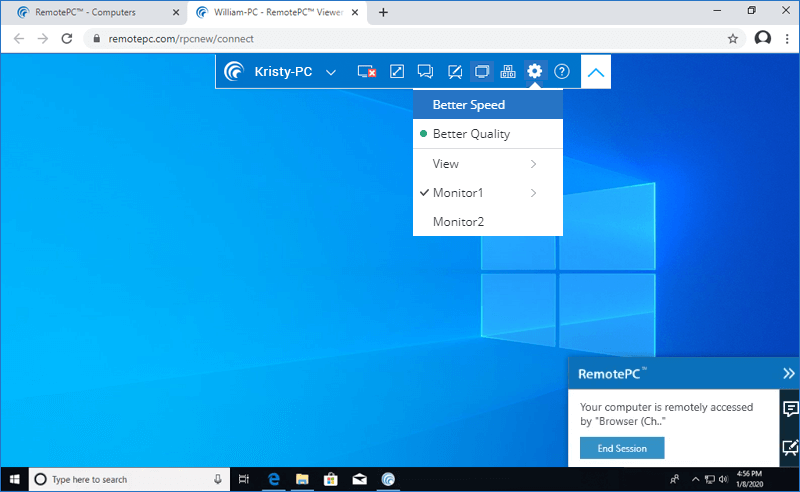
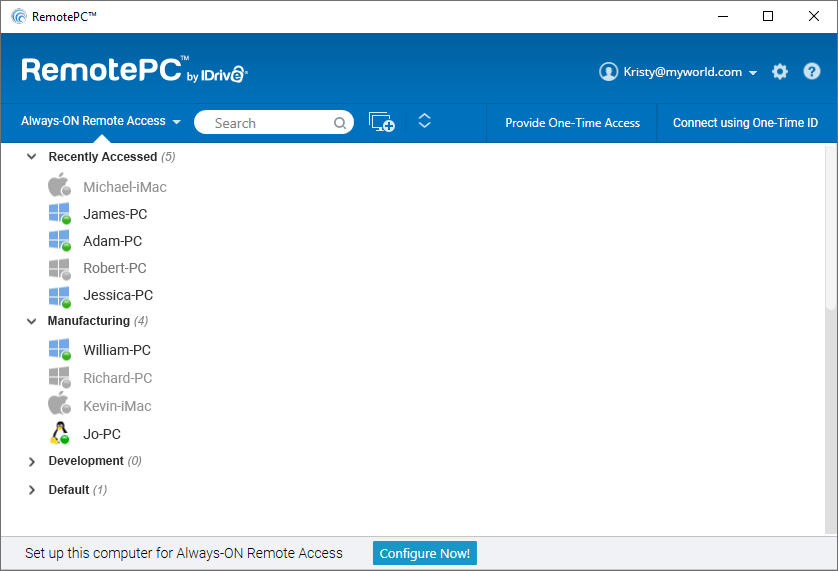
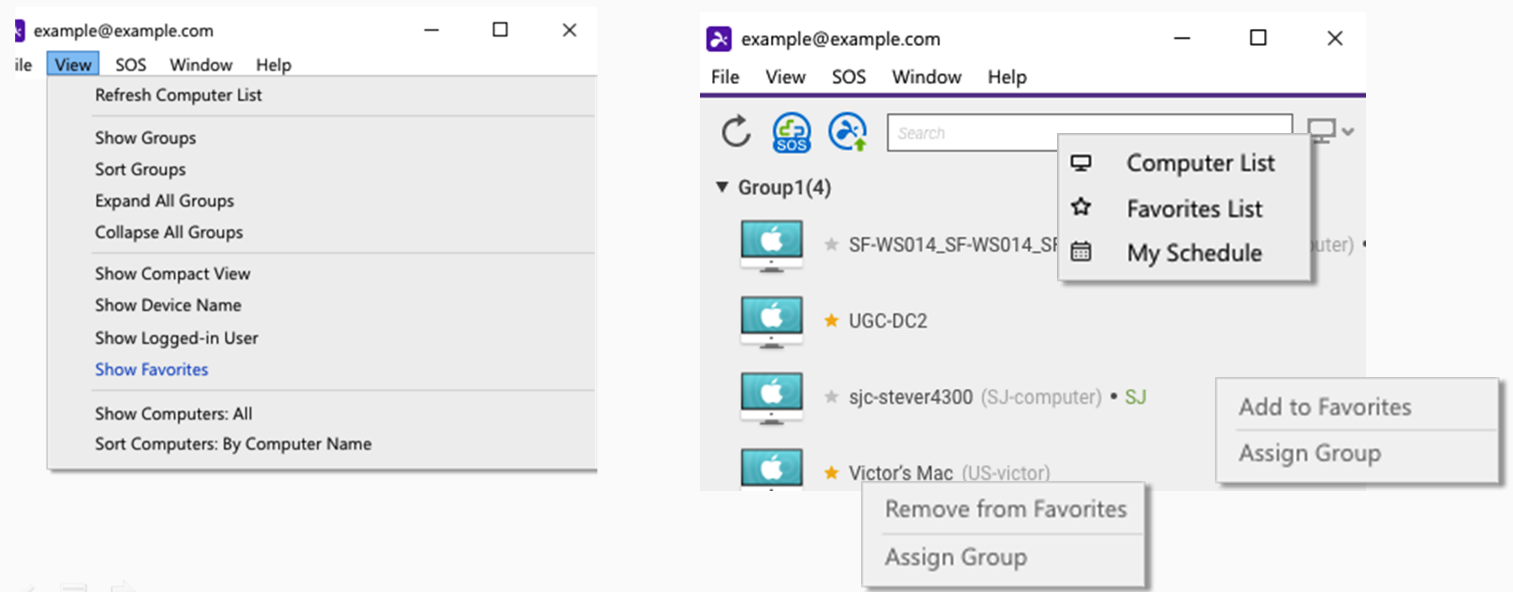
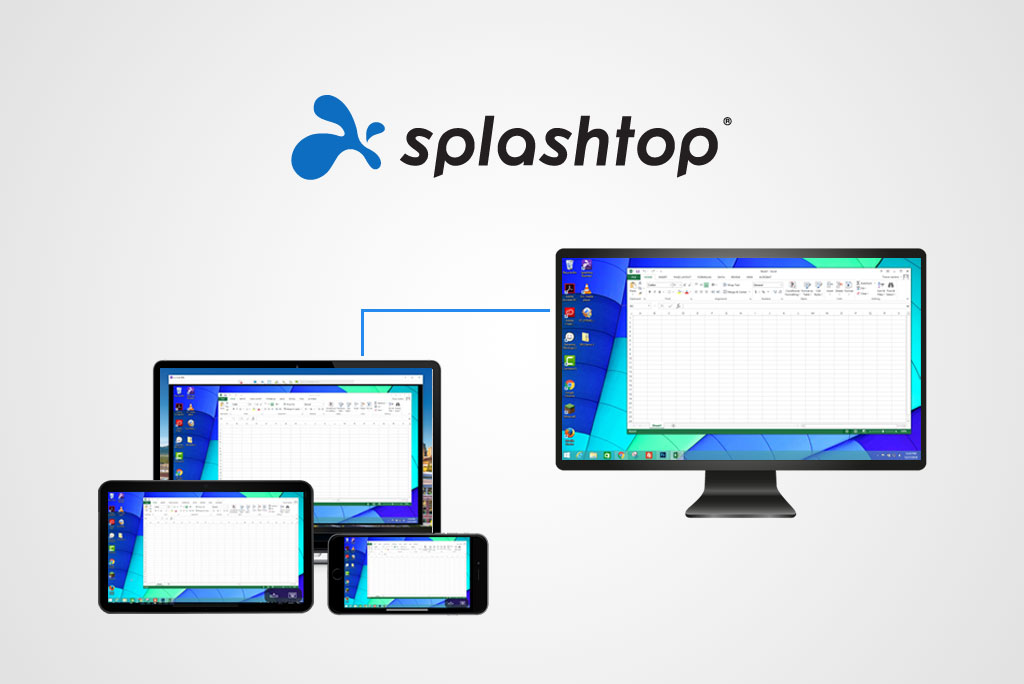
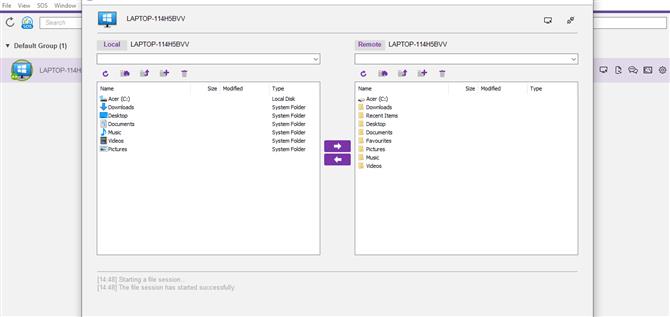
There should be no complaints about the interface for either Splashtop or RemotePC. The tools both provide easy access to their features and make it a simple task to connect with remote desktop or mobile devices. Smooth image scaling gives users a detailed view of the machines with which they are connected.

RemotePC
SplashTop

Operating System Support

RemotePC and Splashtop both support all major desktop and mobile operating systems as seen in the following table.

Supported OS RemotePC SplashTop
Windows
macOS
Linux
iOS
Android
Chrome OS
RaspberryPi
FireOS

Pros And Cons

We have collected some of the pros and cons of RemotePC and Splashtop to help you decide if these tools are right for your situation. ​​We recommend, after reviewing the factors below, that users implement the information provided to compare against options like RemotePC and LogMeIn.

RemotePC

Pros

  • Easy to use and setup;
  • User-friendly interface;
  • Wake up on LAN feature;
  • Multiple subscription plans;
  • Strong encryption to protect data resources;
  • The screen resolution of a host machine can be changed remotely;
  • 24/7 live tech support.

Cons

  • Multiple users can access a given machine but need to share an account on the remote computer);
  • At times the tool can be slow and users may experience lag.

Splashtop

Pros

  • Varied subscription plans to address business needs;
  • Simple and easy-to-use interface;
  • Multi-monitor display is available with some plans;
  • Very fast connection speed;
  • Data transmission protected by TLS and 256-bit AES Encryption;
  • Advanced security with 2-step device authentication.

Cons

  • Can be complicated to install, especially on macOS machines;
  • High-tier plans are required to obtain priority technical support;
  • More expensive plans are necessary to gain access to most features.

Pricing

RemotePC and Splashtop both have multiple subscription plans available that offer varying feature sets. The two tools offer a seven-day free trial that gives users a taste of the product. As well, users will find it extremely useful to compare RemotePC and SplashTop to access their home machines from another location.

Splashtop

Splashtop offers multiple plans to address different use cases. All prices listed are based on annual subscriptions.

Splashtop Work & Access allows users to access their computers from anywhere. Pricing ranges from $60.00 to $149.00 per user, depending on the selected tier.

Splashtop Education is designed to support screen sharing and collaboration in educational environments. The plan costs $29.99 per licensed teaching professional.

Splashtop IT & Support is intended for IT teams that need on-demand remote support. Plans are priced between $259.00 and $399.00 per year (per concurrent technician) and include unlimited attended support sessions, along with unattended access to a limited number of Windows and macOS computers.

Please note:  Higher-tier IT & Support plans allow access to a larger number of unattended remote devices.

RemotePC

RemotePC offers four pricing plans. All subscriptions are billed annually.

  • • Consumer Plan: $29.5/per year- Single-user support with access permission for up to 1 computers ($22.12 first year)
  • • Consumer Plan: $59.5/per year- Single-user support with access permission for up to 2 computers ($44.62 first year)
  • • SOHO Plan: $99.50/per year- Single-user support with access permission for up to 10 computers ($74.62 first year)
  • • Team Plan: $299.62/per year- Infinite user support with access permission for up to 50 computers ($224.62 first year)
  • • Enterprise Plan: $599.5/per year- Infinite user support with access permission for up to 100 computers ($449.62 first year)

The Enterprise plan includes support for advanced computer and user management. It also provides the RemotePC Help Desk feature which is a good choice for large IT support teams.

Pricing plans RemotePC SplashTop
Free Trial 7 days 7 days
Free Version
Level 1 $22.12 – $44.62/year $5/month/user
Level 2 $74.62/year $8.25/month/user
Level 3 $224.62/year $13/month/user
Level 4 $449.62/year $259/year/technician (SOS)
Level 5 N/A $399/year/technician (SOS+)
Level 6 N/A Custom pricing
Please note:  The prices shown in the table are the regular rates. RemotePC is currently offering a 25% discount for the first year, or 50% off with a 2-year plan. After the first year, standard pricing applies. The overage charge is $20 per computer per year, and the RDP Connector add-on costs $20 per computer per year. You can manage or remove this add-on through the Remote Desktop Viewer or RDP Connector Dashboard. For detailed pricing information, check RemotePC Pricing.

Conclusion

Splashtop and RemotePC both offer small and medium-size businesses a reliable remote access tool for mobile employees and centralized support teams. The availability of multiple plans with varying feature sets allows companies to select the level of support their business requires. The two remote access solutions support virtually any device found in a standard computing environment.

Both tools can be evaluated with a free trial that lets organizations compare the products to see if they address specific business needs. One of these applications may be just what your company needs to establish remote access for all employees.