Overview

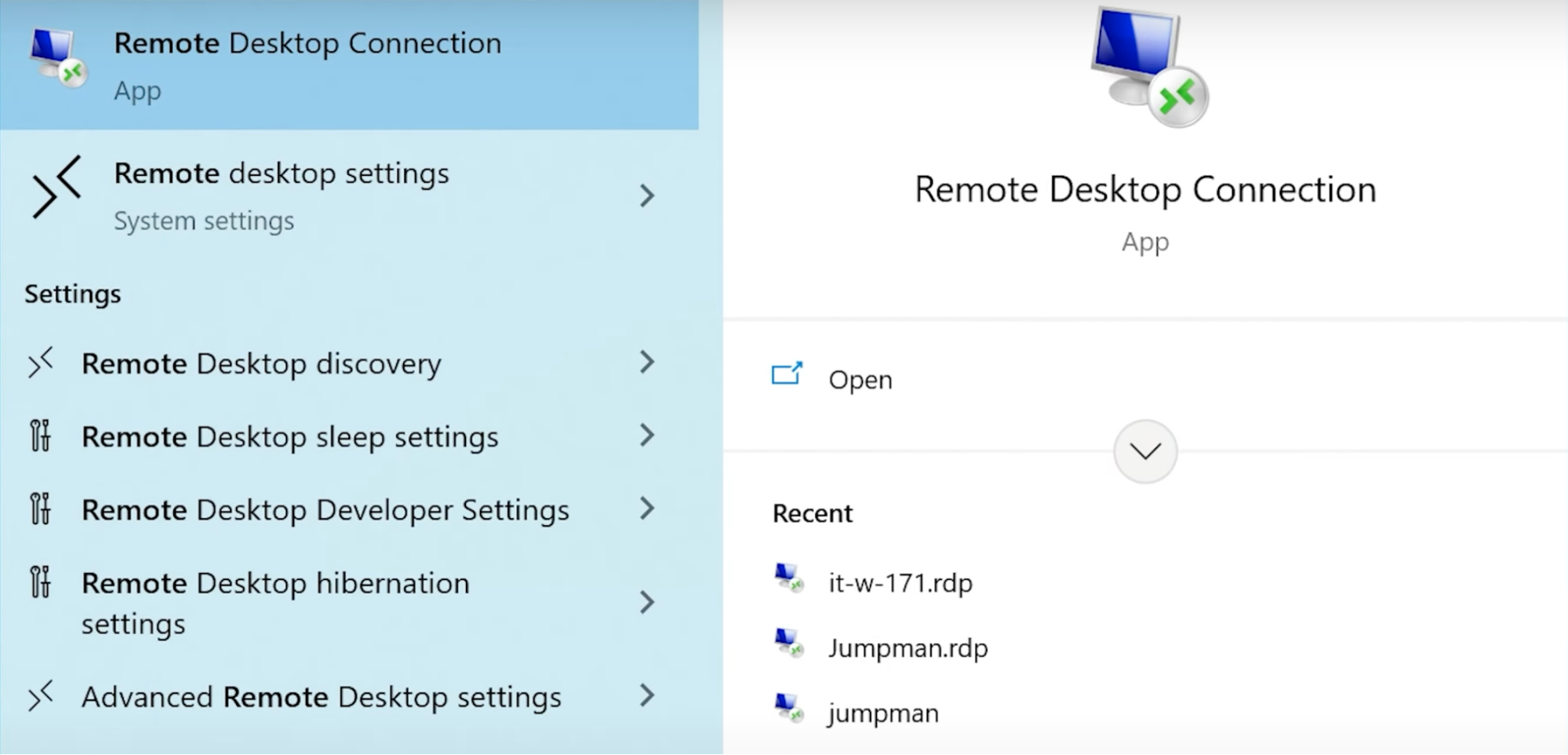
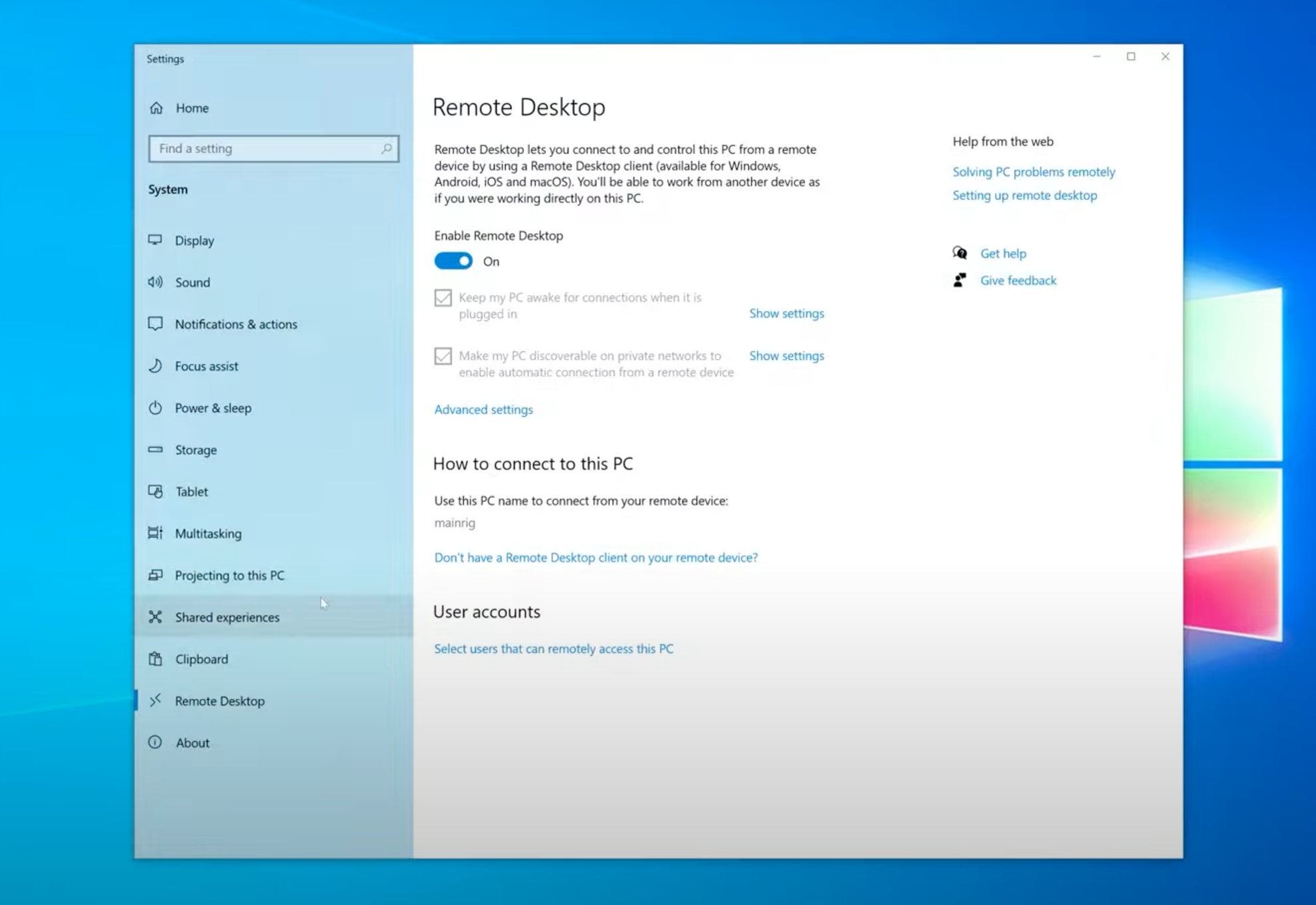
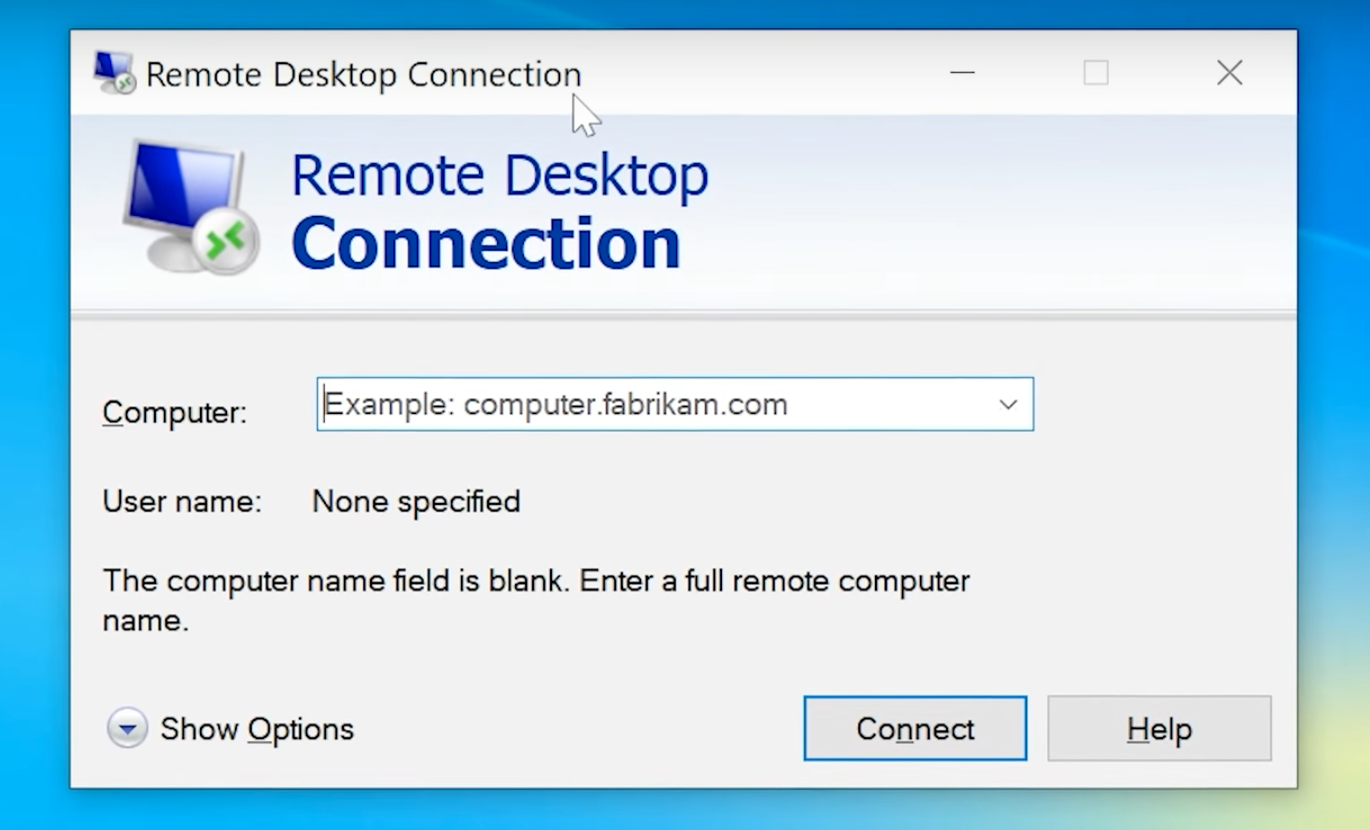
Remote Desktop Protocol (RDC or RDP) is a native Windows application (integrated into Windows Pro and Enterprise editions) built for primary Windows-to-Windows remote connections. This tool enables users to see a remote computer’s desktop, utilize its applications, and transfer files as if they were sitting in front of it. RDP comes with stringent encryption and protection made for IT administrators and firms that manage Windows-based ecosystems. For detailed guidance, check out how to use remote desktop.

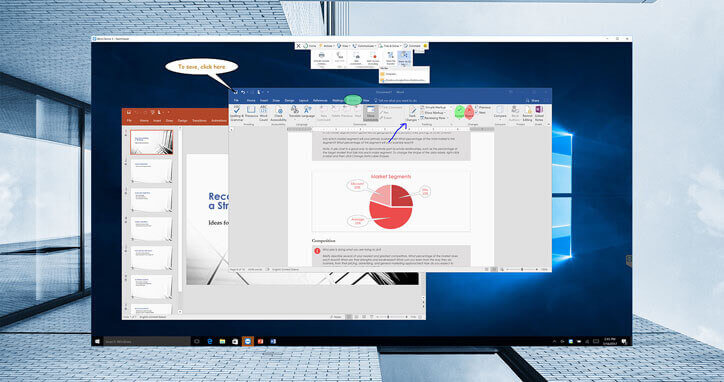
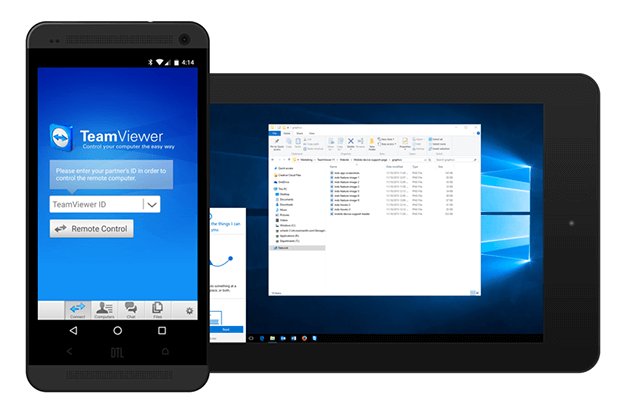
Unlike RDP, TeamViewer is a third-party remote software that has multi-platform capability. It works with Windows, macOS, Linux, and iOS devices. Users of different OS can share desktops, transfer files, host meetings, or access remote systems with full security. TeamViewer also works via a web browser for flexible usage across computer and mobile devices.
Best Use Caseі for Remote Desktop Connection
RDP is best suited for remote Windows-based environments. In particular, it works well for:
- • Corporate IT administrators who manage Windows desktops and servers over a secure network.
- • Users who need remote access to Windows Pro or Enterprise office computers.
- • Organizations operating entirely on Windows infrastructure that prefer no-cost remote access solutions.
- • Teams that require top-tier security or deal with complex network configurations.
- • Scenarios where performance and data protection are paramount, and users can manage advanced setup requirements.
Best Use Cases for TeamViewer
For situations that require cross-platform compatibility and convenience, TeamViewer is a better fit. This application works best in these applications:
- • IT support teams that extend remote technical support across different operating systems (e.g., macOS, Windows, Linux).
- • Firms that need unattended remote access without a complex setup.
- • Users who want quick, on-demand support sessions with built-in communication tools (e.g., chat, video, VoIP).
- • Tech consultants who opt for portable and reliable access tools on the go.
- • Systems where firewall traversal is essential or when minimal network configuration is preferred.
Feature
Microsoft Remote Desktop Protocol (RDP)
Here are the key functionalities of Windows’ built-in remote access application:
- • Remote Connection Facilitation: Gain full control of Windows machines and servers in a remote environment.
- • Seamless File Transfer: Move files from your local machine to the remote computer during an active session.
- • Network-based Printing: Print documents from the remote computer using a local printer via direct remote connection.
- • Session Persistence: Keep your remote computer “awake” and ready for connections at all times.
- • Multi-Session Management: You can manage multiple sessions, publish RemoteApp programs, or configure virtual desktops.
- • Robust Protocol: Built on enhanced Windows security protocols, RDP supports encrypted connections. You can also combine it with Network Level Authentication for added security.
Note that RDP is currently limited to Windows Pro (or higher) editions. The program also requires advanced configurations like firewall adjustments or port forwarding. Nevertheless, RDP is still a powerful tool if you are working on a Windows-based system.
TeamViewer
Now, let’s take a look at TeamViewer’s top features and see why it’s trusted by millions of users globally.
- • Multi-platform capability: TeamViewer currently operates on Windows, macOS, Linux, iOS, Android, and even Chrome OS.
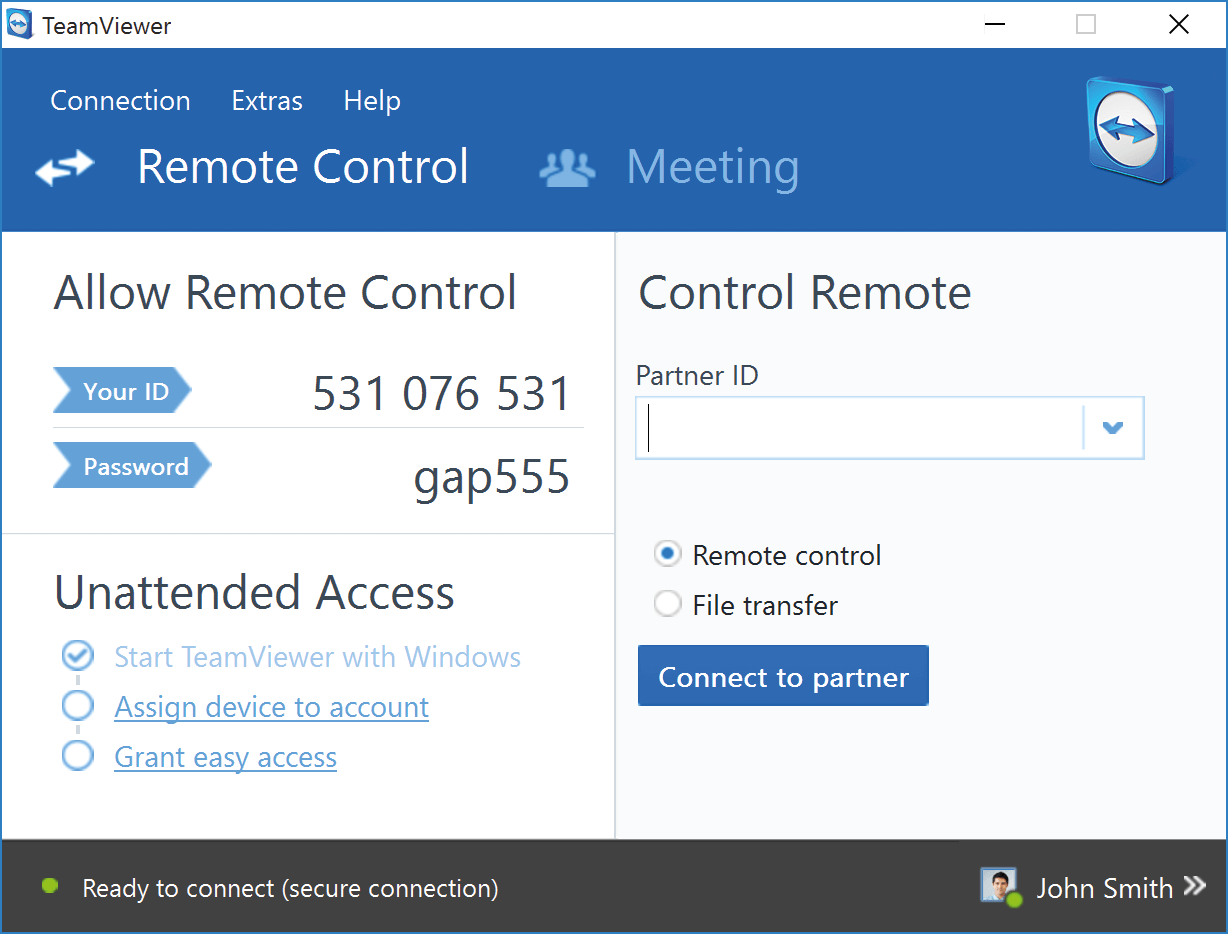
- • Remote-based unattended access: Even without a user present on the other end, you can connect to a remote machine anytime.
- • Advanced file sharing: Use the simple drop-and-drop method to swiftly move files between connected devices.
- • Virtual Printing: Print documents from your remote device using a locally connected printer.
- • Wake-on-LAN: You can boot sleeping devices remotely to launch a session, even if you are physically away.
- • Built-in Comm Tools: TeamViewer comes with built-in chat, VoIP, and video calls for real-time collaboration during sessions.
- • Session Management Tools: For easy and flexible remote management, you can use TeamViewer’s session recording or role switching. There is also a remote session toolbar for convenient navigation.
- • Elite Security: TeamViewer features end-to-end encryption and two-factor authentication to protect all connections.
Remote Desktop Connection vs Teamviewer Feature Comparison
| Feature & Functionality | TeamViewer | Remote Desktop Protocol (RDP) |
|---|---|---|
| Cross-Platform Compatibility | (Windows only) | |
| Unattended Access | ||
| Mobile Support | ||
| File Transfer | ||
| Remote Printing | ||
| Remote Session Toolbar | ||
| Wake-on-LAN | ||
| “Real-Time” Chat Options |
Interface Comparison
Operating System
| Role | Operating Systems | Microsoft RDP | TeamViewer |
|---|---|---|---|
| Host | Windows 10/11 Pro, Enterprise, Server | ||
| Windows Home | |||
| Client | Windows, macOS | ||
| iOS, Android | (via app) | (via app) | |
| Linux | (3rd-party clients) |
Pros And Cons
TeamViewer:
Pros
- Cross-platform support for Windows, Linux, Mac, Chrome, Android, iOS, and IoT
- Easy installation and updates
- Collaborative file sharing across multiple locations
- Integrated chat, voice, and video calls
- No router configuration needed
- Host training seminars for up to 25 participants
- Exceptional customer support
- Share application windows, full desktops, and screens
- Drag-and-drop file sharing
Cons
- Commercial-use licenses are expensive (and required)
- Large file sharing unavailable
- Requires TeamViewer installation on both participating machines (versions must match)
- High-speed and consistent network connection required
- False commercial use detected
Microsoft RDP:
Pros
- Integrated into Windows, no third-party software needed.
- Strong encryption and Network Level Authentication (NLA).
- Provides a complete desktop experience remotely.
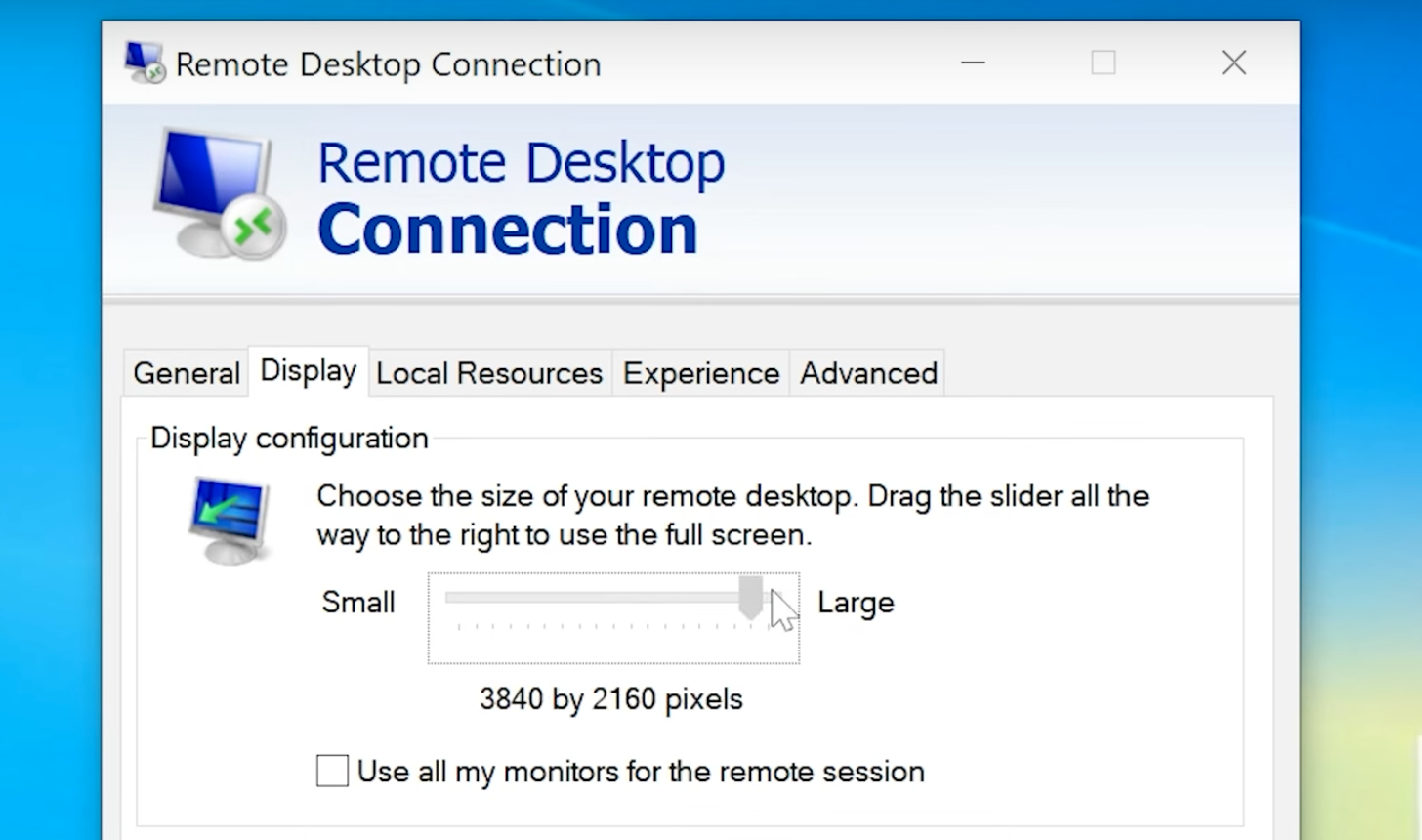
- Supports multiple monitors for enhanced productivity.
- No extra software or subscription fees for Windows Pro/Enterprise users.
- Allows remote access even when no one is logged in.
Cons
- Primarily supports Windows, with limited support for other OS.
- Requires network configurations like VPNs or port forwarding.
- Only available on certain Windows editions.
- Can struggle in low-bandwidth environments.
- Exposing RDP without proper safeguards can be a security vulnerability.
Pricing
Remote Desktop Protocol (RDP)
As of this writing, Microsoft RDP is fully compatible with Windows OS versions 8 through 11 But Windows Enterprise and Windows Pro are the only operating systems that can configure themselves for remote access.
This means that any computer running Windows 8 or 10 (including Home editions) can remotely access another device. Meanwhile, other devices must have Windows Pro or Windows Enterprise versions installed to receive a remote connection.
Cost: A Windows 11 Pro license starts at $199.99.
TeamViewer
A free version of TeamViewer is available, but it is strictly limited to personal use with limited functionality and session length. Commercial use requires a paid business license.
There have been some reports that TeamViewer occasionally flags personal use as commercial by mistake, which can prevent any free usage. In these cases, TeamViewer might compel a user to avail a paid subscription, even if they are actually using the tool for personal purposes.
Below is an overview of TeamViewer’s pricing tiers:
• Remote Access: $24.90/month (1 user, 1 session, 2 devices)
• Business: $50.90/month (1 user, 1 session, 200 devices)
• Premium: $120.90/month (up to 3 users, 1 session, 300 devices)
• Corporate: $245.90/month (up to 10 users, 3 sessions, 500 devices)
• Tensor (Enterprise): Custom pricing for large organizations
| Options | TeamViewer | Microsoft RDP |
|---|---|---|
| Free Version Available | ||
| Free Trial Available | 15-days | |
| Remote Access License Prices | $24.90 | |
| Business License Prices | $50.90 | $200-Up (Windows Pro) |
| Premium License Prices | $120.90 | |
| Corporate License Prices | $245.90 |
Try HelpWire for Free, Cross-platform Commercial Use
Free users are commonly interrupted by TeamViewer on suspicion of commercial use, while RDP is hard to set up on Linux and can’t host sessions on any Windows version that isn’t Pro or Enterprise. But there’s a tool that solves both of these problems – HelpWire.
HelpWire is free, even for commercial use, so it won’t interrupt non-commercial users, and will come in handy for businesses. It works on any Windows version, Linux, and macOS without any need for advanced setup. Sessions can be started by sharing a link with the support recipient. No need for billing information when you sign up.
| Feature | HelpWire | TeamViewer | RDP |
|---|---|---|---|
| Full Windows, Linux, and macOS support | ✅ | ✅ | ⚠️ Windows Pro or Enterprise, hard to set up on Linux |
| Free non-commercial use | ✅ | ❌ | ⚠️ As a part of the Windows license |
| Session recording | ❌ | ✅ | ❌ |
| On-demand sessions | ✅ | ✅ | ❌ |
Wrap Up
In an era where remote work productivity is supreme, reliable remote access and management tools are highly essential. Two of these standout applications are RDP and TeamViewer.
RDP is best for secure, Windows-based remote access, especially in a corporate setting. Some of its core features include remote printing and file transfer. However, it’s only available on Windows Pro and Enterprise editions.
On the other hand, TeamViewer works well as a broad and cross-platform solution with its rich features such as unattended access, wake-on-LAN, and built-in communication tools. It is highly recommended for complex systems that require seamless, multi-platform connectivity.
If you’re looking for a free and user-friendly alternative, HelpWire is a solid choice. It supports cross-platform connections and offers fast, simplified remote access for quick issue resolution.