categories
Updated on Published on in

RustDesk vs AnyDesk: Pricing, Free Plans, and Security Compared

Author: Emma Collins
Emma Collins Article author

RustDesk and AnyDesk are two of the most recommended free-to-start remote desktop tools, but neither is actually free for everyday business use. RustDesk’s free tier is genuinely unrestricted — as long as you’re willing to run and maintain your own relay server; skip the self-hosting and you’re paying for the managed Pro console instead.

AnyDesk’s free tier is free only for personal use: the moment a session touches paid work, a client, or a company device, you need at least a Solo license, and real business features like custom branding or multiple concurrent sessions sit behind the higher Standard tier.

This comparison walks through how the two tools differ on features, performance, security, and pricing, plan by plan. If you’d rather skip both RustDesk’s self-hosting work and AnyDesk’s free-plan restrictions, HelpWire is worth a look — it’s free for personal and business support alike during its current tech preview, with no server to run and no license to buy.

How we tested this comparison: 

We ran RustDesk (Individual and Basic Pro) and AnyDesk (Solo and Standard) side by side for four weeks across a small support team — 3 operators covering 24 endpoints on Windows, macOS, and Linux. Testing included attended and unattended sessions, file transfer, and a self-hosted RustDesk deployment on a small Ubuntu VPS. Every plan was purchased and set up independently, with no vendor briefing or account manager involved.

Quick Comparison: RustDesk vs AnyDesk vs HelpWire

RustDesk RustDesk AnyDesk AnyDesk HelpWire HelpWire
Leader

Developers, privacy-focused users, and organizations that want full control of their infrastructure and don’t mind running their own server.

Individuals, small businesses, and IT teams that want a polished, ready-to-use cloud tool with commercial support.

Freelancers, IT support, and small teams that want free remote access for personal and business use without hosting anything.

Reader takeaway

 RustDesk is the self-hosted, control-first choice. AnyDesk is the polished commercial choice. HelpWire is the easiest choice for free, business-ready support with no infrastructure to manage.

Leader

Self-hosted: you run the relay server yourself, or pay $9.90+/month for RustDesk’s managed Pro console.

Fully managed cloud service — no server to set up, patch, or keep online, ever.

Fully hosted service — no server to run, on any plan.

Reader takeaway

This is the real fork in the road for this comparison. RustDesk is for teams that want data under their own roof and don’t mind the ops work. AnyDesk and HelpWire both trade that control for zero infrastructure.

Leader

Docker install, relay server configuration, and firewall/port setup before the first session runs.

Install the client, share an address, approve the session — running in minutes.

Send a session link; the other side opens it in a browser, nothing to install on their end.

Reader takeaway

RustDesk’s setup cost is real and upfront. AnyDesk and HelpWire both get you connected the same day, with HelpWire removing even the client install for the person being supported.

Leader

Unrestricted for business use, but you own the server — the free tier costs engineering time, not money.

Works out of the box, but licensed for personal use only — any work-related session means paying immediately.

Free for personal and business support alike during the current tech preview, with no self-hosting and no personal/commercial split.

Reader takeaway

RustDesk’s “free” costs you setup and maintenance time. AnyDesk’s “free” doesn’t apply to work at all. HelpWire’s free applies to both, for now.

Leader

Windows, macOS, Linux, iOS, Android — plus FreeBSD and Raspberry Pi.

Windows, macOS, Linux, iOS, Android — no FreeBSD support.

Windows, macOS, Linux — no mobile client yet.

Reader takeaway

RustDesk covers the widest range of niche and embedded systems, which matters if your fleet includes FreeBSD boxes or Raspberry Pi devices. HelpWire is desktop-only for now.

Leader

End-to-end encryption, 2FA, access controls, audit logs, and fully open-source code anyone can audit; LDAP/SSO on the Basic plan only.

TLS 1.2 encryption, RSA 2048 key exchange, 2FA, whitelisting, and GDPR compliance — the company also disclosed a server-side security incident in 2024 that led to a certificate revocation and a customer password reset.

TLS/SSL and AES-256 encryption, Auth0-based authentication, 2FA, and peer-to-peer connections by default with encrypted relay fallback; no formal enterprise compliance certifications yet.

Reader takeaway

RustDesk’s code is auditable by design; AnyDesk has the most compliance paperwork but also a public incident on record; HelpWire covers the essentials without open-source transparency or certified compliance.

Leader

You own all the setup and maintenance work — provisioning, patching, and uptime are on you.

Free use is personal-only, and useful business features scale with price.

A newer product with a smaller review footprint and no mobile app yet.

Reader takeaway

Pick your trade-off: RustDesk trades convenience for control, AnyDesk trades cost for polish, and HelpWire trades a smaller track record for simplicity and free business use.

Overview

It’s worth looking at how RustDesk and AnyDesk work before comparing their features. Both are remote desktop solutions that let you access and control computers from almost anywhere. They let you provide remote support over the internet and make it easier to manage devices from different locations. Even so, they rely on very different approaches. This Rustdesk vs AnyDesk comparison explores those differences—choosing between them involves more than personal preference.

RustDesk

RustDesk
RustDesk Technology Inc.

RustDesk is an open-source remote desktop tool for secure, self-hosted access and support.

RustDesk is a fast, open-source remote desktop tool developed with Rust. It suits people who prefer software they can inspect and data they can manage themselves. Individuals who want to rely on relay and signaling servers instead of using a third party will also find this useful. The software works with Windows, macOS, Linux, iOS, and Android. It has two self-hosted Pro plans: Individual and Basic, each designed for different users. There’s an active open-source community that continues to improve RustDesk with regular updates and new features.

Ideal for: Developers, self-hosting users, people who value privacy, and organizations that want to control their infrastructure completely.

Not ideal for: Non-technical users who want to start in minutes with nothing to configure, and teams that need SLA-backed commercial support. 

AnyDesk

AnyDesk
AnyDesk Software GmbH

AnyDesk provides fast and secure remote desktop access for work and IT support.
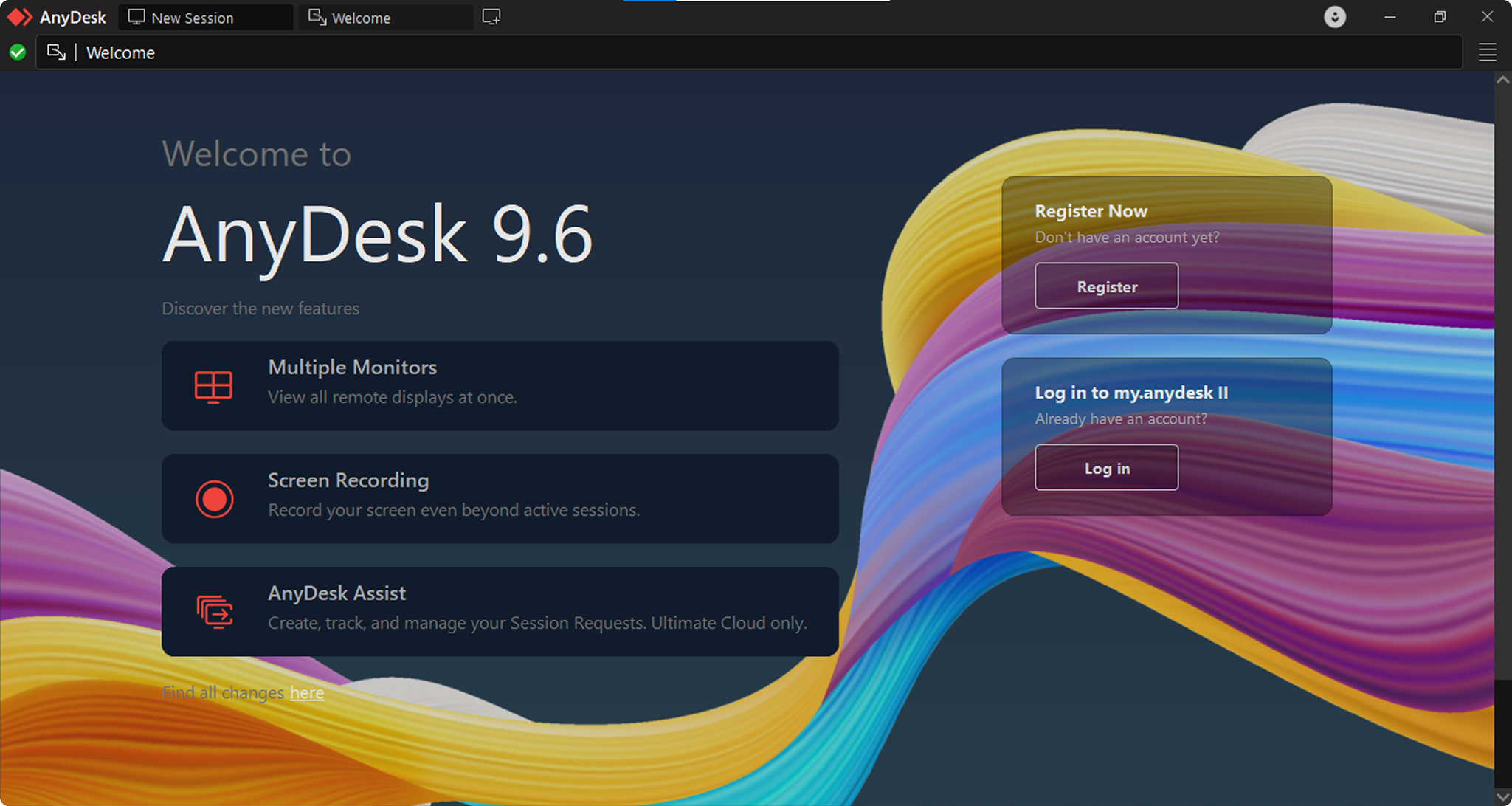
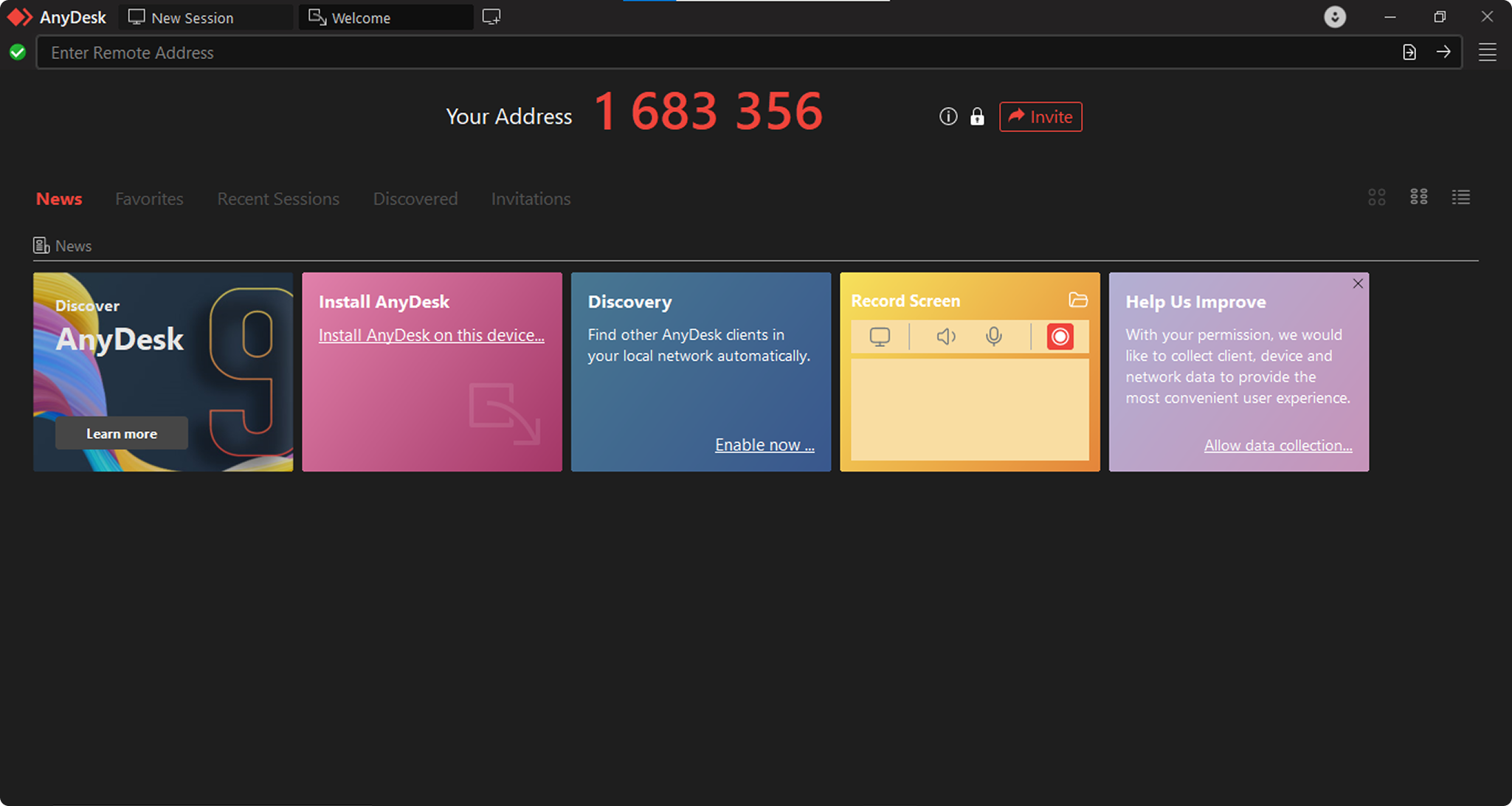
AnyDesk is a commercial remote desktop tool built for fast and responsive connections. Aside from installing quickly, it has a clean interface that you can easily get familiar with. The platform supports both attended and unattended sessions as well. Besides that, it comes with collaboration features and tools for managing devices across different operating systems. AnyDesk offers several subscription plans, with options for individual users as well as large organizations. Along with those plans, it provides dedicated customer support and service level agreements (SLAs).

Ideal for: Individuals, small businesses, and IT teams looking for a polished remote desktop solution with commercial support and a dependable cloud-based experience.

Not ideal for: Teams that want to avoid recurring per-seat costs as they grow, and anyone who needs the source code to be auditable. 

HelpWire: Simpler Alternative to RustDesk and AnyDesk

HelpWire is a free remote desktop solution built for IT professionals and support teams. Users can connect to computers securely regardless of operating system, with no subscription and no server setup required.

Key Features:

  • No self-hosting, ever:

    unlike RustDesk, there's no server to install, patch, or keep online — just start a session.

  • Free for business, not just personal:

    unlike AnyDesk's free tier, there's no personal/commercial split during the current tech preview.

  • Nothing to install on the client's side:

    share a session link instead of asking them to install software or exchange an ID.

  • Unattended access without a paid tier:

     works out of the box — no need for RustDesk's Basic plan or AnyDesk's Solo license just to unlock it.

  • File transfer, chat, and session recording included by default

    not gated behind a higher tier the way some of AnyDesk's collaboration tools are.

Pricing

The price is something many people consider first when choosing a remote desktop solution. RustDesk and AnyDesk both offer several plans for a variety of users, from individuals to growing teams. The biggest difference is how they charge for their services. RustDesk’s plans focus on self-hosted server management, while AnyDesk provides a cloud service that you can fully oversee. The overview and comparison table below can help you find the plan that matches your budget and needs.

RustDesk Pricing Plans

RustDesk offers annual pricing for its self-hosted Pro plans:
  • • Free — $0/month: Users can view online status and get help from the community. It does not come with any Pro features.
  • • Individual — $9.90/month (billed annually): Includes 1 login user, 20 managed devices, and no limit on active remote sessions. Users also get two-factor authentication (2FA), a web console, audit logs, and an address book. Change ID, access controls, centralized settings, and distributed relay servers are part of the plan as well.
  • • Basic — $19.90/month (billed annually): Everything in the Individual plan is included. Users also get 10 login accounts and 100 managed devices. The plan adds OIDC (SSO), LDAP integration, cross-group access, and a custom client generator.
  • • Customized — from $19.90/month (billed annually): Has everything in the Basic plan, with room to add more users and devices. Each additional user costs $1, while each additional device costs $0.10.
Note:   These RustDesk plans cover self-hosting only. They are not cloud-based subscriptions, so users need to run their own server.

AnyDesk Pricing Plans

AnyDesk provides a free version for personal use, along with paid plans for commercial use:

  • • Free: For personal use only, with limited features.
  • • Solo — $28.90/month (billed annually): Includes 1 licensed user, 1 connection, and 3 registered devices to connect from. It offers up to 100 managed devices (unattended access), as well as unlimited devices (interactive access) and mobile device support.
  • • Standard — $49.90/month (billed annually): Covers 20 licensed users per team and up to 500 managed devices for unattended access. Users get unlimited interactive access, standard user management, a custom client generator, and mobile device management.
  • • Advanced — $111.90/month (billed annually): Expands the limits to 100 licensed users per team and up to 1,000 managed devices. It adds advanced user management, a custom client generator, command-line interface (CLI) support, and mass deployment (MSI).
  • • Ultimate — Custom pricing: Designed for larger organizations that need Single Sign-On (SSO), advanced user management, and an on-premises option. The plan offers scalable users, full customization, complete access controls, and mass deployment (MSI).

Pricing Comparison Table: RustDesk vs AnyDesk

Pricing PlansRustDeskAnyDesk
Free Trial14 days
Free Personal Version
Level 1$9.90/month (Individual)$28.90/month (Solo)
Level 2$19.90/month (Basic)$49.90/month (Standard)
Level 3$19.90/month+ (Customized)$111.90/month (Advanced)
Level 4N/ACustom pricing (Ultimate)

RustDesk costs much less than AnyDesk, but the two services are priced differently for a reason. RustDesk plans require users to take care of their own server setup. AnyDesk pricing covers managed cloud hosting and commercial support. It even delivers a complete SaaS experience.

Features

Comparing the same set of features gives a fair picture of what each platform offers. This AnyDesk vs RustDesk comparison starts with session management and file sharing. It also looks at performance, customization, and team management. Each section points out where the two apps match and where they differ—and how those differences can affect the way individual users or organizations work.

Note:    This section covers the main features available in two AnyDesk plans. We look at AnyDesk Solo for individual users and AnyDesk Standard for small teams and businesses. For RustDesk, we touch on the Individual plan for solo administrators and smaller setups. We’ll also discuss the Basic plan, which adds shared access, enterprise authentication, and broader device management for teams.

1. Remote Access & Session Management

With RustDesk, users can start an attended or unattended remote session. They can reach and operate remote devices whenever they need to, even if nobody is available at the other end. Both the Individual and Basic plans place no limit on the number of remote sessions that can remain active at the same time. That means technicians don’t have to stop one session before starting another. Beyond that, both plans keep a record of every remote session. Users can go back and review those records later or use them to meet compliance requirements. RustDesk also lets users run their own relay servers. That keeps remote sessions within their own network instead of sending them through third-party servers.

AnyDesk gives users the option to run both attended and unattended remote sessions, similar to RustDesk—the setup process is straightforward. All paid plans in this app include session recording. Moreover, the platform can keep several remote sessions running at the same time, making it possible for technicians to work across multiple devices. The Solo plan allows one active session at a time, while the Standard plan and higher remove that limit by supporting multiple active sessions.

2. Collaboration & File Sharing

RustDesk comes with native file transfer between local and remote computers. It also lets users sync the clipboard and chat during an active session. An address book helps keep managed devices organized, making them easier to find during remote support. These features cover the basics, but the collaboration tools are more limited than those found in commercial remote desktop software. At the moment, RustDesk does not include remote printing or full audio support.

AnyDesk supports drag-and-drop file transfers and keeps the clipboard in sync. There’s remote printing and in-session chat with annotation tools as well. Together, these features support technicians in helping users deal with problems while they work. Overall, AnyDesk offers a more polished collaboration experience that better suits professional IT support.

3. Customization & Branding

RustDesk gives organizations several ways to create a branded remote support experience. The Basic plan includes a custom client generator that teams can use to make a remote desktop client with their own server settings already in place. It also lets them add their branding and set access rules before deployment. This feature is especially useful for MSPs and IT service providers. What’s more, both the Individual and Basic plans include the Change ID feature.

AnyDesk does the same thing, supporting white-label branding and interface customization. Companies can add their own logo, display their business name, and include custom text during remote sessions. Its commercial plans also allow users to personalize the interface and set custom keyboard shortcuts.

4. Performance & Ease of Use

This RustDesk vs AnyDesk performance comparison looks at how well each platform runs and how easy it is to get started.

RustDesk is developed with Rust, a programming language known for speed and safe memory handling. It performs well even on older hardware or slower internet connections. Both plans include access to distributed relay servers, keeping connections stable in different regions. Even so, getting RustDesk ready to use means hosting it yourself. Users need to set up their own server and keep it running, which takes some technical knowledge. Developers and system administrators are unlikely to have trouble with this. For people with less technical experience, however, getting everything set up may take more effort.

AnyDesk focuses on keeping remote access simple. It installs quickly, uses very little system resources, and continues to work well even on slower internet connections with its DeskRT codec. The interface is easy to understand, so most people can start using it without training. Businesses that want a remote access solution they can start using right away may find AnyDesk the more approachable option.

5. Team & Device Management

RustDesk includes a web-based admin console in both plans. It gives administrators one place to manage devices, users, permissions, and settings. Access control policies also let them decide what each user can view or do when a remote session is ongoing. The Basic plan adds more management features, including enterprise authentication methods and access across different groups. That makes it a good choice for organizations that need to manage permissions across multiple teams or user groups.

AnyDesk includes device management tools in the Standard plan and higher. Administrators can oversee registered devices, set up unattended access, and assign permissions based on user roles. The Standard plan can handle large numbers of devices, too, and even includes user management and a custom client generator.

Feature Comparison: RustDesk and AnyDesk

FeatureRustDesk (Individual/Basic)AnyDesk (Solo/Standard)
Open Source
Self-Hosting
File Transfer
Unattended Access
Session Recording
In-Session Chat
Custom BrandingBasic plan only
Admin Console(Standard+)
Mobile Access
Concurrent SessionsUnlimitedSolo: 1 / Standard: multiple
Remote Printing
Audio SupportLimited
LDAP Integration (Basic only)
SSO / OIDC (Basic only)
Clipboard Sync
Audit Log
Cross-Group Access (Basic only)

Interface Comparison

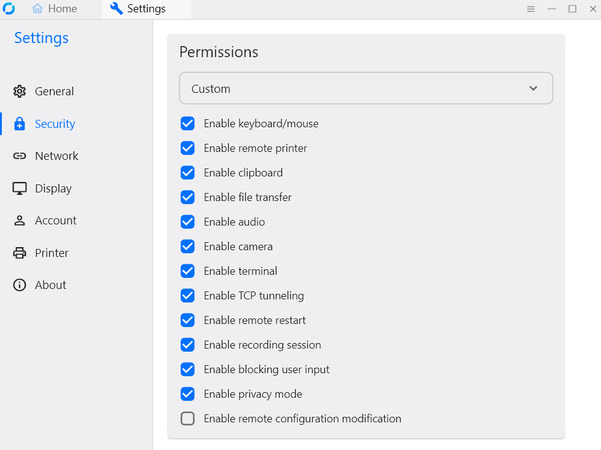
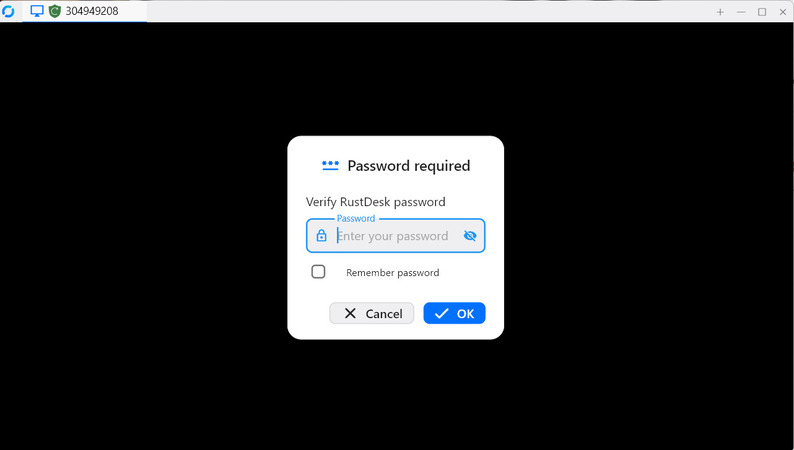
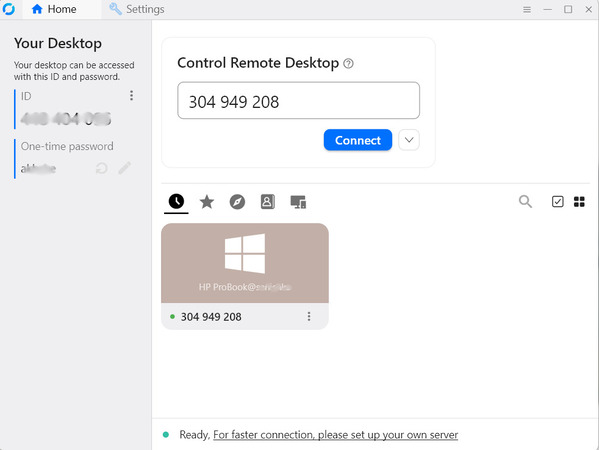
RustDesk uses a simple interface that feels similar to older remote desktop tools. It focuses on function and speed rather than appearance compared with paid remote desktop tools. Developers and other technical users will likely feel comfortable using it. People who are less familiar with remote desktop software, however, may need a little guidance at first.

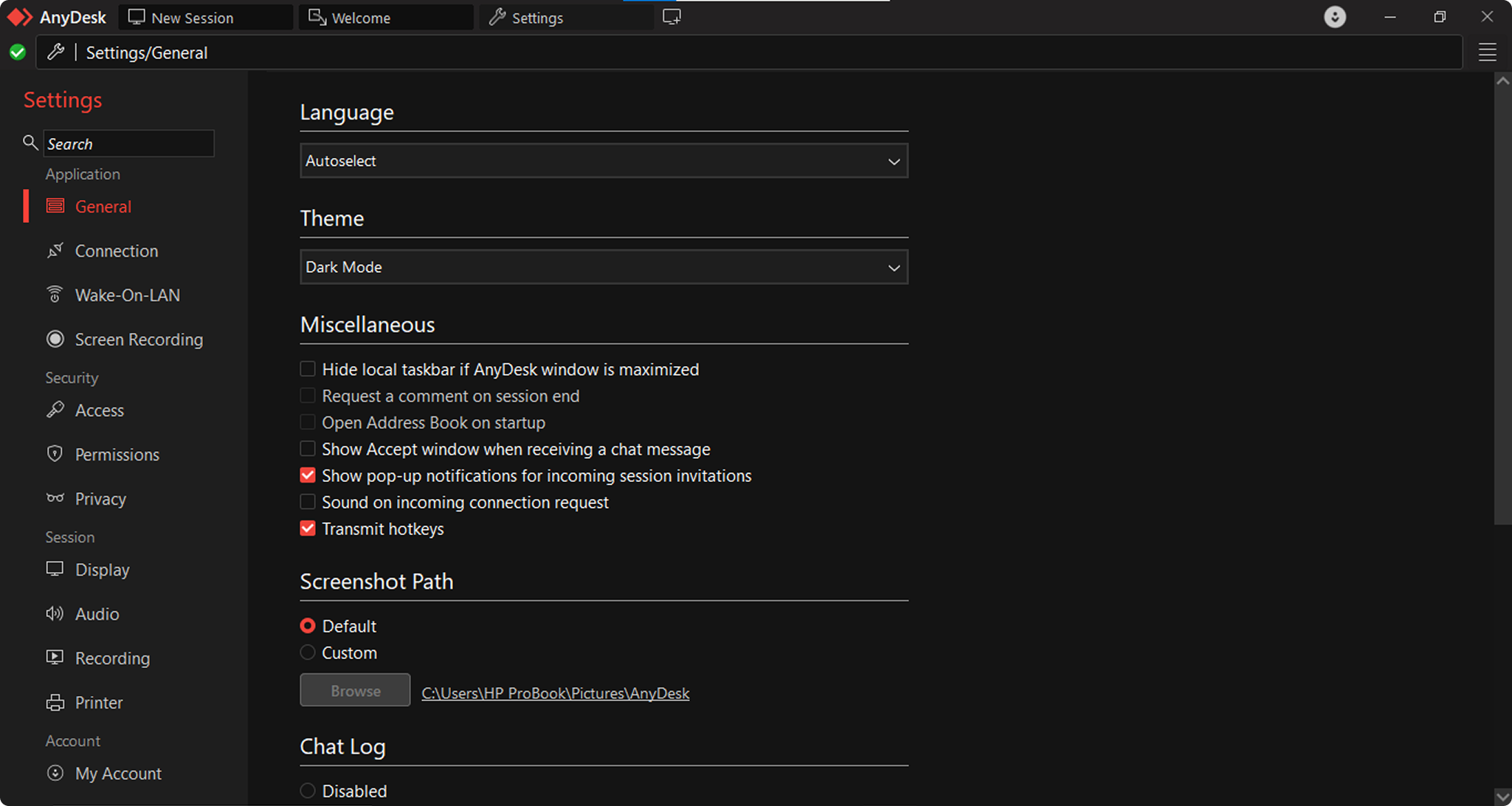
AnyDesk has a cleaner and more modern interface. In addition, it delivers a consistent experience across different platforms. The layout is easy for both technicians and end users to follow, making it a good fit for business environments where some users may have limited technical experience.

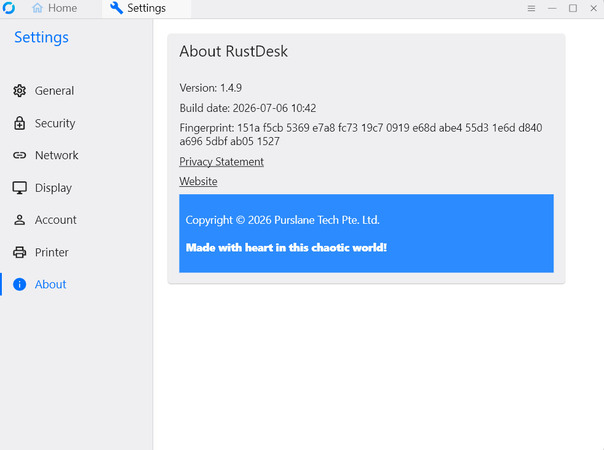
The latest licensed versions of RustDesk and AnyDesk, current as of August 2026, are:

RustDesk
AnyDesk

Operating System Support

Platform compatibility is another important part of a RustDesk vs AnyDesk speed comparison. Before choosing a remote desktop solution, it’s worth checking whether it supports the operating systems you use every day. The table below compares platform support for AnyDesk Solo and Standard, as well as RustDesk Individual and Basic. Both platforms work with all main operating systems. Still, there are a few differences that matter if you use more specialized environments.

Operating SystemRustDeskAnyDesk
Windows
macOS
Linux
Android
iOS
Web Client (Pro plans) Limited
Raspberry Pi (ARM)
FreeBSD
RustDesk’s open-source design lets it run on a wider range of platforms, like FreeBSD. Both self-hosted Pro plans come with access to the web client. Meanwhile, AnyDesk is available on all major desktop and mobile operating systems and performs reliably across them.
  • • Both RustDesk and AnyDesk are available on all major desktop and mobile operating systems across the plans in this comparison.
  • • RustDesk also works with more specialized platforms, including FreeBSD and Raspberry Pi, thanks to its open-source, developer-focused design.
  • • The RustDesk web client is included with both the Individual and Basic plans through its self-hosted setup.

Security

A RustDesk vs AnyDesk comparison isn’t complete without looking at security. Remote desktop software has access to important systems and sensitive data, so strong protection matters. RustDesk and AnyDesk both offer strong security features, but each one protects users in a different way because of how the platform is built.

RustDesk Individual and Basic Security

RustDesk focuses on reducing third-party data exposure by letting users host the platform themselves. Both the Individual and Basic plans provide these security features:
  • • End-to-end encryption: Session data stays encrypted from start to finish, so relay servers cannot view the traffic.
  • • Two-factor authentication (2FA): Available in both Pro plans to add another layer of account protection.
  • • Access controls: Users can decide who can view the screen, transfer files, or use the clipboard during a session.
  • • Password protection: Session passwords can stay the same or change each time with one-time passwords.
  • • Audit logs: Both plans keep records of remote sessions for reviews and compliance.
  • • Open-source code: Anyone can review the source code, allowing the community to help identify security issues.
  • • LDAP/AD integration and OIDC (SSO): The Basic plan adds both features, giving administrators one place to manage user identities and access.

AnyDesk Solo and Standard Security

AnyDesk follows enterprise security standards and includes these protections:
  • • TLS 1.2 encryption: It protects session data with banking-grade encryption.
  • • RSA 2048 asymmetric key exchange: It helps secure the start of each session and blocks unauthorized access.
  • • Two-factor authentication (2FA): Included with every paid plan.
  • • Whitelisting: Only approved devices can connect, preventing unauthorized sessions.
  • • Session logging: The platform keeps records of remote sessions for auditing.
  • • Access permissions: Users can control what remote users can view, access, or change.
  • • GDPR compliance: AnyDesk follows European Union data privacy rules.
Note:  Is AnyDesk Safe? AnyDesk includes a wide range of security features. Even so, it has not been free from reported security problems over the years.

Usage Scenarios

Both RustDesk and AnyDesk are dependable remote desktop solutions, but each one is built with a different type of user in mind. They also take very different paths when it comes to remote access. Price and features aren’t the only things to think about. You should also think about how much of the system you want to manage yourself and how experienced your team is. Consider the type of help you plan to provide to remote users as well. The sections below explain which plan fits each situation best.

RustDesk Usage by Plan

  • • Free: A good choice for individuals who need basic remote access without paying, using public relay servers.
  • • Individual: Best suited for solo administrators. It includes all Pro features, such as unlimited remote sessions, audit logs, and centralized settings, at a budget-friendly price.
  • • Basic: Designed for small teams. It adds multi-user access, LDAP/SSO, cross-group permissions, and a custom client generator.
  • • Customized: Built for organizations that need to expand beyond the Basic plan with more users and devices.

AnyDesk Usage by Plan

  • • Solo: Best suited for individuals who want a ready-to-use remote desktop solution without technical setup.
  • • Standard: A good fit for small teams. It adds shared access, management for more devices, and a custom client generator.
  • • Advanced: Designed for growing organizations. It supports larger teams, more devices, mass deployment, and CLI support.
  • • Ultimate: Intended for enterprise environments. It adds SSO, an on-premises option, advanced user management, and custom pricing.

Integration

  • The way your remote desktop software connects with other tools can have a big impact on everyday work. The AnyDesk vs RustDesk comparison below looks at the integration options available in RustDesk Individual and Basic, as well as AnyDesk Solo and Standard. 

Integration FeatureRustDesk IndividualRustDesk BasicAnyDesk SoloAnyDesk Standard
API AccessBasic API access for automation
ITSM IntegrationLimited (Tactical RMM)
CRM Integration
Custom Workflow AutomationLimitedLimited scripting/automation
Third-Party App CompatibilityMinimal (RDM)Minimal (RDM, Tactical RMM)MinimalBasic (Slack, Zapier)
White-labeling & Branding
Admin Console / User Management
Integration with Ticketing Systems
SDKs or Developer Tools (open-source) (open-source)Limited

RustDesk Individual & Basic Integration

    • • Individual: Offers only a few integration options. It is mainly meant to be used on its own. Users still get access to the admin console and open-source tools for creating custom builds.
    • • Basic: Builds on the Individual plan by adding API access and compatibility with RMM platforms such as Tactical RMM. That makes it a better fit for teams that already manage their own IT environment.

AnyDesk Solo & Standard Integration

    • • Solo: Includes very few integration options. It is meant to be used on its own and doesn’t offer API access.
    • • Standard: Adds basic API access and limited compatibility with third-party tools such as Slack and Zapier. More advanced integrations are available only with higher plans.

Possible Errors and Restrictions

RustDesk and AnyDesk both offer reliable remote desktop access. Still, each one has its own limitations. Some issues depend on the plan you choose, while others are caused by your network or device setup. Knowing about these limits ahead of time can help you avoid problems—fixing them would be easy if they happen.

RustDesk

  • • Self-hosting setup: Running your own server takes technical knowledge. If the server isn’t set up correctly, users may run into connection problems or leave it more exposed to security risks.
  • • Network restrictions: Firewalls can block the ports RustDesk needs, so manual changes may be necessary.
  • • Feature availability: Custom branding, LDAP, and SSO are limited to the Basic plan.
  • • No commercial support: Users rely on community support because SLA-backed support isn’t available.
  • • Server maintenance: Keeping the server online, installing updates, and applying security patches remain the user’s responsibility.

AnyDesk

  • Connection issues: Slow or unstable internet connections can cause delays or disconnect remote sessions.
  • • Feature limits: Multi-session access, branding, and full device management are available only with higher plans.
  • • Free plan limits: The free version is limited to personal use and may restrict session length.
  • • Network restrictions: Firewalls can block AnyDesk, so some networks require manual configuration.
  • • Session limits: The Solo plan allows only one active session at a time.

Pros and Cons

Neither RustDesk nor AnyDesk is perfect. The sections below highlight the advantages of each platform, along with the areas where they fall short.

RustDesk

"Nice product, poor customer relations."
— Read full review

Pros:

  • Self-hosting gives users full control over their data, so remote sessions don't pass through third-party servers.
  • Open-source code that anyone can review.
  • No limit on active remote sessions with the Individual and Basic plans.
  • Lower-priced Pro plans than many paid remote desktop tools.
  • The Basic plan adds LDAP, SSO (OIDC), and cross-group access.
  • Runs on a wide range of platforms, including FreeBSD and Raspberry Pi.
  • Backed by an active community that regularly improves the software.

Cons:

  • Setting up and maintaining your own server takes technical knowledge.
  • The interface isn't as polished as many paid remote desktop tools.
  • Fewer built-in collaboration features, with no remote printing and limited audio support.
  • Community members provide support instead of an SLA-backed commercial support team.
  • Looking after your own server adds extra maintenance work.
  • The custom client generator is available starting with the Basic plan.

AnyDesk

"Smooth, Responsive Remote Access with Quick Setup and Cross-Platform Support"
— Read full review

Pros:

  • Quick to install, lightweight, and easy to use—no technical experience needed.
  • Delivers responsive performance, even on slower internet connections.
  • Modern interface that works well for supporting end users.
  • Strong collaboration tools, including remote printing, annotations, and session chat.
  • Commercial customer support with SLA options.
  • Meets GDPR requirements and holds recognized enterprise security certifications.

Cons:

  • Remote sessions use AnyDesk's cloud by default. An on-premises option is available only with the Ultimate plan.
  • Costs more than RustDesk for teams that can take care of their own server setup.
  • The free plan is available only for personal, non-commercial use.
  • The Solo plan allows just one active remote session at a time.

Final Verdict

RustDesk suits developers and privacy-focused teams that want full control over their infrastructure and don’t mind running and maintaining their own server. AnyDesk is the right choice for teams that need a polished, ready-to-use cloud tool with commercial support, SLAs, and compliance documentation, and have the budget for it. HelpWire covers the middle ground: free for business use, with no server to host and no personal/commercial split.

Choose RustDesk if: You want full control over where your session data lives, you’re comfortable with Docker and basic Linux administration, and unlimited concurrent sessions matter more than a polished interface.

Choose AnyDesk if: You need a cloud-hosted tool with vendor support, SLAs, or enterprise compliance documentation, and remote printing, annotations, or a modern interface matter for your support workflow.

Choose HelpWire if: You need free, unrestricted remote access for both personal and business use, without RustDesk’s self-hosting work or AnyDesk’s paid tiers.

HelpWire is a practical choice for freelancers, small IT teams, and growing businesses looking for a free alternative. It offers professional remote support tools without the higher cost of AnyDesk or the extra server setup required by RustDesk.