Below we’ll compare two top-tier remote desktop software: LogMeIn and SplashTop. This comparison article will shed light on the pros and cons of both tools, giving users the data they need to choose a tool that enhances their remote desktop experience.
Overview

While a free version isn’t available, SplashTop Business Access is a reliable and affordable tool for small businesses or sole-proprietors (like freelancers.) However, accessing more exceptional features (like session recording and chat), requires the purchase of a higher-tiered plan.
The great news is, the SplashTop Business Access plan only costs $99/per year (per user), and offers a plethora of great features like multi-screen display, remote wake-ups, and so much more! So there’s a lot to work with in the base plan.
SplashTop’s Solo Plan is great for individual users, as it allows access to up to two computers! Most competing single-user plans only allow access to just one computer. Additionally, SplashTop supports larger businesses with IT and customer support teams by providing enterprise-tier plans.

LogMeIn Pro is a widely beloved remote desktop option. Developed and owned by the company responsible for the collaborative tool “GoToMeeting”, LogMeIn Pro offers reliable solutions for larger business entities.
LogMeIn Pro provides incredible bonus perks that users won’t find in competitor software, such as LastPass Premium(password management service), and 1TB of storage space! These bonuses come with every LogMeIn Pro plan.
Features:
SplashTop
SplashTop offers targeted remote access tools that deliver features developed for specific use cases, but several of its global features are worth noting, too. Two of which being an easy-to-use UI, and the capability to access customer/client computers remotely (without the customer/client needing to download/install additional software.)
The SplashTop app allows users to access and manage unmanned machines from any device, allowing for easy control over multiple unattended desktops, and the important information they house.
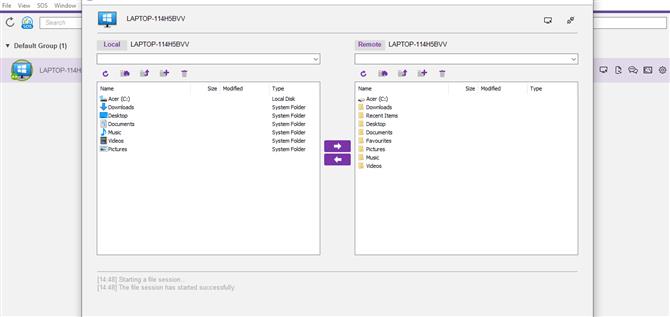
SplashTop also offers an array of extra features that vary based on the user’s specific plan, like file transferring, session recording (where applicable), or support packages with built-in chat modules.
LogMeIn
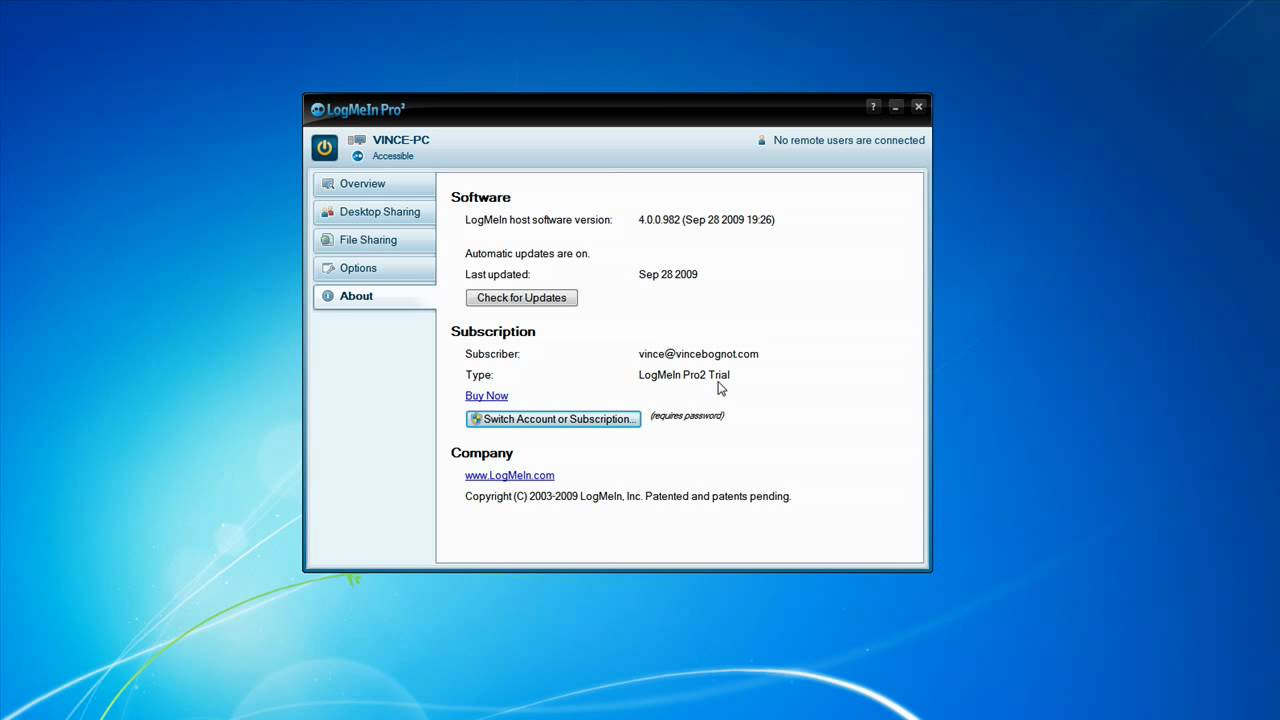
LogMeIn offers many features that make securely accessing files on a remote machine simple, easy, and safe. The LogMeIn File Manager provides quick access to host computer file systems- while IT pros enjoy split display options that make drag-and-drop file sharing easy! All in all, it’s a fantastic way to transmit large company files that cannot be sent via email.
The Wake On LAN feature means the end of struggling with host computers falling asleep, ensuring users can control remote computers quickly and easily. The Whiteboard Drawing feature enables IT pros to facilitate support sessions by easily drawing attention to specific items or areas on the screen. Screen Record has AVI outputs, and enables users to prepare for demonstrations ahead of time.
Lastly, anyone who utilizes multiple desktops (like web devs and graphics designers) will find the Multiple Monitor support flexible, helpful, and intuitive. It even allows users to view individual monitors on one “master” screen, or replicate an exact workstation thanks to multi-monitor host-to-client support.
Files, apps, and programs stay organized to the user’s preference, allowing for efficiency regardless of where the user is working from.

| Features | LogMeIn | SplashTop |
|---|---|---|
| File Transferring |
|
|
| Session Recording | ||
| Audio Support | ||
| Session Transfer | ||
| Remote Printing | ||
| USB-Sharing | ||
| Real-Time Chat | ||
| Mobile Accessibility |
Interface Comparison
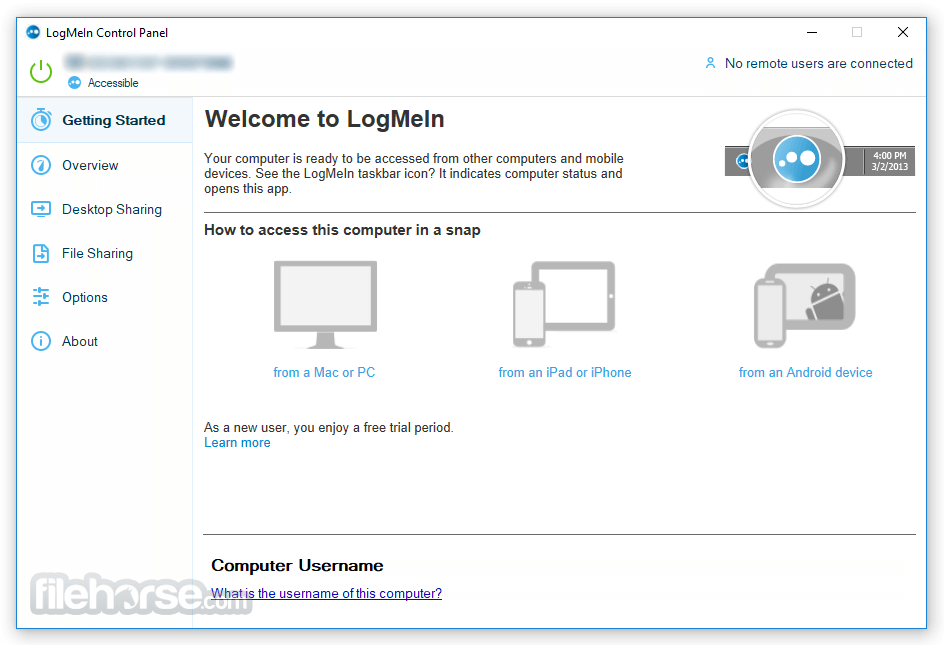
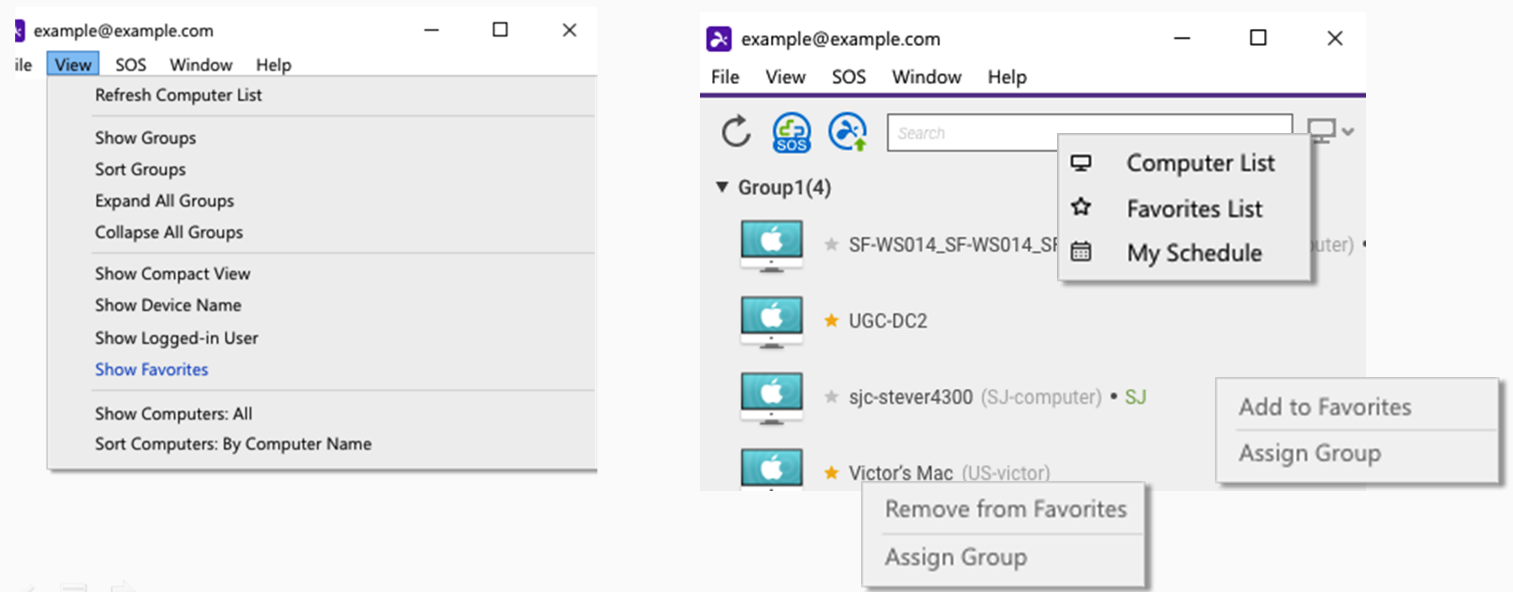
Both LogMeIn and SplashTop offer simple and easy-to-navigate UIs, exceptionally beautiful image scaling, and mobile device connectivity as fluid as desktop device connectivity.
Operating System
Both software offer support for many popular operating systems, and the data provided will better help users draw comparisons between LogMeIn and SplashTop, and tools like TeamViewer and LogMeIn.
| Operating System | LogMeIn | SplashTop |
|---|---|---|
| Windows | ||
| macOS | ||
| Android | ||
| iOS | ||
| Linux | ||
| Chrome | ||
| FireOS |
Pros And Cons
Use the table below to compare the pros and cons of LogMeIn and SplashTop with SplashTop and RDP apps.
LogMeIn
Pros
- Easy to set up and user-friendly
- Provide computer/file access to unlimited users
- Drag-and-drop file transfer (Windows-only)
- Full multi-monitor displays
- Screen sharing
- Windows, Mac, Android, and iOS support
- Powerful 256-bit AES encryption, double passwords, and end-to-end authentication security
- 1 TB cloud storage with every plan
- 24/7 phone and ticket tech support
Cons
- Expensive
- Free version no longer available
- Mac version features are limited
Splashtop
Pros
- Affordable pricing options
- Simple UI
- Fast connections
- Drag-and-drop file transfer
- Full multi-monitor displays (available with the purchase of a higher-tier plan)
- Windows, Mac, Android, iOS and Chrome support
- TLS and 256-bit AES encryption, device authentication, two-step verification, and multiple 2nd-level password security protocols
Cons
- More complex installations compared to competitor software (especially for Mac users)
- Purchase of a higher plan required to access many of the features
- Priority tech support only available with a higher plan
- Phone support hours aren't listed on the website
Pricing Comparison
Both software offers an array of pricing options, allowing users to better compare pricing policies with alternative remote access options like SplashTop and GoToMyPC.
Splashtop
Splashtop Remote Work & Access costs $60 to $149 per year (per user) and provides unattended remote access to computers from any location.
Splashtop Remote IT & Support costs $259 to $399 per year (per concurrent technician) and allows unlimited attended support sessions plus unattended access to up to 10 or 300 remote computers per license.
Splashtop Education – $29.99 per year (per teacher), offering screen sharing and classroom collaboration tools designed for education.
LogMeIn
LogMeIn “Individuals” Subscription- $349.99/per year: provides access to 2 computers from the web, a computer, or mobile device with iOS or Android operating systems.
LogMeIn “Power User” Subscription- $839.99/ per year: offers access for up to 5 computers.
LogMeIn “Small Business” Subscription- $1,539.99/per year: enables remote access for up to 10 computers.
| Pricing plans | LogMeIn | SplashTop |
|---|---|---|
| Free Version | ||
| Free Trial | 7 days | 7 days |
| Level 1 | $349.99/per year | $5/month/user |
| Level 2 | $839.99/per year | $8.25/month/user |
| Level 3 | $1,539.99/per year | $13/month/user |
| Level 4 | N/A | $259/year/technician (SOS) |
| Level 5 | N/A | $399/year/technician (SOS+) |
If your budget is limited, you can consider HelpWire, a completely free alternative to LogMeIn Pro.
Conclusion
Overall, it was a close call between the two software, especially since both options offer different features. Many would think the remote access market would be fairly repetitive regarding feature catalogs, but LogMeIn and SplashTop appear to be exceptions to that idea.
Trying to specify which one is “better”, isn’t really viable, as LogMeIn is an industry leader providing more dedicated support, while SplashTop (holding much less market share) offers a more DIY approach.
All in all, SplashTop is less expensive per installation, and LogMeIn offers more of a premium service solution.