

2025 was a big year for HelpWire. Not just because we shipped a lot, but because a lot more people started relying on it.
We also got stress-tested in real support work. Some parts held up. Some didn’t. When things broke (like early unexpected disconnects), we fixed them and kept going.
Here’s what changed this year, what people did with HelpWire, and what we’re building next.
By the Numbers
- • New users: up 285% vs 2024
- • Remote sessions: more than 2.3 million in 2025 (a 7x increase from 2024)
- • Countries: used in 180 countries
- • Feedback: 2000+ pieces of feedback submitted
- • Team scaling: 6000 operator invitations sent
- • Reddit: 400+ new members, 200+ posts, 800+ comments
2025 at a Glance: Growth and the Problems that Came with it

HelpWire welcomed more new users than ever — up 285% vs 2024.
That growth came with real infrastructure pressure. Early in the year, some users experienced unexpected disconnections. We’re sorry about that. It was disruptive, and it wasn’t acceptable for support work.
So we rebuilt parts of the backend to handle significantly higher loads. The goal was simple: fewer surprises during sessions and less friction for both sides of the connection.
The Milestones we Shipped
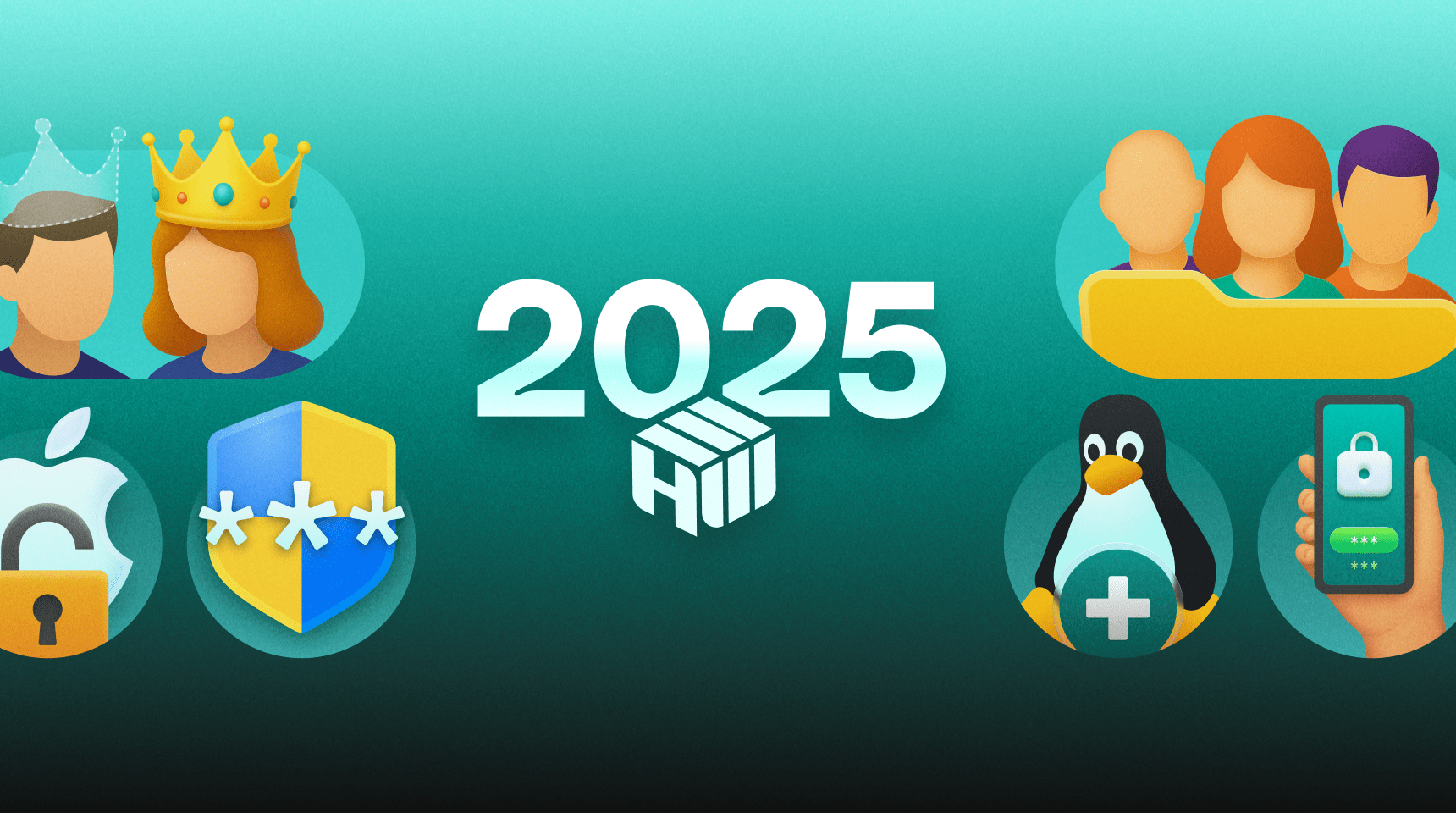
A refreshed web portal
The web portal got a facelift this year. It’s cleaner, faster, and easier to navigate. This also improved client and team management, which matters a lot once you’re supporting more than a handful of people.
Notifications in the web portal
Support work moves fast, and it’s easy to miss a beat. Notifications made it easier to keep up with ongoing sessions and follow-ups.
Two-factor authentication (2FA)
Security can’t be a “later” feature. 2FA was added to help protect accounts.
Linux client app
Linux might not be loud, but it’s everywhere in IT. Adding Linux support helped teams keep the same workflow across mixed environments.
Unattended access for macOS
Unattended access for macOS made proactive work easier — maintenance, updates, and after-hours fixes, especially in Apple-heavy setups.
Company ownership transfer
As larger teams adopted HelpWire, smooth account transitions became important. Ownership transfer supports continuity when roles change.
Client grouping
As our user base grew, managing multiple clients became increasingly important. Client grouping was a simple way to organize accounts and speed up navigation.
How People Used HelpWire this Year

- • Running a telescope from a home observatory
One person used HelpWire to run a telescope PC from inside the house. No fancy setup. It just stayed connected while they worked.
- • Helping friends and family with unattended access
Others set up unattended access for a few relatives’ computers. So when something breaks, it’s not a “can you install this, click that, read me the code” situation. They also mentioned switching from TeamViewer because they only need it now and then.
- • Getting into servers and locked PCs without waiting on users
IT admins used HelpWire for maintenance when no one is around to approve a session. They needed access to the Windows login screen, the ability to sign in, and simple things like copy/paste for passwords and moving files during the session.
Built with you: Feedback that Shaped the Roadmap
HelpWire doesn’t improve in isolation.
A lot of the practical work this year came from those messages — what broke, what felt slow, what was missing, and what would save time day-to-day.
If something still feels rough or inconsistent, send it over. Short notes are fine. Screenshots help. So do “here’s what I was trying to do.”
Community Notes
HelpWire’s growth wasn’t just usage — it was conversations.
If you want tips, setups, or answers from other users, the Reddit threads are usually the fastest place to get them.
Teams are scaling with HelpWire
HelpWire kept showing up inside teams, not just for solo support.
If you’re supporting customers or coworkers together, operator invites make it easier to share the load without passing accounts around.
Reviews and what we learned from them
Reviews were useful this year because they didn’t just say “good” or “bad.” They pointed to what actually mattered in real sessions.
"The fact that I can easily segregate my clients and have a full history of my connection to them is amazing. I like the fact that I can send a link to them and then talk them through what to do when they receive it (many are elderly and techo-illiterate).”— Read full review on G2 →
“Having worked on a whole bunch of other remote support software, from solarwinds dameware to anydesk and teamviewer, vnc viewer and the like, I have never had the joy I am having with Helpwire.”— Read full review on Capterra →
What needed work
“Updates interrupting the work. Sometimes it logs me out when I don't expect. Other than that I see no cons.”— Read full review on Capterra →
“I had a few intermittent problems with using the program, each time I contacted support they came through with suggestions and a genuine helpful attitude.”— Read full review on Trustpilot →
Recognition
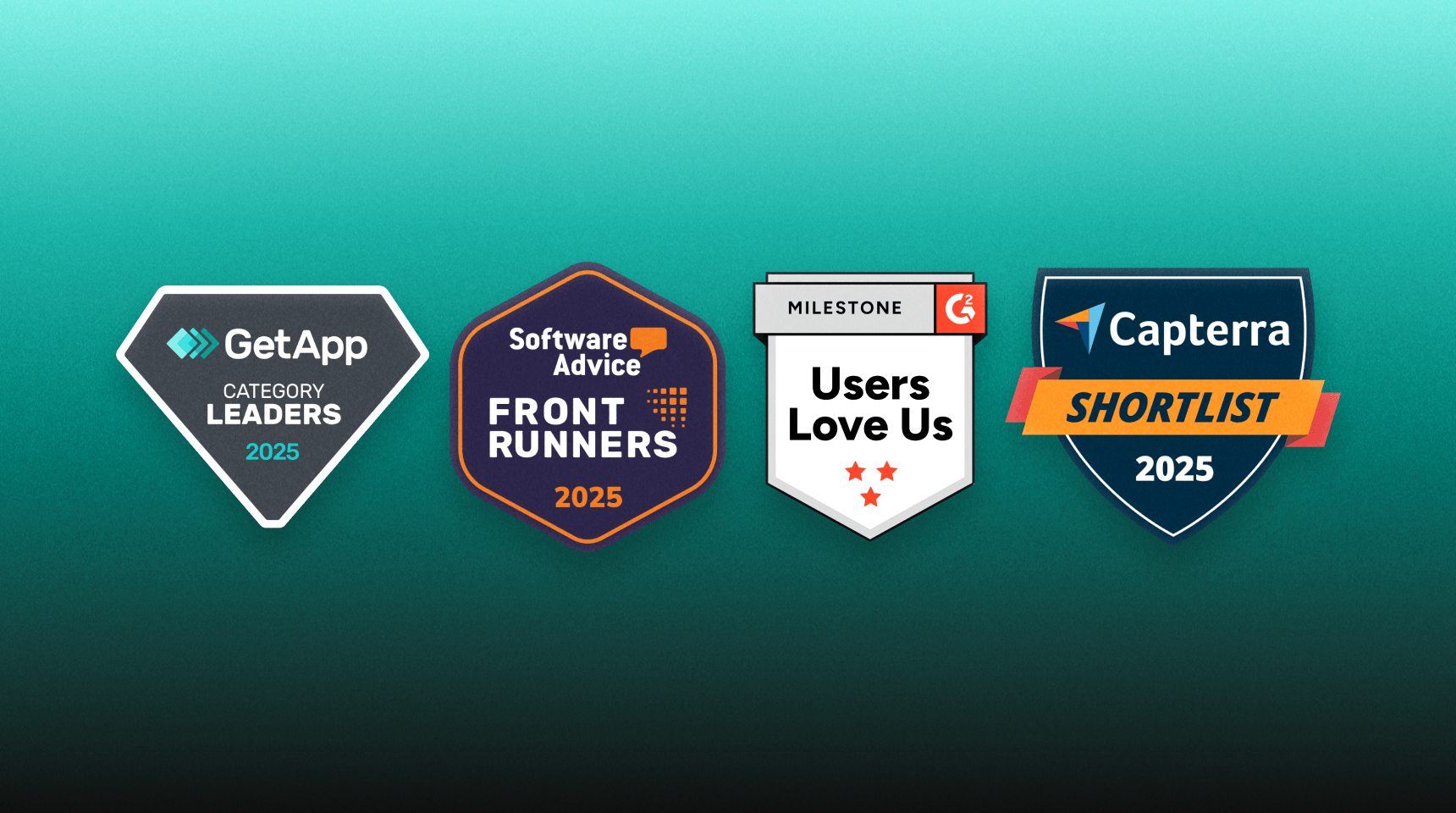
We don’t build features for badges. Still, it’s nice when independent platforms notice the work — especially in a category as crowded as remote support.
- • GetApp Category Leaders 2025 — Remote Support. Category Leaders rankings highlight top-ranked North American software products based on ratings from end-users in five key areas: ease of use, value for money, functionality, customer support, and likelihood to recommend.
- • Software Advice Front Runners 2025 — Remote Support. Software Advice’s FrontRunners report ranks top products based on user reviews, which helps businesses find the right software.
- • “Users Love Us” on G2. A nice reflection of positive user sentiment, not marketing claims.
- • Capterra Shortlist 2025 — Remote Support. Capterra Shortlist charts the highest-rated and most popular software products. Explore, save your progress, and share with colleagues.
Looking Ahead to 2026
This is what we’re working on. Priorities may shift as we learn more.
What we’re building next:
- • Enhanced Access Management
Customizable roles and permissions for a more tailored experience. - • Short Connection Links
Share compact, easy-to-type links with your clients for smoother sessions. - • Unattended Remote Access for Linux
Extending persistent access to Linux devices. - • Paid Subscription Plans
New plans to support professional users while keeping HelpWire free for personal use. - • Multi-Session Support
Manage multiple remote connections simultaneously. - • Expanding to Mobile
Bringing remote access and screen sharing to mobile devices. - • Improved Operator App
Adding client and team management tools to the desktop app for even more control.
- • Enhanced Access Management
Thank you
If you used HelpWire this year — at work, in an MSP, on an internal IT team, or to help someone in your family — thank you.
The feedback, the patience during the rough patches, and the honest reviews all pushed the product forward. We’ll keep shipping, and we’ll keep listening.
— The HelpWire Team 💚
What worked well