categories
Published on in

Important Update: Operator Permissions

Author: Bohdan Mantula
Bohdan Mantula Article author
  • HelpWire
  • Blog
  • Important Update: Operator Permissions
Important Update: Operator Permissions

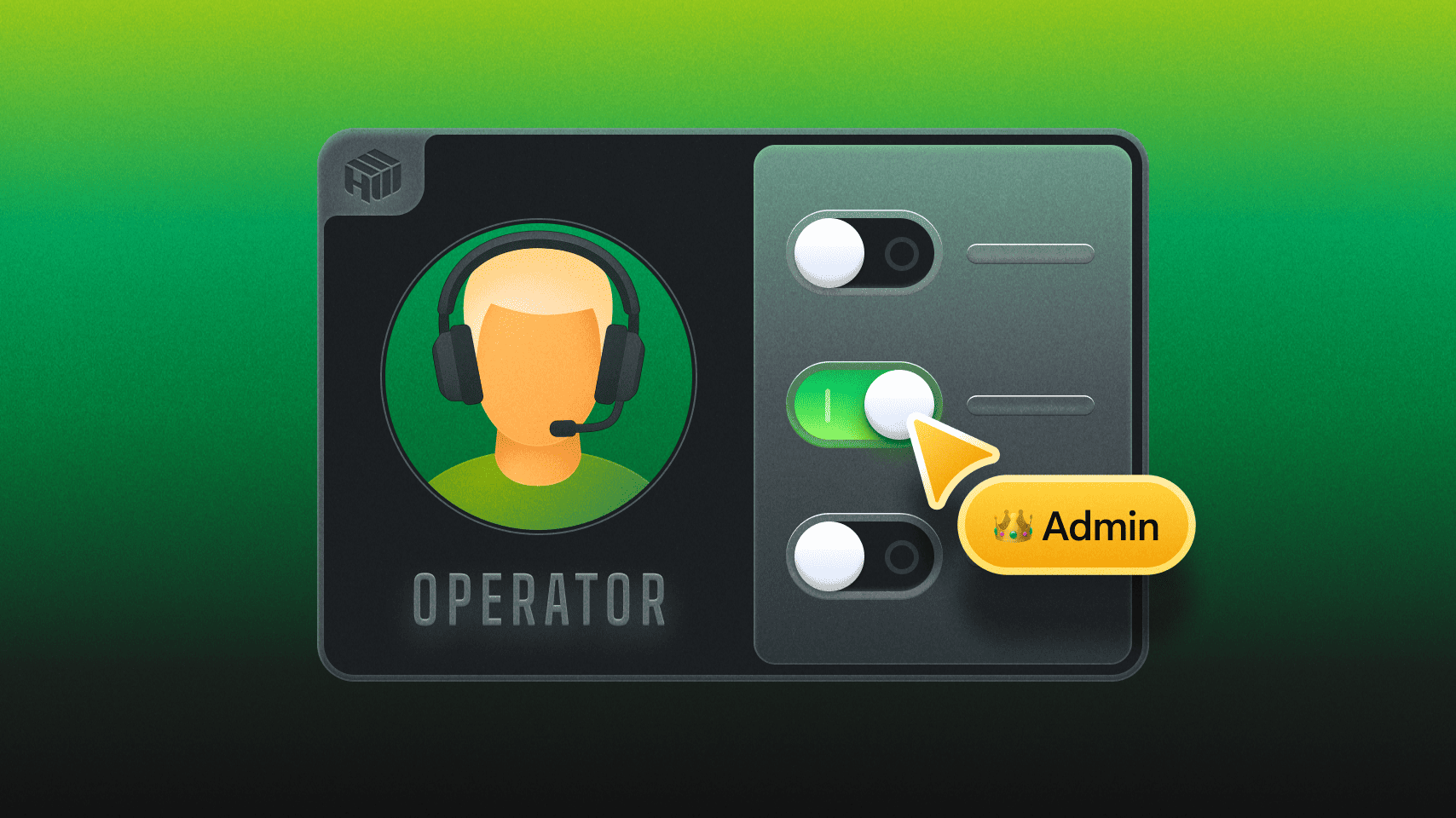
We’re thrilled to announce a new update to the HelpWire Web Portal: Operator Permissions feature. This update provides users with Owner status the ability to control which client folders each operator has access to, ensuring that operators only access the clients assigned to them and do not view other client folders in the workspace.

To manage access, in the HelpWire Web Portal, go to the Settings menu (gear icon) on the left sidebar:

  1. Click on the “Operators” section under “Company Settings.”
  2. Select the team member you want to assign permissions to.
  3. Specify which Client Groups they can access.
  4. Make sure the Operator only works with clients in their assigned groups.

Why it's important

As your team grows, the chances of accidental access, workflow chaos, and client confusion increase. The Operator Permissions feature helps you:

  • • Maintain clear boundaries between different roles (e.g., Sales, IT, external contractors).
  • • Enhance security and privacy.
  • • Minimize distractions for Operators by only showing them relevant clients.
  • • Protect private devices from unauthorized team access.
  • • Scale your HelpWire setup more efficiently.

This feature has been a highly requested addition from teams handling multiple client groups within one system, and we’re excited to finally roll it out.

Stay in touch

Operator Permissions and support for Two-Factor Authentication are parts of a broader push toward more advanced access control, better security, and team management. We’ll keep improving these features based on your feedback. Follow us on social media and feel free to share suggestions on our Reddit page.