GoToMyPC and LogMeIn Pro are both built for the same use case: remote access to your own computers from anywhere. GoToMyPC prices per computer and is straightforward to set up, but offers no free tier and no client-facing support tools. LogMeIn Pro adds session recording, endpoint antivirus, and a File Manager, but also carries no free tier and frequent renewal price increases. Both require host software pre-installed on each computer before a session can start and are designed primarily for accessing computers you already own or manage.
HelpWire takes a different approach. Built for IT providers and support teams, it starts attended sessions through a connection link instead of a preconfigured host or computer ID, while organizing work around client profiles, notes, groups, and session history. It also offers a free plan with attended and unattended access.
Software tested: the latest publicly available GoToMyPC and LogMeIn Pro host and client builds as of late June 2026.
Quick Comparison: GoToMyPC vs LogMeIn Pro vs HelpWire
| Category | GoToMyPC | LogMeIn Pro | HelpWire |
|---|---|---|---|
| Best for | Individuals and small teams wanting simple, reliable remote access to their own computers with predictable per-computer pricing. | Professionals and small teams needing feature-rich personal remote access with session recording and endpoint antivirus. | ⭐ IT support teams, solo providers, and SMB IT teams wanting a complete remote support workflow at no cost, including client-facing sessions. |
| Takeaway | GoToMyPC fits individuals prioritizing simplicity. LogMeIn Pro fits those needing more advanced personal access tools. HelpWire fits teams providing client-facing support without any subscription cost. | ||
| Free plan | None. Free trial available. | None. 14-day free trial available. | ⭐ Free for personal and business support. |
| Takeaway | HelpWire is the only one of the three with an ongoing free plan. GoToMyPC and LogMeIn Pro are both paid-only products. | ||
| Platform support | Windows, macOS as host. iOS, Android client apps. Linux client only (no Linux host). | Windows, macOS as host. iOS, Android client apps. No Linux host support. | Windows, macOS, Linux as host. No mobile app. |
| Takeaway | GoToMyPC and LogMeIn Pro have nearly identical platform support — Windows and macOS host only, no Linux hosting. HelpWire adds Linux as host but has no mobile app. | ||
| Connection setup | Access code or saved computer list. Must pre-install host software on each computer. | Account-based. One-click connection from saved computer list. Host software pre-installed on each computer. | ⭐ Session link. No ID, password, or account required on the client side. |
| Takeaway | Both GoToMyPC and LogMeIn Pro require pre-installed host software and are optimized for accessing your own machines. HelpWire is better suited for one-off or first-time client sessions. | ||
| Core support workflow | Unattended access, file transfer and sync, remote printing, multi-monitor display, Wake-on-LAN, mobile app. No in-session chat or session recording. | Unattended access, file transfer, File Manager, remote printing, clipboard sync, multi-monitor display, sound streaming, session recording, Wake-on-LAN. Endpoint antivirus (Bitdefender). No in-session chat. | ⭐ Remote control, file transfer, in-session chat, unattended access, reboot/reconnect, Windows admin elevation, multi-monitor support. |
| Takeaway | LogMeIn Pro has the broadest personal access toolkit, adding session recording and endpoint antivirus. GoToMyPC covers personal access essentials without recording. HelpWire adds in-session chat and Linux host support, and covers client-facing support that neither competitor is designed for. | ||
| Security | AES-256, 2FA, MFA. Cloud-only. No formal compliance certifications listed. | ⭐ AES-256, SSL/TLS, 2FA, access permissions, endpoint antivirus (Bitdefender). Cloud-only. No publicly documented compliance certifications. | TLS/AES-256, Auth0, 2FA, DigiCert-signed apps, P2P with encrypted relay fallback, consent-based access. |
| Takeaway | LogMeIn Pro adds built-in endpoint antivirus. All three cover standard encryption and 2FA. None have published formal compliance certifications. | ||
| User sentiment, complaints | High monthly cost relative to feature set. No in-session chat or recording. Performance dips on large file transfers. | Frequent pricing increases at renewal. No free plan. Mac version missing some features vs Windows. No in-session chat. | ⭐No mobile app. Smaller review base. |
| Takeaway | GoToMyPC and LogMeIn Pro friction is mainly pricing and missing collaboration tools. HelpWire friction is maturity and missing mobile coverage. |
Overview

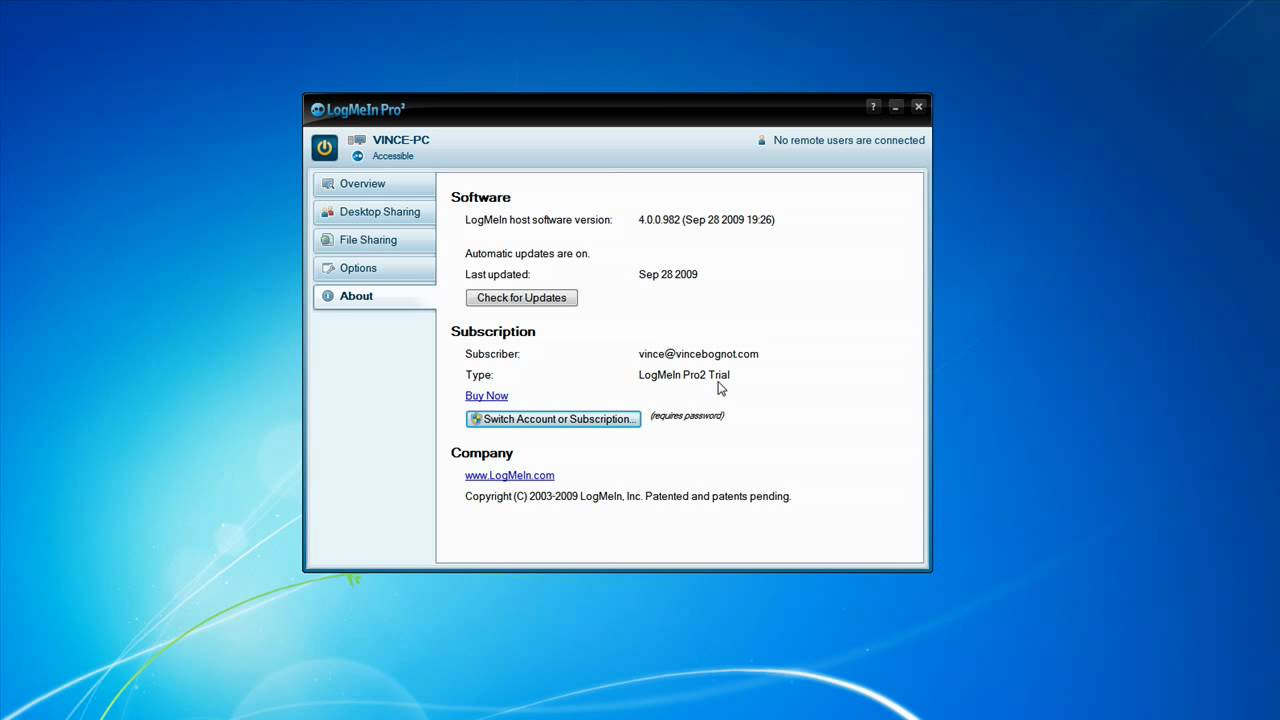
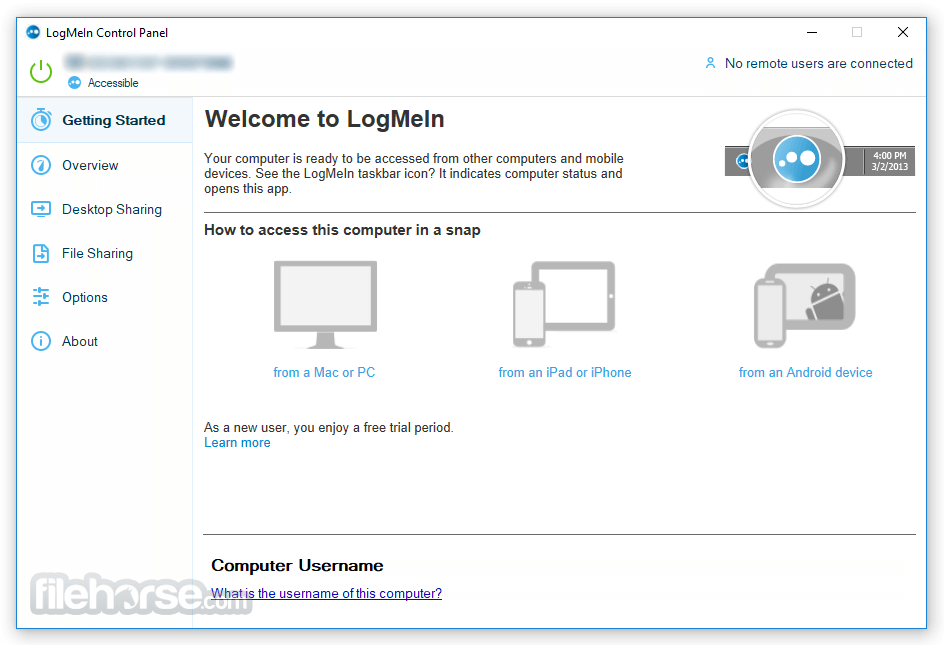
LogMeIn Pro, part of the GoTo family (formerly LogMeIn), is marketed as a “work-from-anywhere” solution designed for professionals and small teams. It is designed for professionals and businesses who need secure, fast, and flexible connections. It allows you to access your computers remotely through desktop clients, web browsers, and mobile apps (iOS and Android).

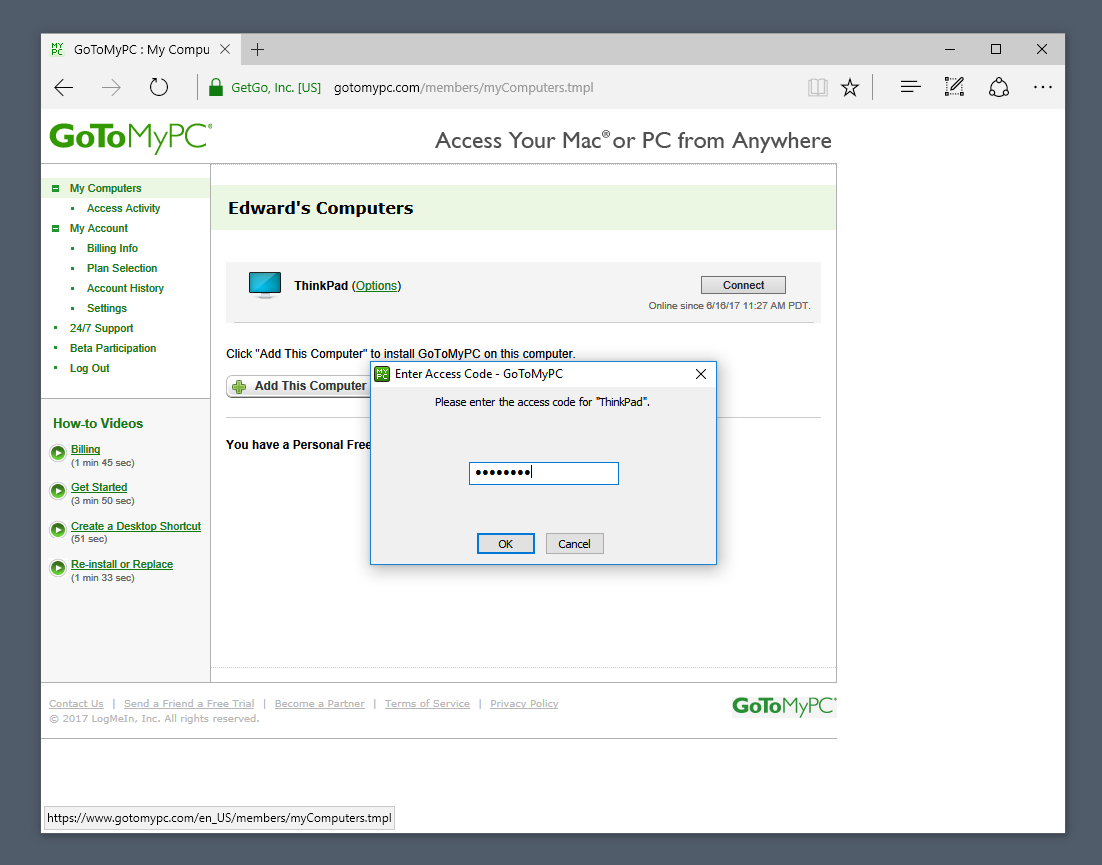
GoToMyPC, also from the GoTo ecosystem, focuses on simplicity and reliability. Known for its straightforward setup, GoToMyPC uses a broker-based architecture for secure remote sessions. It provides consistent performance with minimal lag, making it a solid choice for businesses needing dependable remote access without unnecessary complexity.
HelpWire: GoToMyPC and LogMeIn Pro Alternative
HelpWire is a remote support tool for IT teams providing client-facing support. GoToMyPC and LogMeIn Pro primarily focus on persistent access to preconfigured computers rather than ad-hoc client support. HelpWire is the only product in this comparison with a free plan, and is the only one built around a client directory and link-based session start.
Key Features:
-
No Subscription Required.
GoToMyPC starts at approximately $35/computer/month with annual billing. LogMeIn Pro starts at $30/month for two computers. HelpWire covers attended and unattended sessions, file transfer, in-session chat, and client management at no cost.
-
Built for Client-Facing Support.
GoToMyPC and LogMeIn Pro primarily focus on persistent access to preconfigured computers rather than ad-hoc client support. HelpWire is built for operators supporting clients they do not own or manage, with a client directory, per-client profiles and notes, and a session timeline.
-
Link-Based Session Start.
Both GoToMyPC and LogMeIn Pro require host software pre-installed on each computer before a session can start. HelpWire sends clients a connection link. They click it, run the app, and approve the connection.
-
Linux Host Support.
Both GoToMyPC and LogMeIn Pro support Windows and macOS as host platforms only. HelpWire supports Linux on X11 and Wayland, including modern distributions such as Ubuntu 22.04 and Fedora.
Features
1. Remote Access & Session Management
- • LogMeIn Pro offers Wake-on-LAN, multi-monitor support, and remote sound playback, allowing users to fully control remote systems even when unattended.
- • GoToMyPC provides unattended access and a straightforward setup with access codes.
2. Performance & Connectivity
- • LogMeIn Pro uses adaptive compression to maintain performance on varying bandwidth levels. Provides smooth interaction even on large displays with high resolution.
- • GoToMyPC employs smart screen refresh (only sending changes), reducing bandwidth consumption.
3. File Transfer & Remote Printing
- • LogMeIn Pro includes drag-and-drop file transfers, remote printing, and clipboard sync, making cross-device workflows seamless.
- • GoToMyPC supports file transfers and printing as well, though performance may dip when handling large file transfers compared to LogMeIn.
4. Collaboration & Support Tools
- • LogMeIn Pro has no integrated whiteboard or chat, making it less ideal for real-time collaboration. It’s more suited for IT admins and individual professionals.
- • GoToMyPC is similarly limited, offering no in-session chat or annotation tools.
5. Security & Compliance
Both solutions enforce AES-256 encryption, TLS security, and two-factor authentication for secure remote sessions.
LogMeIn Pro adds endpoint antivirus powered by Bitdefender, making it stronger in proactive threat protection.
6. Scalability & User Management
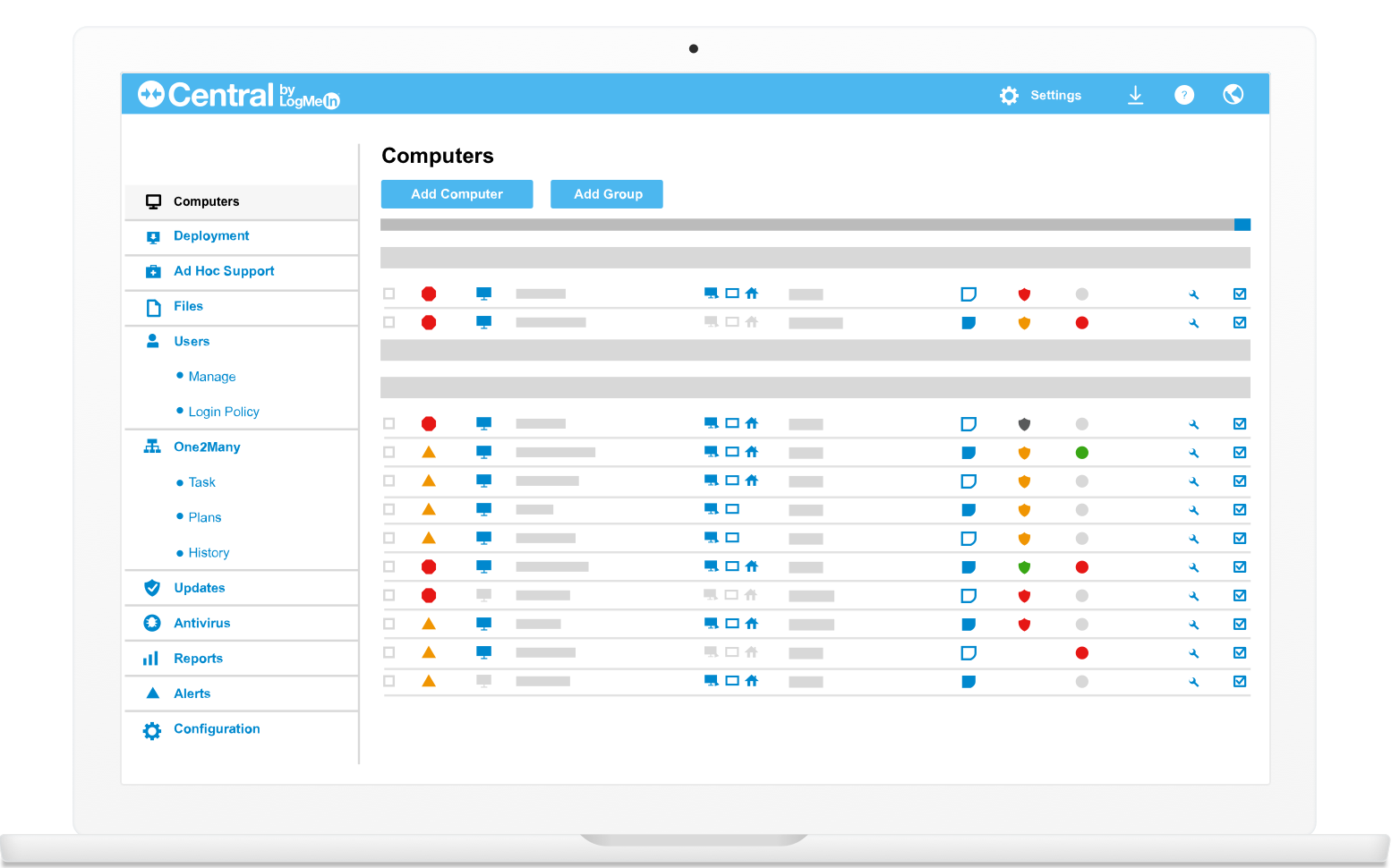
- • LogMeIn Pro allows unlimited users to access licensed computers, making it great for teams. Offers detailed user permission management.
- • GoToMyPC’s pricing is per computer, and user access management is limited outside its Corporate plan, which includes centralized administration.
| Features | GoToMyPC | LogMeIn Pro |
|---|---|---|
| File Transfer | ||
| Session Recording | ||
| Remote Printing | ||
| Real-Time Chat | ||
| Mobile Access | ||
| Multi-Monitor Support | ||
| Whiteboard | ||
| Wake-on-LAN |
Interface Comparison
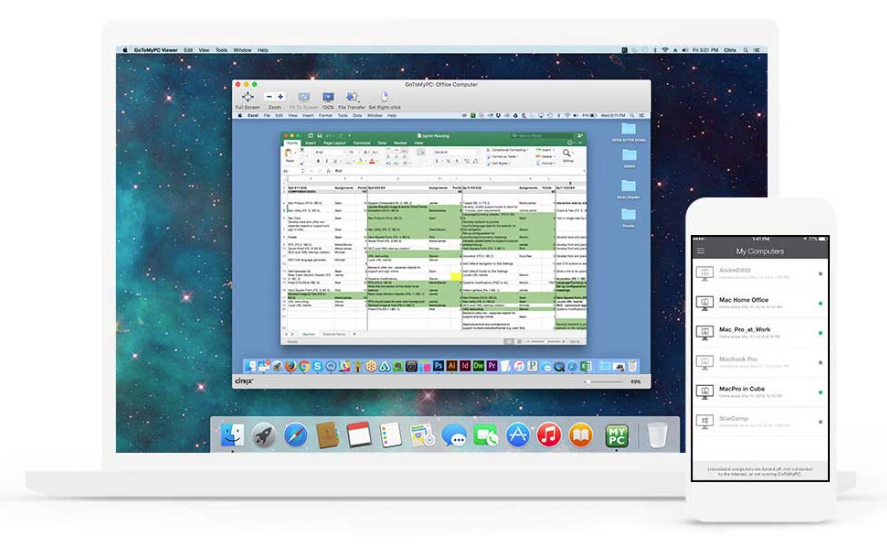
Both tools deliver a clean and intuitive interface, replicating the host device experience on the client side. LogMeIn Pro emphasizes consistent UX across desktop and mobile apps, while GoToMyPC provides a straightforward browser-based interface with minimal friction.
Operating Systems
| Operating System | GoToMyPC | LogMeIn |
|---|---|---|
| Windows | ||
| MacOS | ||
| Android | ||
| iOS & iPadOS | ||
| Linux | Client only |
Pros and Cons
Choosing between GoToMyPC and LogMeIn Pro often comes down to cost, performance, and feature priorities. Here’s an overview:
GoToMyPC
Pros
- Simple setup and easy use
- Multi-monitor and Wake-on-LAN support
- 256-bit AES encryption and MFA
- Mobile app for extra flexibility
Cons
- High monthly cost
- No in-session chat or recording
- Some lag is experienced when working with large files
LogMeIn Pro
Pros
- Advanced features like session recording and endpoint security
- Multi-monitor, Wake-on-LAN, and remote sound
- Transfer files using drag and drop
- Strong security with AES-256 and 2FA
- 24/7 support
Cons
- Premium pricing with annual billing only
- Occasional connection instability
- Lacks real-time collaboration features
Price
Before we look at numbers, note this key difference:
LogMeIn Pro Pricing
- • LogMeIn Pro charges based on the number of computers you can access, not per user. All plans allow unlimited users.
GoToMyPC Pricing
Personal Plan
The Personal plan is designed for one user who needs to access one or more computers. Priced at $35.00/computer/mo (billed annually), it allows access to between 1 and 20 computers. This tier includes core features like unlimited remote access, multi-monitor support, file transfer & sync, remote printing, and complimentary antivirus protection.
Pro Plan
The Pro plan is suited for small teams that require administrative oversight for multiple computers. At $33.00/computer/mo (billed annually), it offers unlimited users and access to 2 to 50 computers. It includes all Personal features plus professional administration tools such as centralized billing, user account management, the ability to monitor usage, and shared access to devices.
Corporate Plan
The Corporate plan is for larger teams requiring advanced administrative control and enhanced security features. At $28.00/computer/mo (billed annually), it supports unlimited users and access to 5 or more computers. It includes all Pro features plus advanced enterprise capabilities such as multiple administrators, remote deployment, granular group and user settings, and Single Sign-On (SSO).
| Plan Level | GoToMyPC | LogMeIn Pro |
|---|---|---|
| Entry-Level | $35.00/month (per PC) | $34.99/month (2 PCs) |
| Mid-Tier | $33.00/month (per PC) | $84.99/month (5 PCs) |
| High-Tier | $28.00/month (per PC) | $154.99/month (10 PCs) |
Conclusion
GoToMyPC is a strong fit for individuals and small teams needing simple, reliable access to their own computers. Per-computer pricing is predictable and setup is minimal. It has no free tier and no tools for supporting customers or external clients.
LogMeIn Pro goes further with session recording, endpoint antivirus, and file management without a full desktop connection, but also carries no free tier and documented renewal price increases. Like GoToMyPC, it is designed for accessing machines you own or already manage, not for running ad-hoc support sessions with clients.
HelpWire is built for IT providers and support teams connecting to clients’ computers. The free plan includes attended and unattended sessions, file transfer, in-session chat, and a client directory, with no pre-installation needed on the client side. A mobile app is not available.