The Remmina Remote Desktop Client
- HelpWire
- →
- Blog
- →
- Linux Remote Desktop
- →
- Remote Desktop Client Linux
- →
- Remmina Remote Desktop Client
Remmina is a commonly available Linux remote desktop client. It supports a number of protocols, chief among them RDP and VNC. Because of RDP’s cross-platform nature, it can also be used to establish sessions with Windows RDP servers.
Why is Remmina a Popular RDP Client for Linux?
Out of all libre Remote Desktop clients for Linux, Remmina is probably the most feature-complete. It’s compatible with a wide range of distributions, including Ubuntu, Debian, and Arch. Remmina provides a great amount of connection options, including USB, webcam, and microphone redirection, and allows sessions to be saved for quick access. Perhaps its only flaw is the lack of error messages and a tendency to silently exit when connecting to a wrong IP address or with wrong credentials.
-
Device redirection
-
Advanced quality and network settings
-
Connection profile saving
-
Wide range of supported protocols
-
Almost any kind of Linux is supported
How to Start a Remmina Remote Desktop Session
The following is an easy way to start a remote session with Remmina.
-
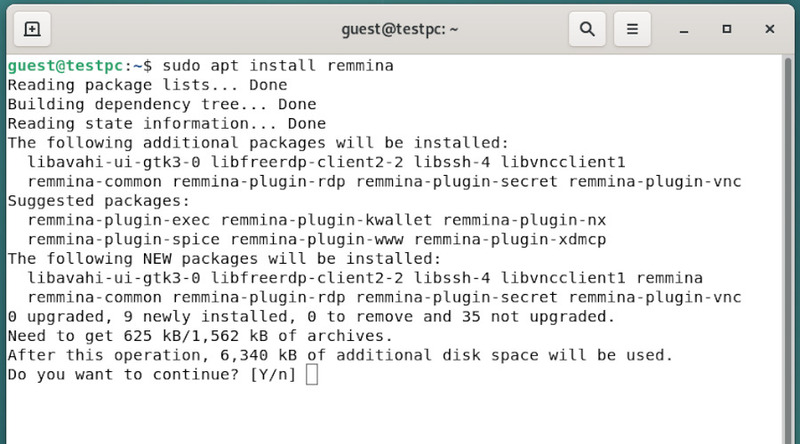
Either use a .flatpak or a package manager (snap, apt) to install Remmina.
-
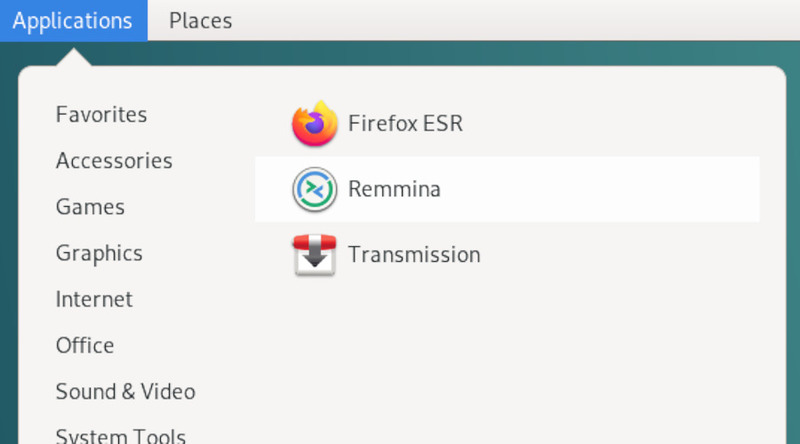
Launch Remmina.
-
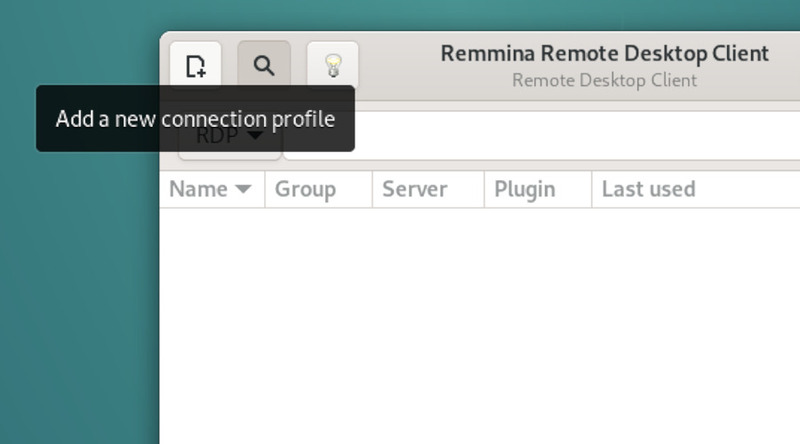
Click “Add a new connection profile”.
-
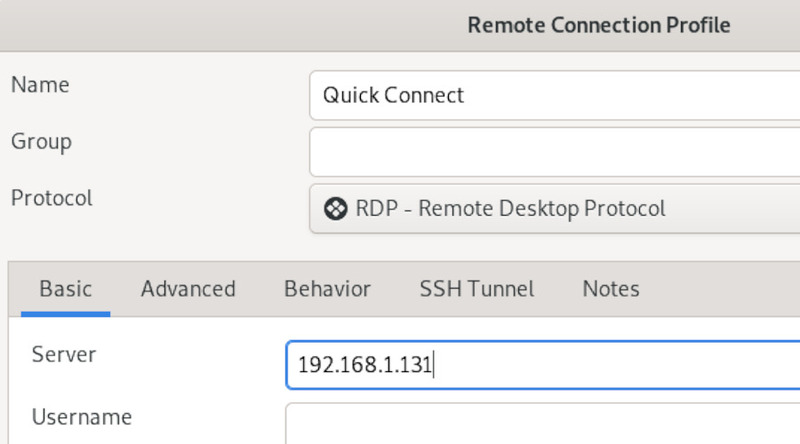
Enter the IP address of the remote computer and click “Save and Connect”.
-
Enter login credentials and you can start the Remmina RDP session.
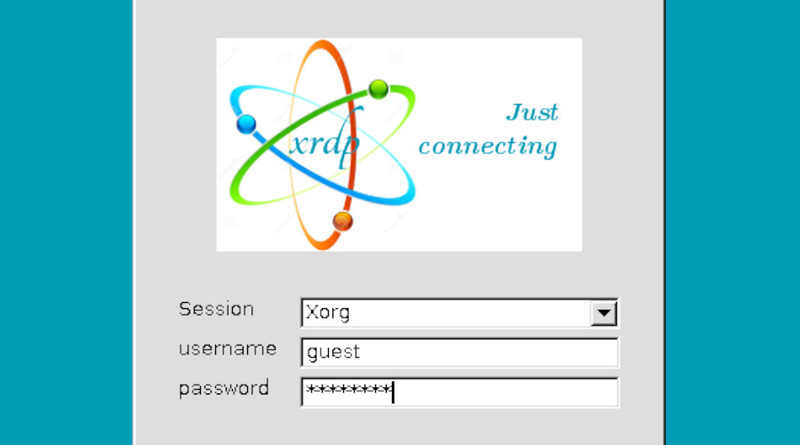
How to Allow Remmina RDP Sessions on Windows 11
-
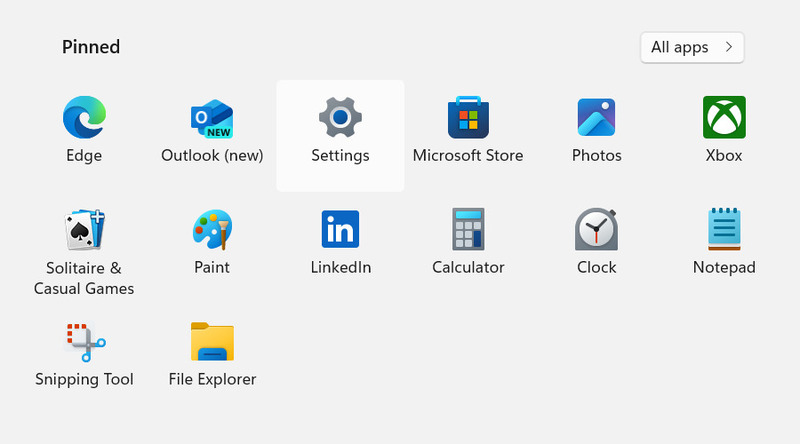
Open the Start panel and select “Settings”.
-
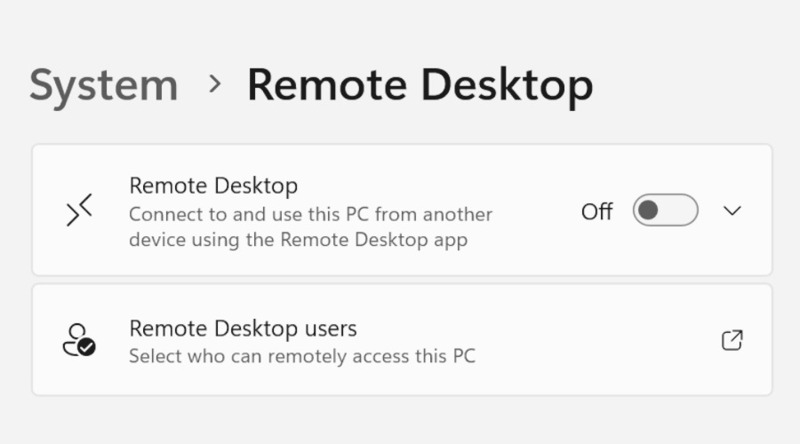
Go to System > Remote Desktop and enable the protocol.
-
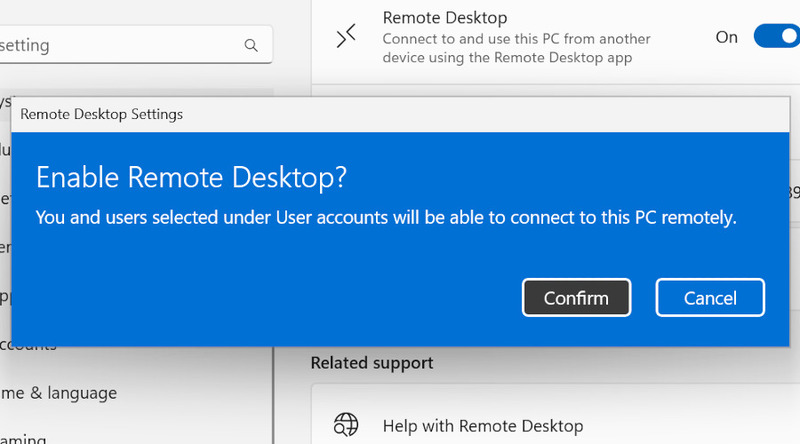
Confirm the selection.
-
Remmina can now connect to this computer.
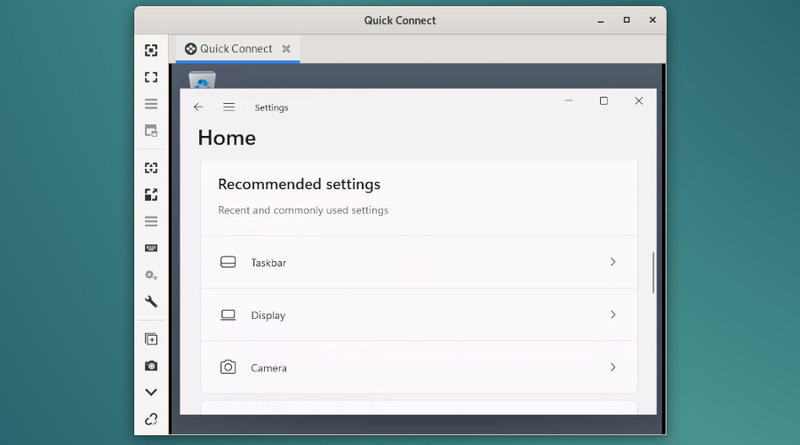
An Alternative Linux Remote Desktop Client - HelpWire
If you want more convenience than Remmina can offer, consider HelpWire. HelpWire is a free Linux Remote Desktop tool. It’s intended for remote support and has fully cross-platform clients on Windows, Linux, and macOS. Moreover, you don’t need to host a server to connect to a PC; the service does everything for you. Try HelpWire today – it’s free.