

TeamViewer does offer a free version in some cases, but plenty of people are on the lookout for other free alternatives. The reasons are different, like some preferring an open-source option and others wanting to bypass limitations, such as restrictions on commercial use. There are also some who are just after extra features or a smoother experience. So now, we’ll explore 10 alternative apps that serve the same purpose as TeamViewer but offer their own unique approach.
Potential for Improvement
We kept common user concerns in mind while choosing a free alternative to TeamViewer.
- • Price: We considered not only completely free tools (which are rare) but also the free versions of paid products. These typically come with limits on certain features and other restrictions that can get in the way of your daily usage.
- • Simplicity: In customer support, this aspect is important. Extra steps or complex setups can make work tedious for technicians and stressful for users. Later, we’ll also show how things can go wrong when it gets too complicated.
- • Advertisements: Free tools sometimes display ads that can disrupt users’ workflow. Ads that fill the screen, are difficult to close, or get clicked by accident, can feel just like adware.
- • Outages: TeamViewer offers an impressive uptime of nearly 99%. In contrast, you can choose when the service goes down for updates or maintenance with self-hosted tools. Besides that, fully LAN-based support makes outages less of a concern.
Below, you’ll find a comparison table of key features, and after that are brief descriptions of each tool.
| HelpWire | RustDesk | AnyDesk | Chrome Remote Desktop | Splashtop | Microsoft Quick Assist | NoMachine | DWService | Ammyy Admin | RealVNC | |
| Pricing | Free | Free | Free Plan | Free | Free Plan | Free | Free Plan | Free (6 Mbit/s max) | Free Plan | Free Plan |
| Access all features for free | yes | yes | no | yes | no | yes | yes | no | no | no |
| Unlimited computers to connect from | yes | yes | no | yes | no | yes | yes | yes | yes | no |
| Unlimited computers to connect to | yes | yes | no | yes | no | yes | yes | yes | no | no |
| Unattended remote access | yes | yes | Limited (free tier) | yes | no | no | yes | yes | yes | Limited (free tier) |
| Mobile remote access | no | yes | yes | yes | no (free tier) | no | yes | yes | no | yes |
| Cross–Platform Support | Windows, macOS, Linux | Windows, macOS, Linux, Android, iOS | Windows, macOS, Linux, Android, iOS | Windows, macOS, Linux, ChromeOS, iOS, Android | Windows, macOS, Linux (free tier) | Windows | Windows, macOS, Linux | Windows, macOS, Linux | Windows | Windows, macOS, Linux |
| File Transfer | yes | yes | yes | yes | no (free tier) | no | yes | yes | yes | yes |
| Two-factor authentication (2FA) | yes | no | yes | yes | yes | no | yes | no | no | yes |
| Built-in Chat | yes | yes | yes | no | no (free tier) | yes | no (free tier) | yes | yes | yes |
The Free Alternatives for TeamViewer
HelpWire
Best for users looking for a simple, free, and fast way to provide remote support, where they can start sessions quickly with just a link and very little setup.
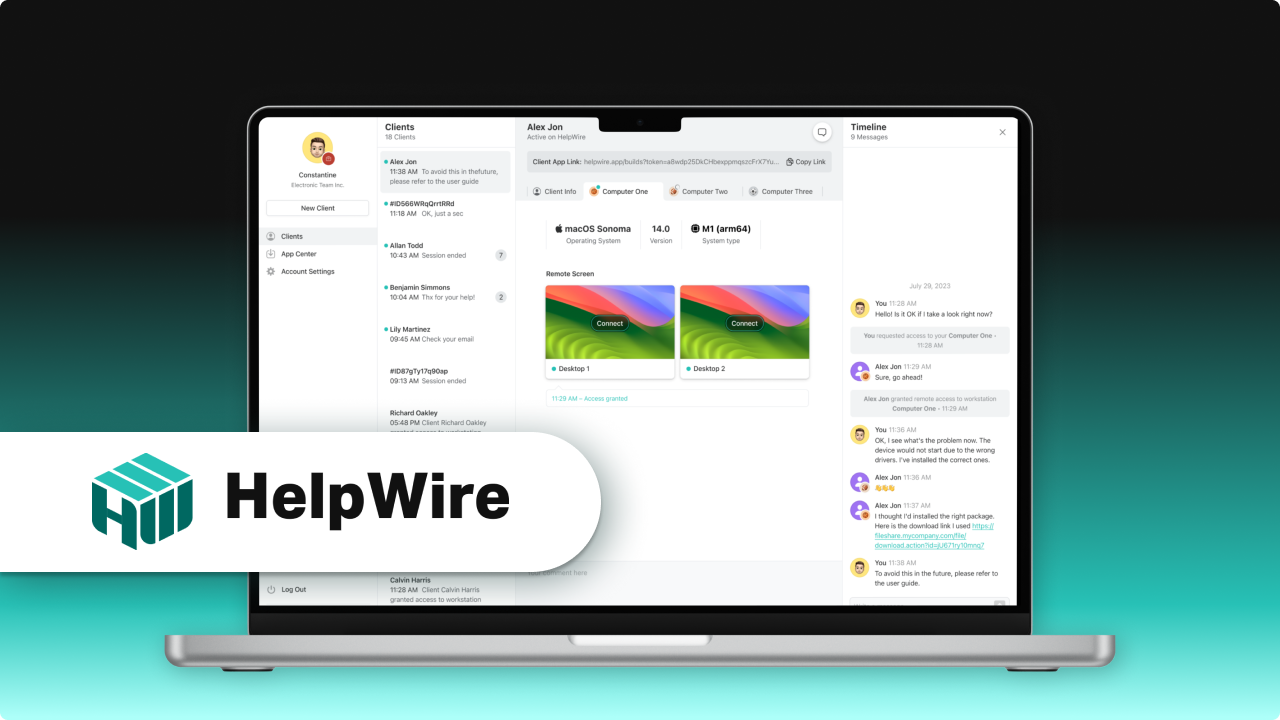
HelpWire shines as one of the top free remote access tools that give users a smoother and more user-friendly experience than TeamViewer. With it, starting a session is as simple as sending a link, and you’ll be connected in no time without going through a complicated setup.
Built for efficiency, the software includes a chat system so multiple technicians can collaborate in real time. And using its detailed system information, operators can monitor past sessions, organize client records, and decide who does what in the team without any hassle.
HelpWire gives you flexibility no matter what devices you’re using, as it works across Windows, Linux, and macOS. With unlimited file transfers and no firewall tweaks needed, it’s easy to use for both on-demand and unattended sessions. Altogether, this makes HelpWire the best free TeamViewer alternative.
Pros
- Easier workflow compared to TeamViewer
- Free for commercial use, so it's a budget-friendly choice
- Totally ad-free!
Cons
- Mainly focuses on remote support, so features for administration and team management are limited
Ammyy Admin
Best for anyone looking for a quick, dependable remote desktop tool that works smoothly with minimal delay and has a free version for non-commercial use.
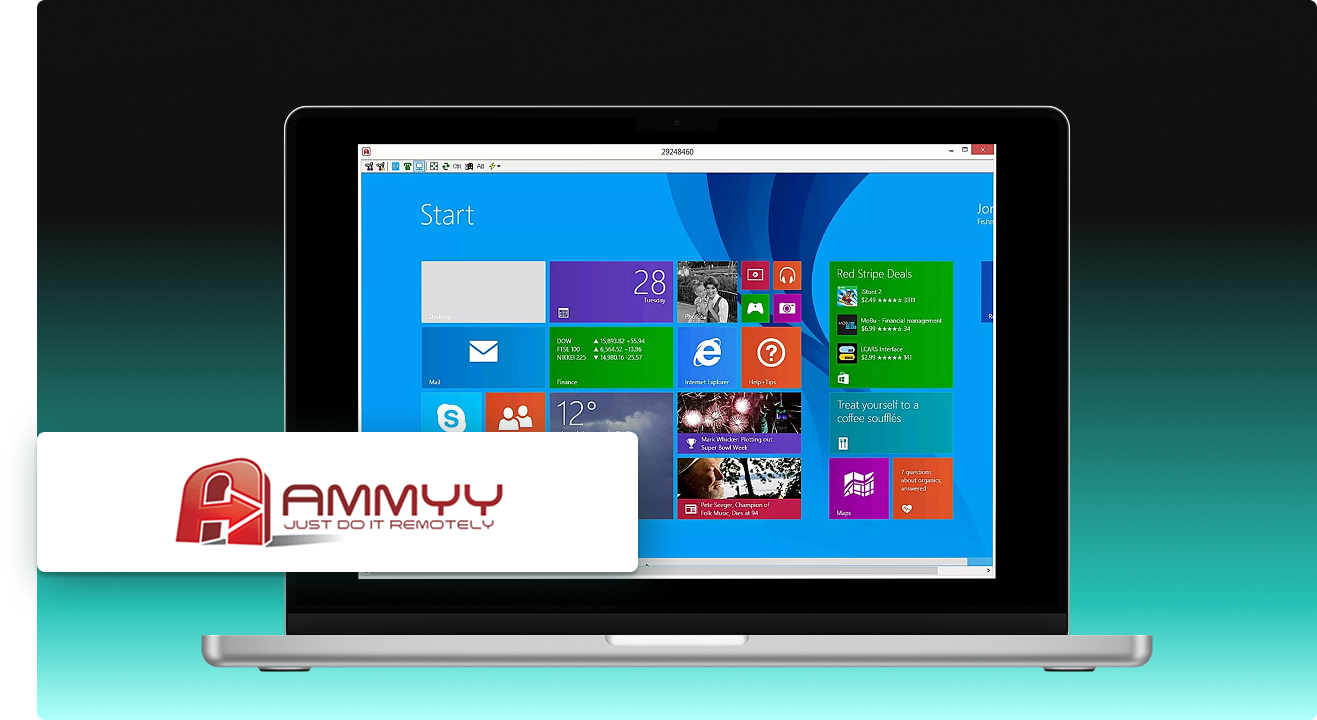
Ammyy Admin, another free alternative for TeamViewer, works only on Windows. It’s compatible with both older versions, like Windows XP, and newer ones, such as Windows 10. It actually works well across different Windows versions. One of its main conveniences is that it’s a portable app, so you can use it instantly, without installing it.
You can use Ammyy for free, but only for non-commercial purposes, and using it too often may get the app blocked. You still get file transfer and remote administration for free, though. Ammyy Admin licenses aren’t permanent—they’re valid for a two-year period and cost between $33.90 and $99.90, which is about the same as TeamViewer’s monthly plan.
Pros
- Much cheaper than TeamViewer.
- Very simple to use—no installation needed.
Cons
- Customer support has been reported as poor.
- Doesn’t include TLS encryption.
RustDesk
Best for individuals looking for an open-source, self-hosted TeamViewer alternative free to use, lets you fully control your remote desktop, and keeps your data safe and private.
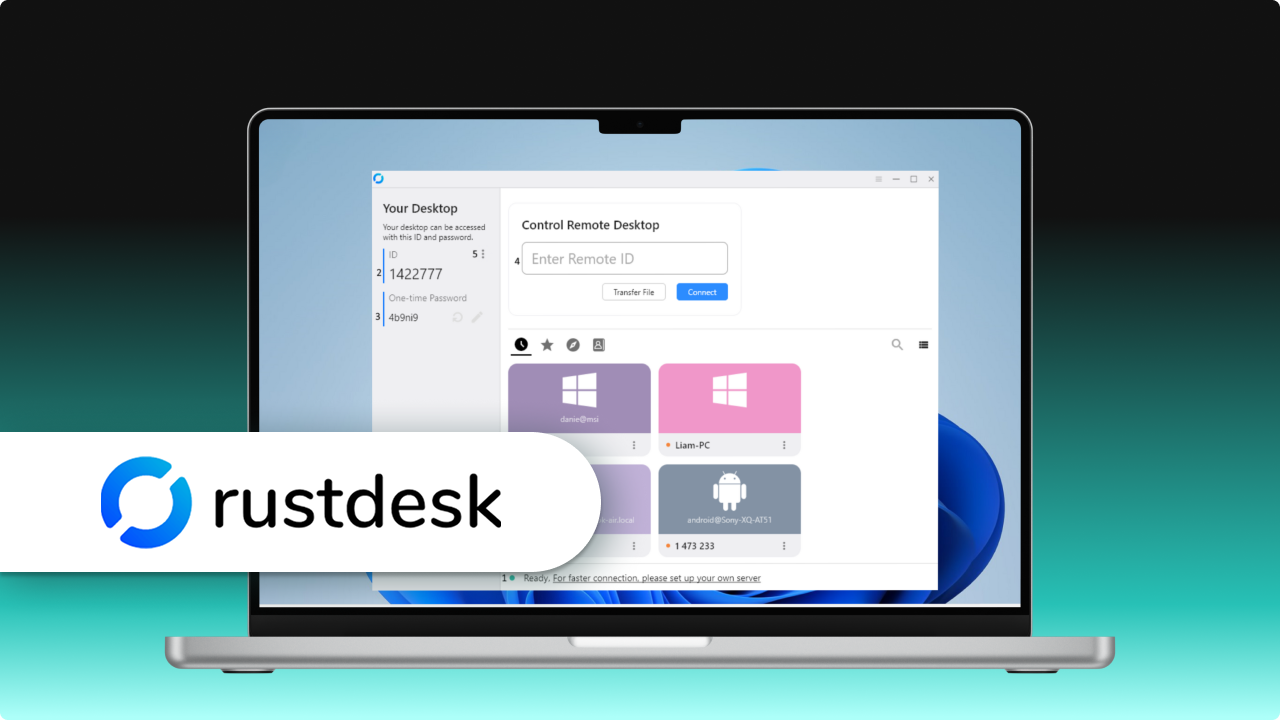
RustDesk is open-source and stands out for letting users run sessions on a server they control. This ensures your data stays private and lets you use it commercially without limits. The software also offers personal and business plans that remain self-hosted but come with extra features. RustDesk works a lot like TeamViewer and has the same easy-to-use interface.
If you host your own server, you’re the one in charge of any downtime—but that can actually be a benefit in some situations, like when you’re on a local network. RustDesk will keep running even if the internet goes out. If self-hosting isn’t practical, you may need to consider another remote desktop solution.
Pros
- Price - you can use it commercially for free if you don’t need the paid features
- You can boost reliability by managing your own server
Cons
- Not a good choice if you can’t set up your own server.
- Some features are limited, and paid plans exist even though it’s open-source.
AnyDesk
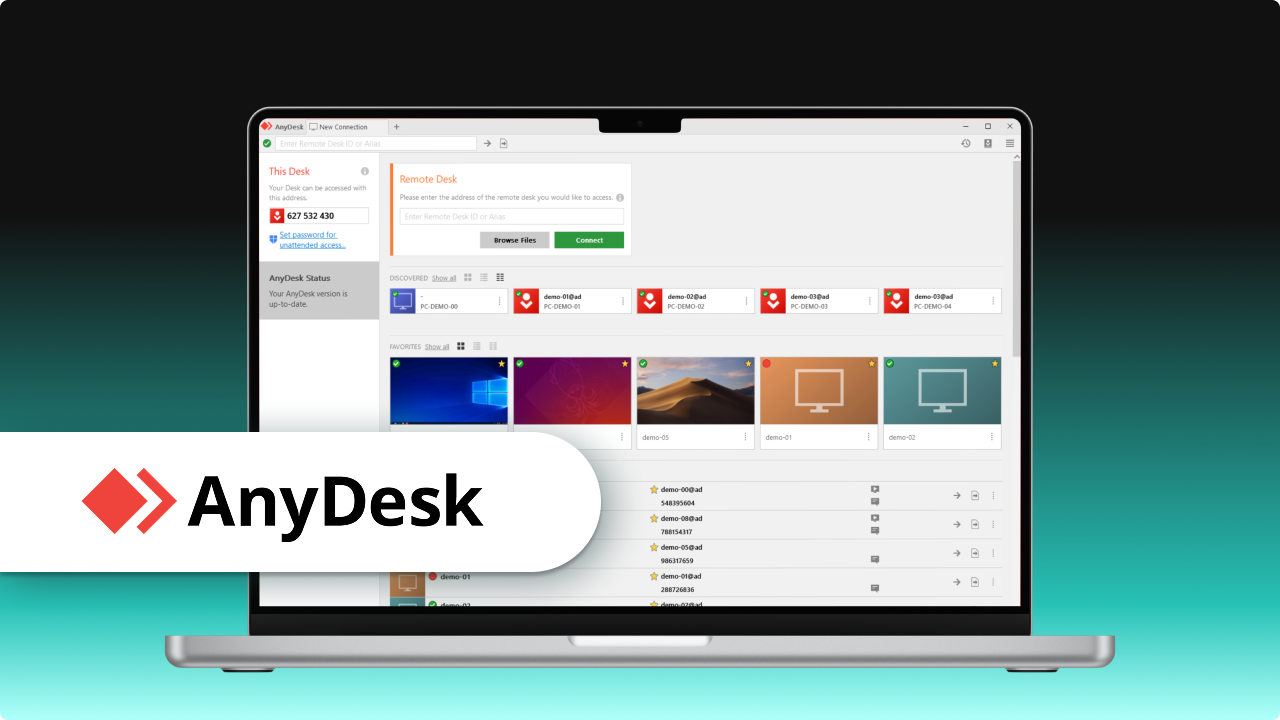
AnyDesk is also a solid free TeamViewer alternative and works on Linux, Windows, macOS, Android, and iOS devices, though you can’t take full control of iOS devices. You can use the app for free in non-commercial settings, and self-hosting is possible. But, as opposed to RustDesk, you need a special license from the company to run AnyDesk on your own server, so you can’t just download it and start using it immediately.
The software’s interface is a bit more crowded than TeamViewer’s, so it doesn’t really make things any simpler. Users, for instance, need to copy their license key themselves rather than relying on the login system.
Pros
- Users say it performs well and is dependable.
- Free for personal use, though the criteria may differ from TeamViewer.
Cons
- The interface can feel a bit awkward.
- You have to fill out a questionnaire instead of seeing all the plans side by side.
Chrome Remote Desktop
Best for users who want a browser-based TeamViewer alternative free for basic remote access, especially for using it at home or for personal tasks.
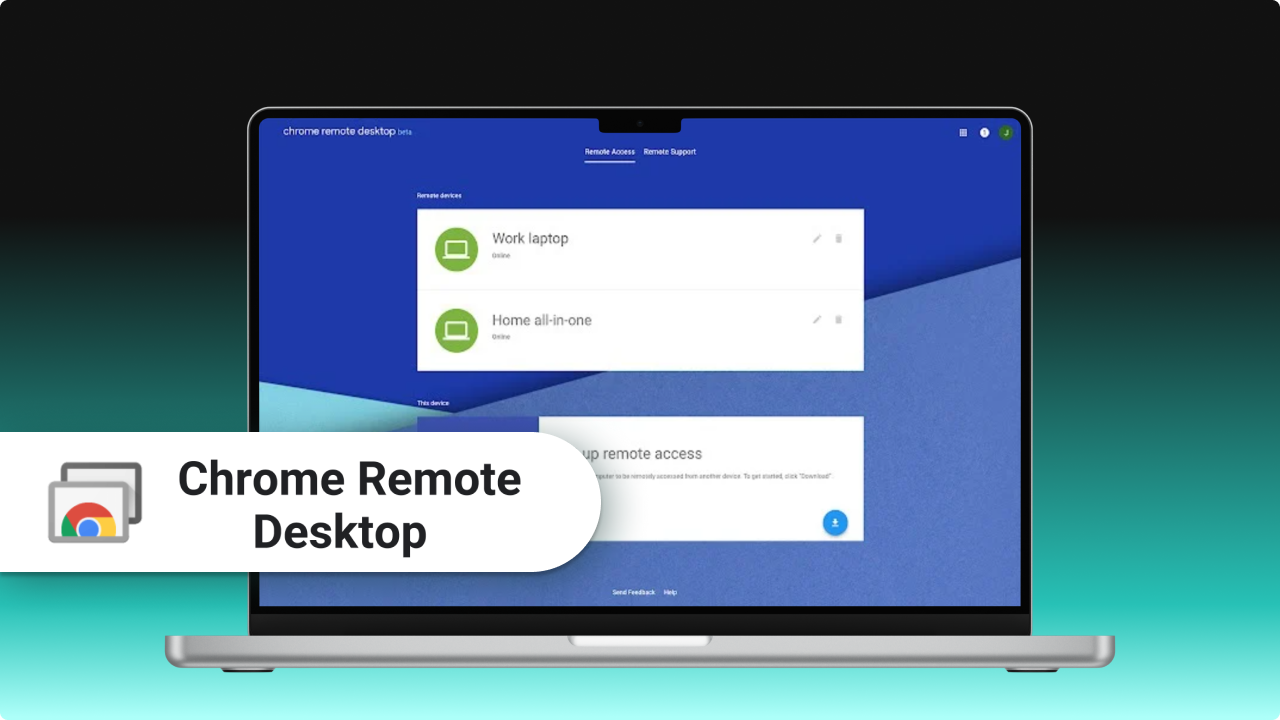
Google offers this tool completely free for personal and business use. Chrome Remote Desktop runs on Macs and PCs, and also on Android and iOS. The software has a straightforward interface, but you have to prepare each device before your first session. The customer must visit a webpage, download the installer, and share a connection key with the expert supporting them.
Chrome Remote Desktop performs steadily, though it’s missing some key features like file transfer. Many individuals use Google Drive to get around this.
Pros
- Free for commercial use, with no upgrade needed.
- Completely ad-free.
Cons
- Has far fewer features than most similar tools.
- It can be tricky to start a session when the other person isn’t very tech-savvy.
Splashtop
Best for people who want a home-network remote desktop that works on multiple devices and comes with solid features.
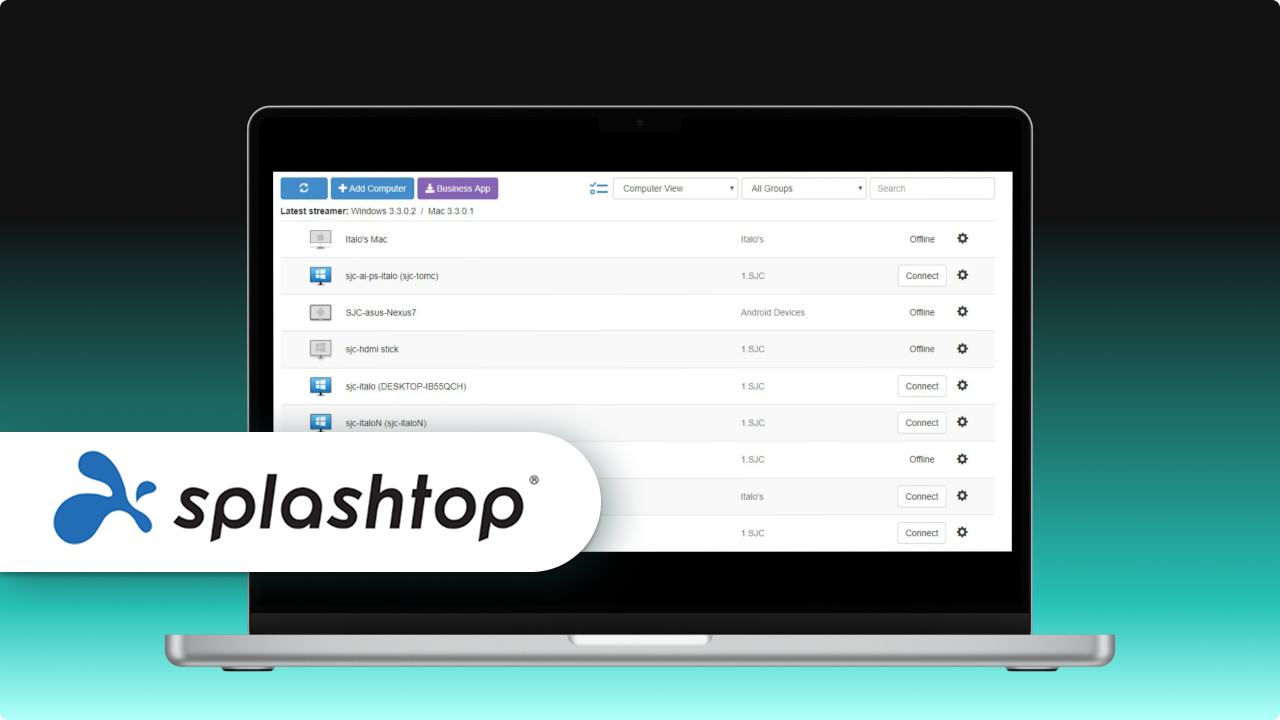
Splashtop is another free alternative to TeamViewer you can use to access and control PCs from nearly anywhere, and that provides top-notch performance with very little lag. It runs on different systems like Windows, macOS, Linux, and mobile devices (limited to paid plans). Splashtop is popular for remote work, fixing IT issues, and even for school use. It includes strong security too, with things like two-factor authentication and end-to-end encryption built in.
The idea is to offer good performance at a low cost, with both free and paid plans available depending on your needs.
Pros
- Runs smoothly and connects quickly.
- Works across a wide range of platforms.
Cons
- You need a paid plan if you want to use it commercially.
- The free version offers only a small set of features.
Microsoft Quick Assist
Best for Windows users who need a ready-to-go remote support tool that’s easy to set up and ideal for quick troubleshooting without installing extra programs.
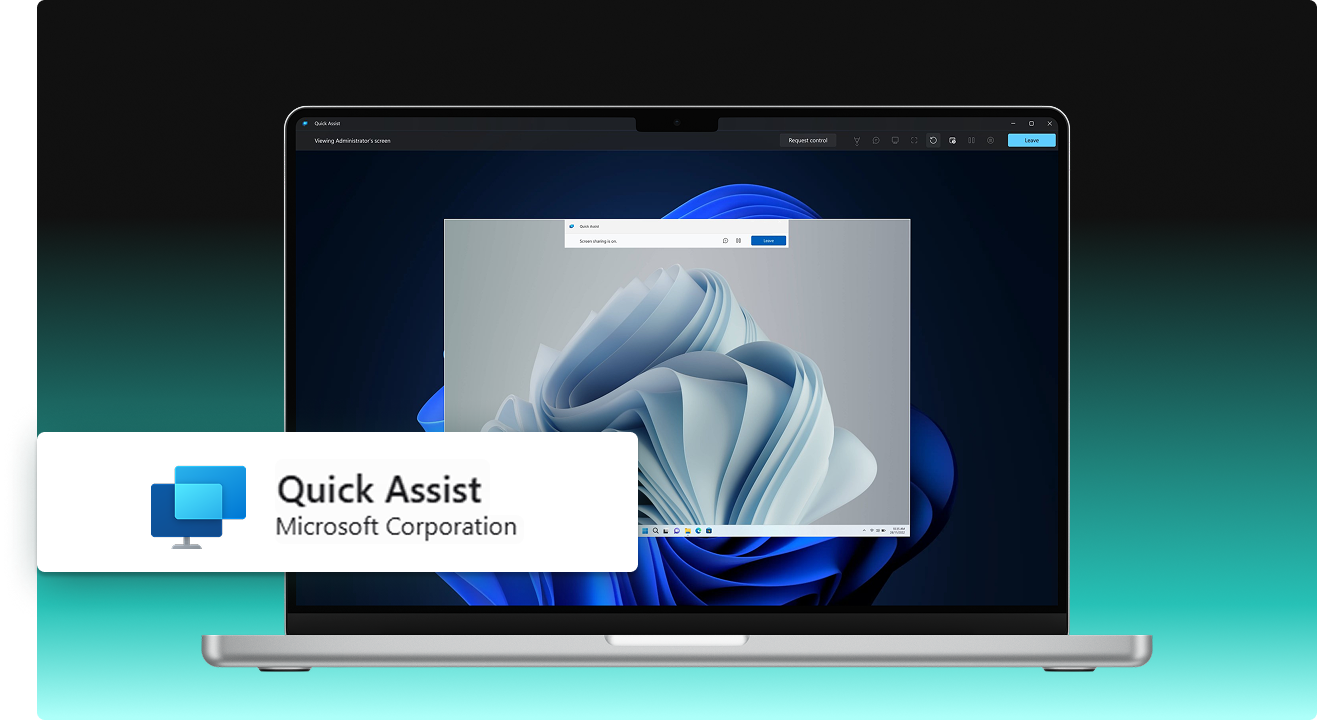
Quick Assist is a free TeamViewer alternative for Windows 10 and 11 that lets you provide or receive support wherever you are. You only need a Microsoft account to get started, and it runs completely online and doesn’t require any extra software. Windows users mostly rely on it to quickly help each other with computer issues.
It lets you view and control another computer and is meant for short, one-time troubleshooting or tech support. That said, it doesn’t have as many features as full remote access tools.
Pros
- Built into Windows, so no installation is required.
- Quick and simple setup for providing help quickly.
Cons
- Only works on Windows devices.
- Missing advanced features like file transfer or multi-monitor support.
NoMachine
Best for users seeking a fast remote desktop solution that works well with graphical and virtual setups.
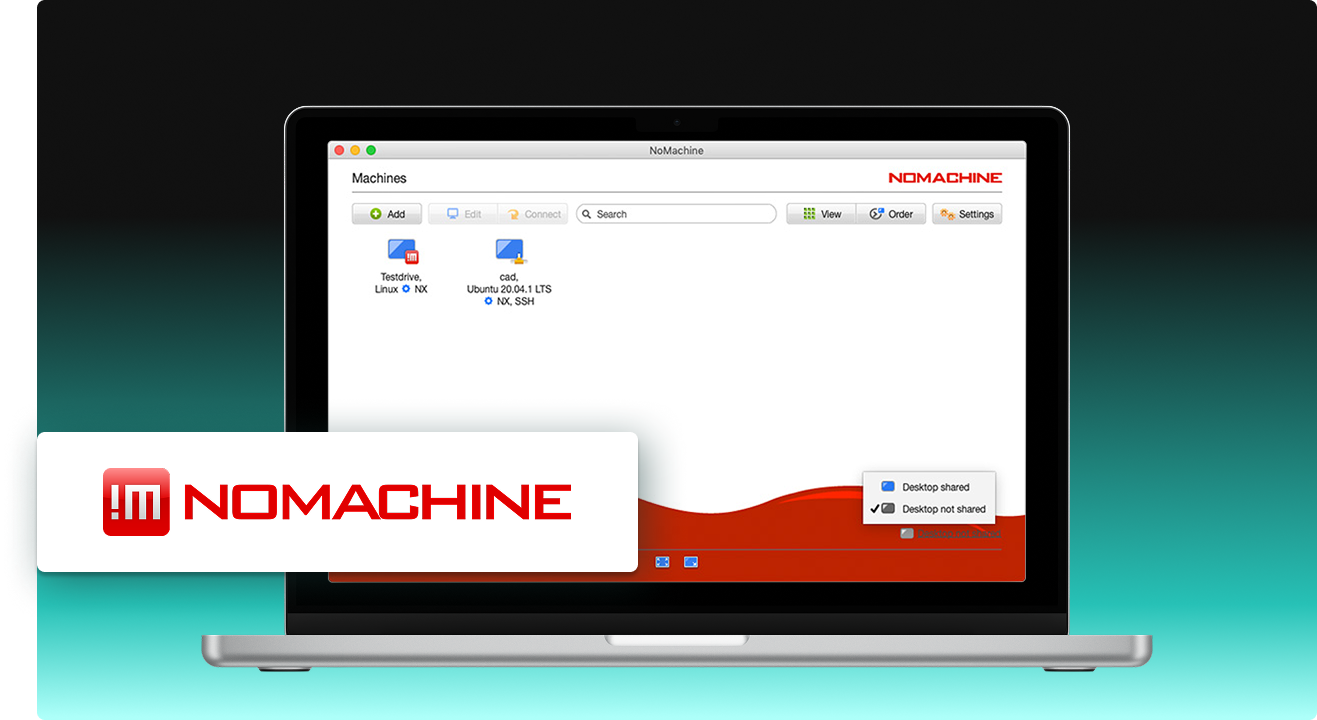
NoMachine is a desktop tool with high-quality graphics and remote access to both your own computer and virtual machines. This free alternative to TeamViewer is compatible with multiple platforms, including Windows, Linux, macOS, and Raspberry Pi. Many people in education and software development use it for its fast, smooth remote sessions with very little lag.
It offers a free version for personal use, as well as paid plans for businesses. Features include cloud access, file transfer, and printing. The software is recognized for its flexible connection choices, meaning you can connect to both regular remote desktops and virtual desktop setups.
Pros
- Excellent performance with low latency.
- Free version available with plenty of features.
Cons
- Setup can be tricky for newbies.
- Interface may feel a bit outdated.
DWService
Best for users who prefer a fully free, open-source remote access tool that runs in a web browser and provides the essentials.
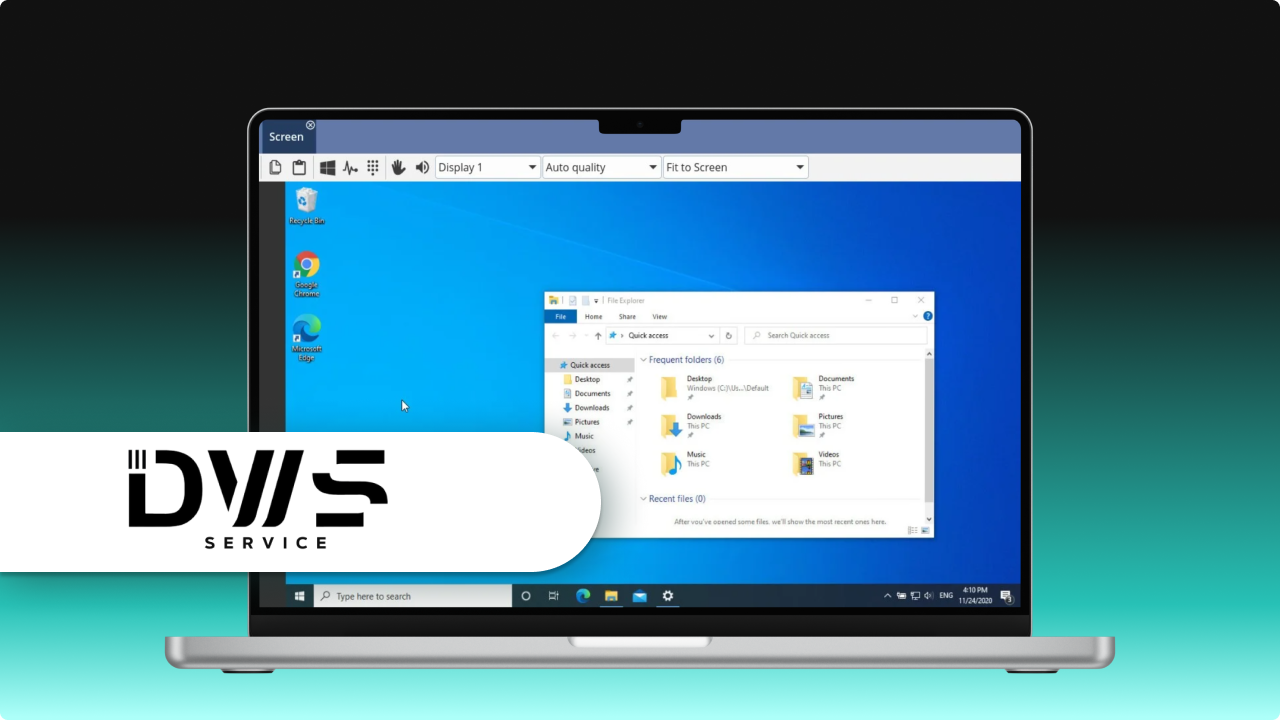
DWService is an open-source remote access tool you can use to control machines anywhere from any device, as long as you are connected to the internet. This TeamViewer free alternative is not like many other tools, as it works directly in a web browser, so there’s no need to install third-party software.
Its main functions include file transfer, session recording, and remote access. On top of that, it’s entirely free. DWService supports multiple operating systems, such as Windows, Linux, and macOS, and is aimed at people who just need the basics without paying. The only catch is that the free plan only allows 6 Mbit/s.
Pros
- Free and open-source.
- Runs in a web browser with no program installation needed.
Cons
- Doesn’t have as many advanced features as paid tools.
- The interface is basic and can be a bit confusing.
RealVNC
Best for users looking for secure remote access on different platforms, with strong encryption to protect their data—perfect for business use.
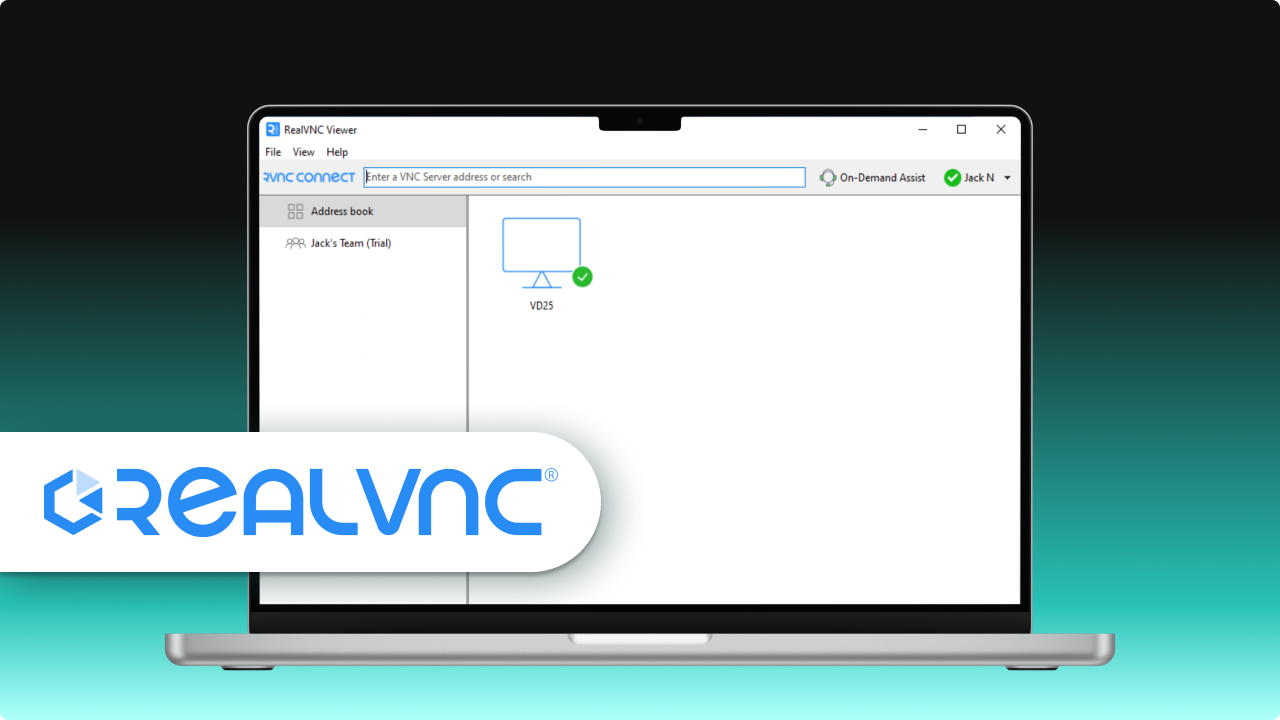
RealVNC lets you safely connect to computers and servers from anywhere, either through the cloud or directly. It’s popular for IT management and comes with features like encryption, support for multiple platforms, and file transfer. As a free alternative for TeamViewer, RealVNC is ideal for personal and commercial use, though paid plans unlock extra features.
The software works on Windows, macOS, Linux, and mobile devices, making it easy to use on any platform. It’s well-regarded for keeping data safe and performing well for professional tasks.
Pros
- Secure connections with encryption.
- Works across a variety of devices and operating systems.
Cons
- You need a paid plan to access advanced features.
- Some users notice occasional slowdowns when their internet is slow.
Conclusion
HelpWire is the only free app that gives a better experience than TeamViewer and that you can use commercially. It’s the best free TeamViewer alternative, although other tools are worth considering too. You can use Chrome Remote Desktop with your Google account, which means you don’t have to set up a separate account. Or maybe try using RustDesk if you can set up and fully control your own server.
At the end of the day, the right software comes down to how much time and effort you’re willing to put in and the devices you need to access.
If you’re looking for an alternative because of technical issues, consider fixing them. Problems like TeamViewer copy and paste not working often have simple fixes or workarounds. This way, you don’t have to look for or install other software.
Frequently Asked Questions (FAQs)
HelpWire, hands down. It doesn’t run into version conflicts like TeamViewer sometimes does. Plus, it’s truly free—you can actually use it to assist clients.
Yes, for personal use. TeamViewer may block you if it thinks you’re using it for business. Also, non-subscribed users don’t get access to all features.
That’s Chrome Remote Desktop. It works a lot like TeamViewer and, best of all, it’s free. You can use it on Linux, macOS, and Windows.
It has some functional advantages, but the interface isn’t really an improvement. Starting a session takes a bit more than just entering a code and hitting a button.